
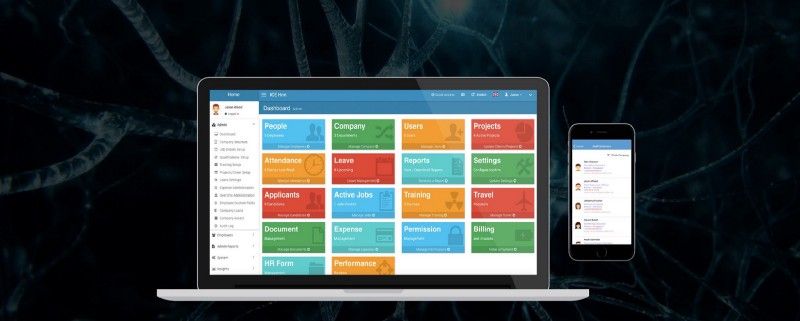
Log in to the Admin account to change the confirmation date of an employee.
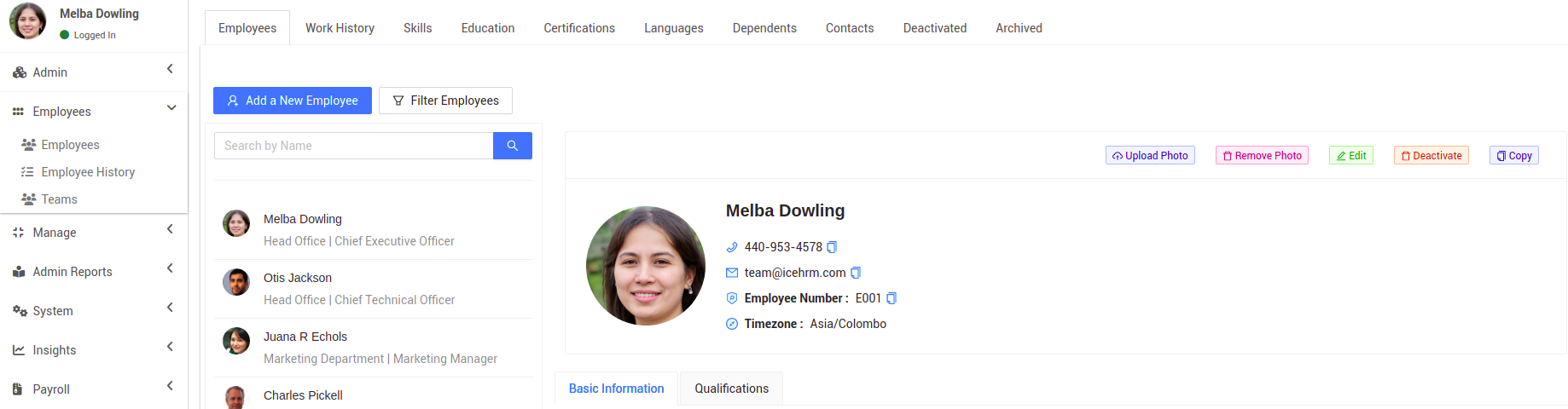
- Under the Employees module, click on to the Employees session
- Under the Employees tab, you will be able to find all the employees details in your organization
- Click on the Edit button to proceed
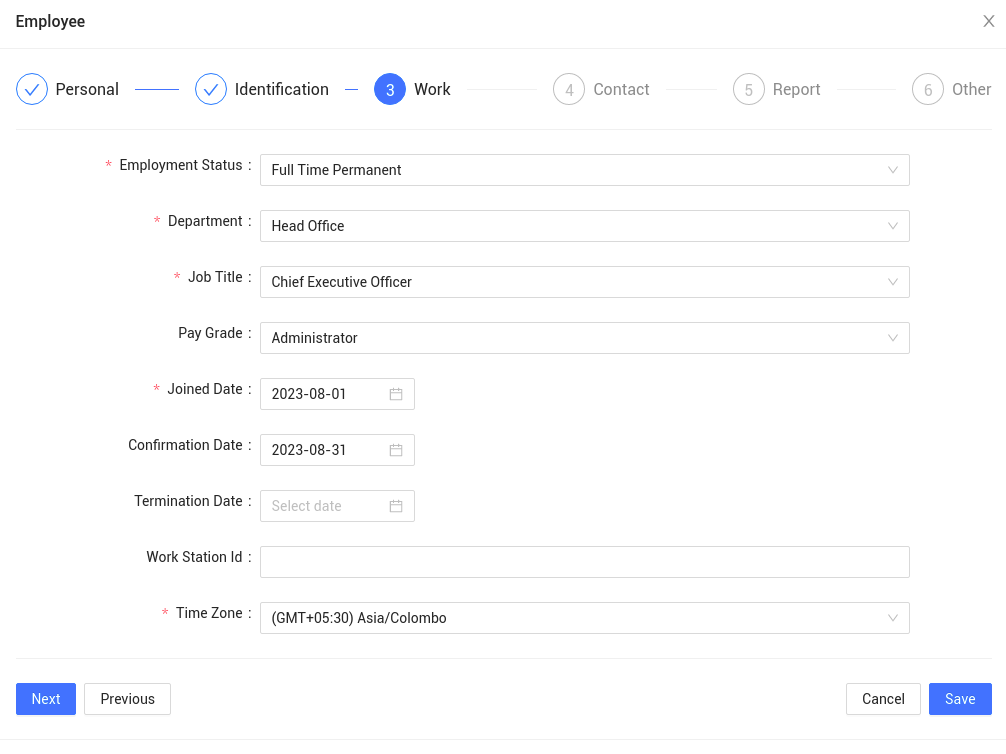
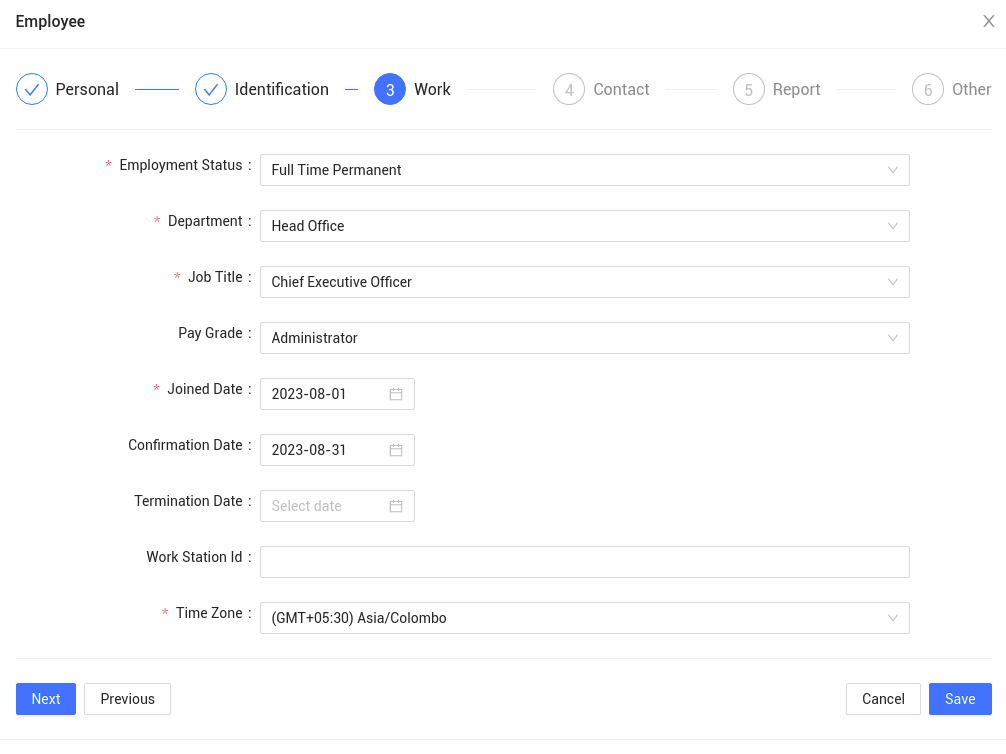
4. In the work section, you will be able to find the Confirmation Date field. Change the date accordingly and click on Save
How to update the termination date of an employee?
Log in to the Admin account to update the termination date of an employee.
- Under the Employees module, click on to the Employees session
- Under the Employees tab, you will be able to find all the employees details in your organization
- Click on the Edit button to proceed
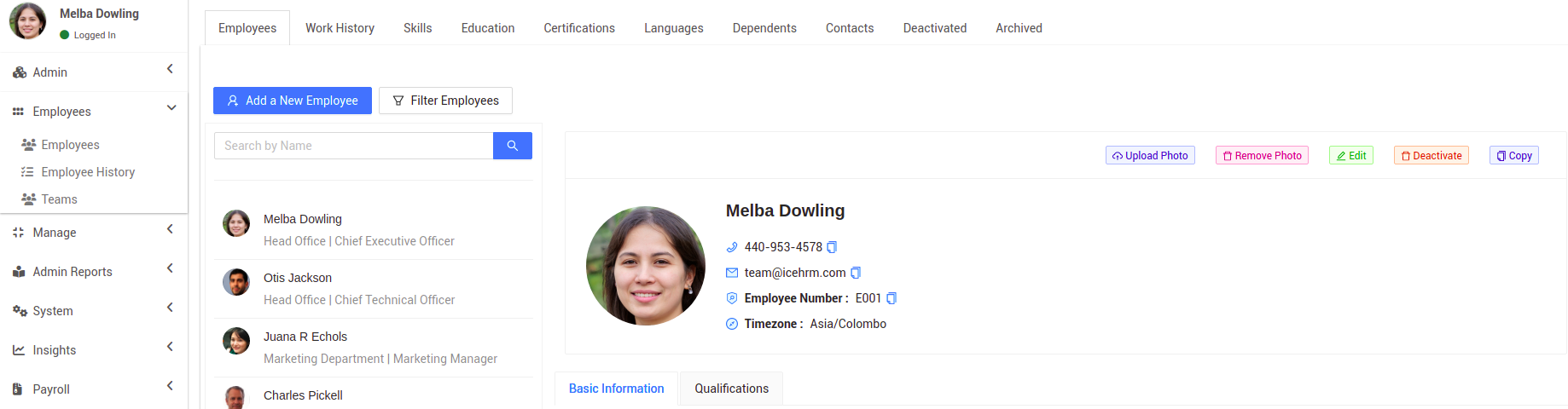
4. In the work section, you will be able to find the Termination Date field. Change the date accordingly and click on Save