Recruitment
The Recruitment area is where you advertise open roles, collect applications, and move each candidate from "just applied" all the way to "hired" — without juggling spreadsheets or email threads.
To open it, use the area switcher at the top of the left sidebar (it shows your current area, e.g. "People"), click Switch area, and choose Recruitment.
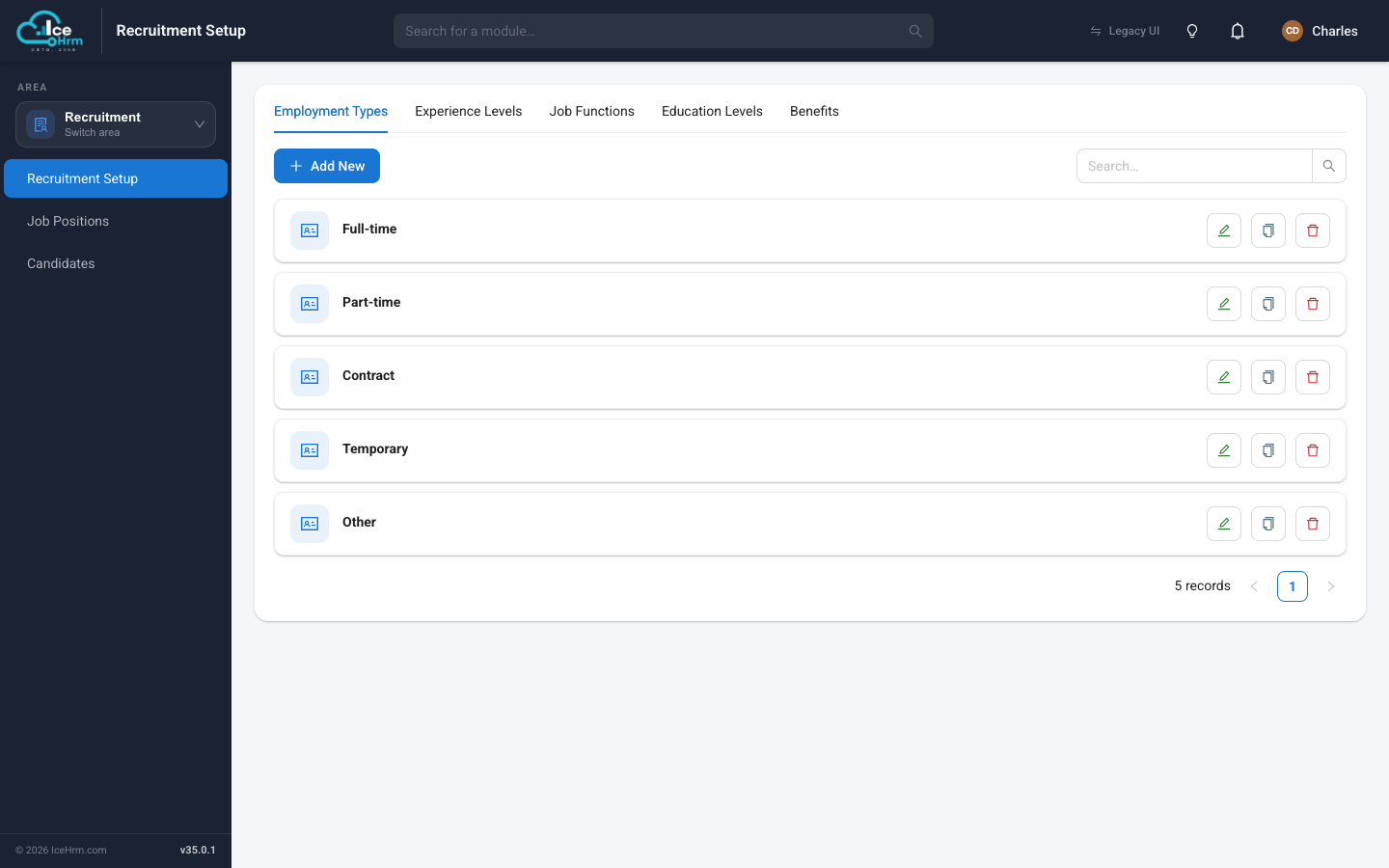
The three parts of Recruitment
The sidebar shows three modules. You'll usually work through them in this order:
- Recruitment Setup — the reusable building blocks for your job adverts: employment types, experience levels, job functions, education levels, and benefits. You set these up once, then reuse them on every job.
- Job Positions — the actual job adverts. Each one has a title, a description, requirements, and a public web page that candidates apply through.
- Candidates — everyone who has applied or been added by hand, shown on a drag-and-drop hiring board so you always know who is at which stage.
A typical recruitment workflow
1. Fill in Recruitment Setup (once)
          ↓
2. Create a Job Position and publish it
          ↓
3. Share the job link with candidates
          ↓
4. Candidates apply → they appear under Candidates
          ↓
5. Move candidates through the hiring stages
          ↓
6. Schedule interviews and record feedback
          ↓
7. Make an offer and mark the candidate Hired
All pages in this section
📄️ Recruitment Setup
Before you advertise your first role, spend a few minutes in Recruitment Setup.
📄️ Posting a Job
A Job Position is a single job advert. Once you save and activate it, IceHrm
📄️ Sharing a Job Link
Every active job has its own public web page. You can share the link to that page
📄️ Managing Candidates
The Candidates module is your hiring pipeline. It holds everyone who has applied
📄️ Booking an Interview
When a candidate is ready to be interviewed, you can schedule it directly from their