People (Employee Management)
Everything to do with the people in your organization lives in the People area of IceHrm. This section explains how to set up your company structure, add and manage employees, control who can log in, and organize people into teams.
Finding the People area
IceHrm groups its modules into areas (People, Time and Work, Leave, and so on). Use the area switcher at the top of the left-hand menu to move between them.
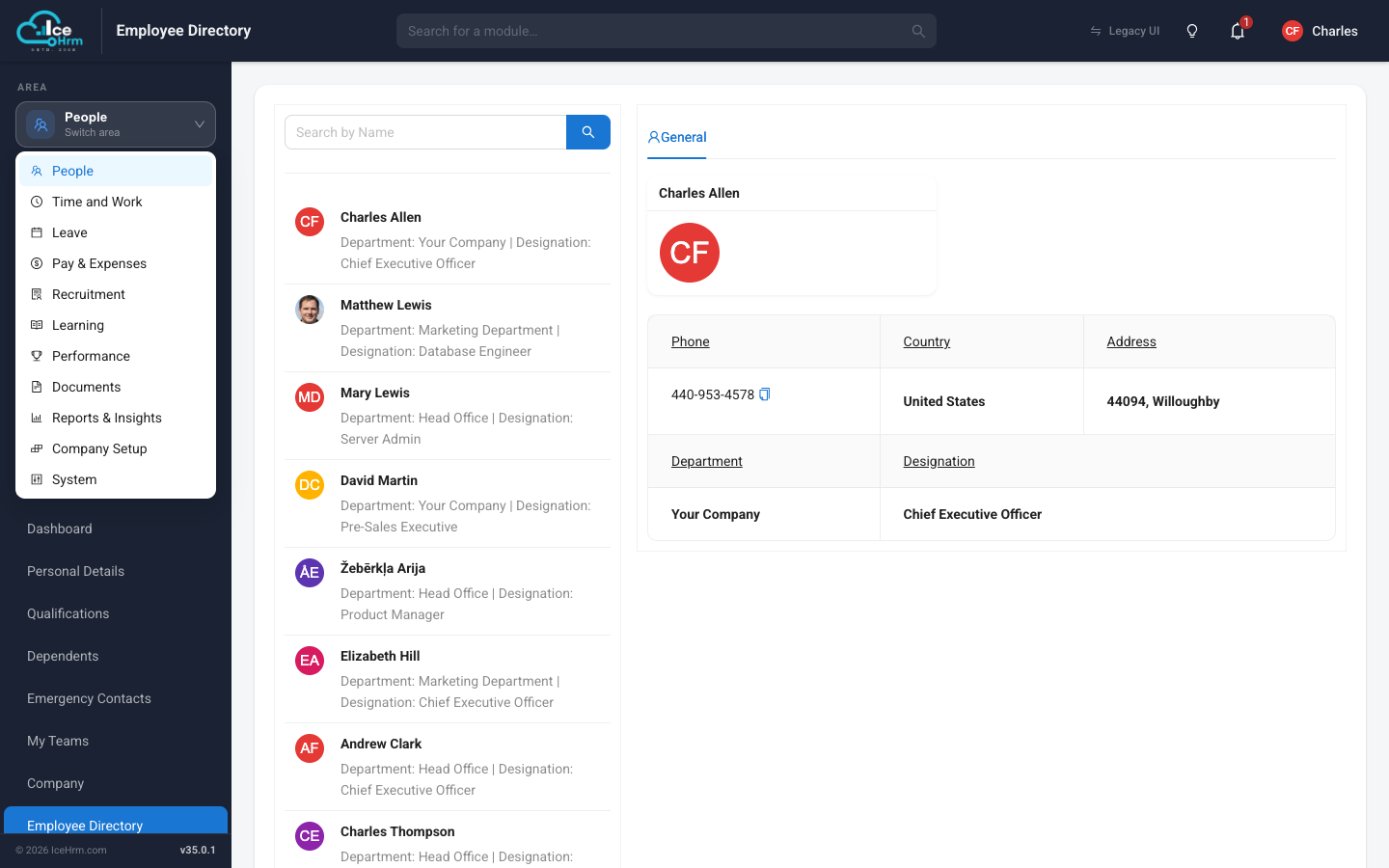
When the People area is selected, the left-hand menu shows two groups:
- Manage — tools for HR managers and admins:
- Organization Overview — a live dashboard of your workforce
- Company Structure — offices, branches, and departments
- Employees — all employee records
- Employee History — a log of every change made to employee data
- Teams — cross-department working groups
- Users — login accounts, roles, and invitations
- Personal — every employee's own information (their dashboard, personal details, qualifications, dependents, emergency contacts, teams, and the employee directory). These are covered in the Employee Self-Service section.
If you have used an older version of IceHrm, the Legacy UI button in the top bar takes you back to the classic interface at any time.
Recommended setup order
If you are setting up IceHrm for the first time, work through these pages in order:
- Define your company structure — create your company, offices, and departments.
- Set up job details and qualifications — job titles, employment statuses, skills, and more.
- Add your employees — by email invitation or manually.
- Understand users, user levels and managers — give people the right level of access.
All pages in this section
📄️ Organization Overview Dashboard
The Organization Overview is the first page you see when you open the People
📄️ Defining Company Structure
Before adding employees, define how your organization is put together: the company
📄️ Job Details and Qualifications Setup
Before adding employees, you should configure job-related settings and qualification types in IceHrm. This ensures consistency and enables proper categorization of employee data.
📄️ Adding Employees
There are two ways to add people to IceHrm. Pick whichever suits you:
📄️ Browsing and Updating Employee Records
People > Employees is where you view and maintain everything about an employee.
📄️ Users, User Levels & Managers
This page covers three ideas that make access control in IceHrm click: the
📄️ Custom User Permissions
If you are new to IceHrm you can safely skip this page and come back when you need
📄️ Switching to an Employee
Admins (and, if enabled, managers) can temporarily see IceHrm exactly as another
📄️ Defining a Head of Structure
Assigning someone as the lead of a company structure lets them see and manage
📄️ Employee History (Audit Trail)
People > Employee History keeps a record of every change made to employee
📄️ Managing Teams
Teams let you group people across departments — a project squad, a committee, a
📄️ Removing Employees Who Leave
IceHrm removes employees in three deliberate stages, so you always have a chance to