In IceHrm, there are two ways of recording number of hours in time sheets.
Before starting to use time sheets, please make sure you have configured projects and clients by going to Admin -> Projects and Admin -> Clients.
Now let us explore the different ways of recording hours in time sheets.
First Method
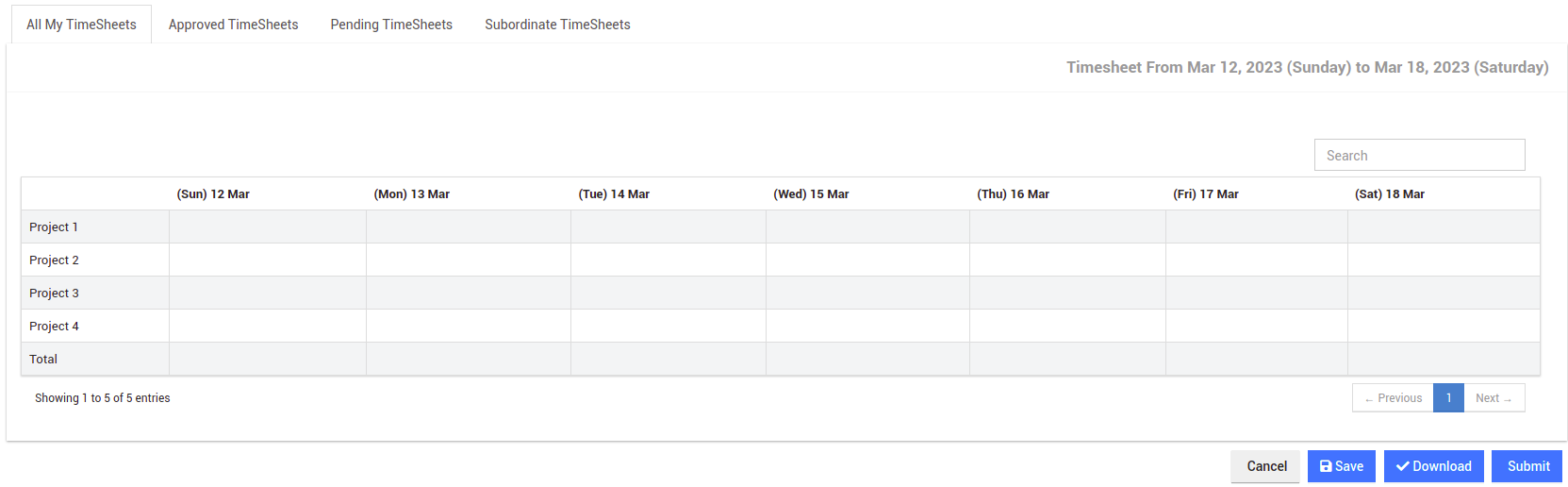
Go to Time Management -> Time Sheets -> All My Time Sheets and click on edit.
This is the default method of recording number of hours in time sheets.
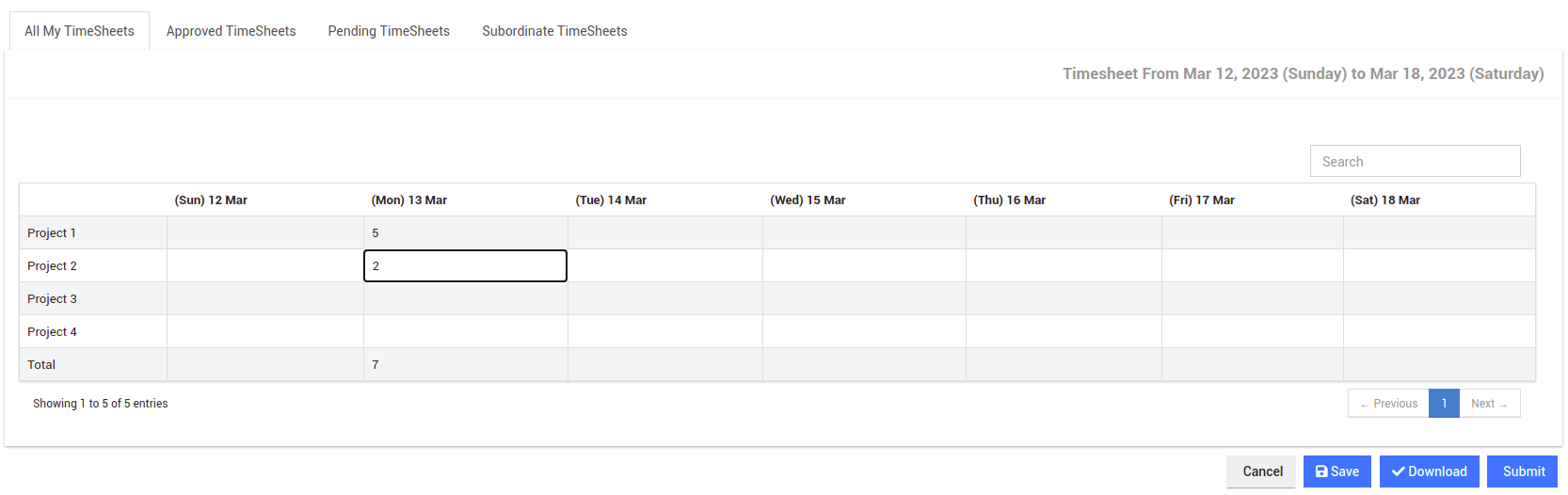
Employees can simply click on the column they want and add the number of hours as shown below: The system will automatically calculate the total hours for each day.
Second Method
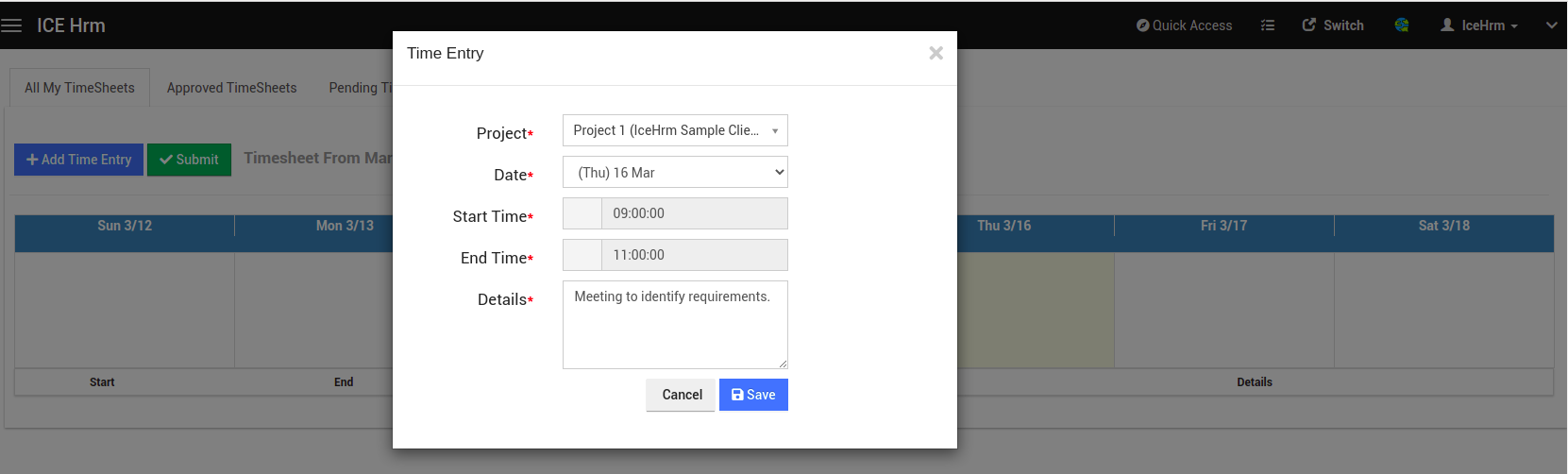
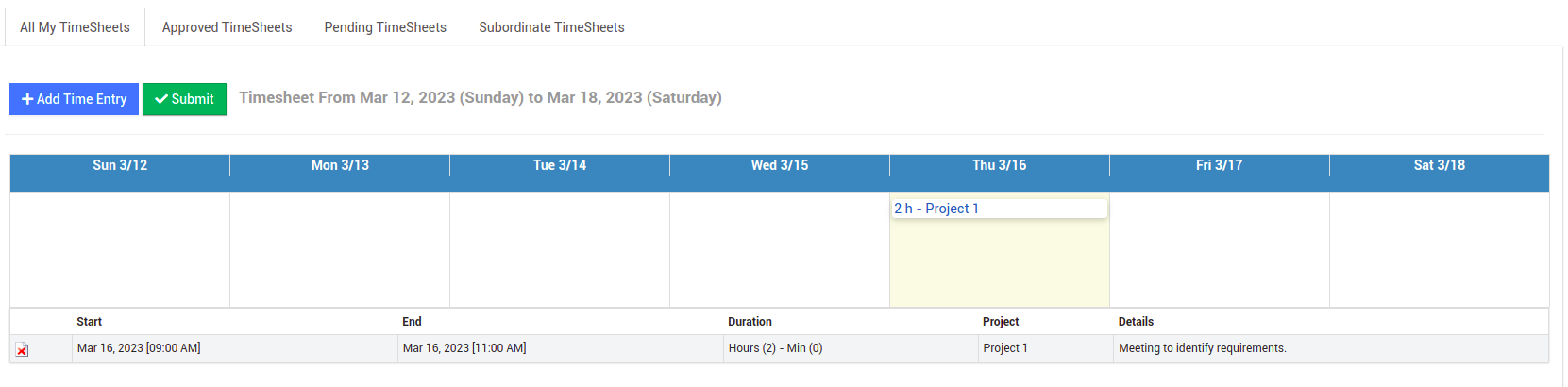
In the second method, your employee will be able to add time entries with more details like Start Time, End Time, Details, Projects and so on.
First go to System -> Settings -> System and enable the System:Time-sheet Entry Start and End Time Required setting.
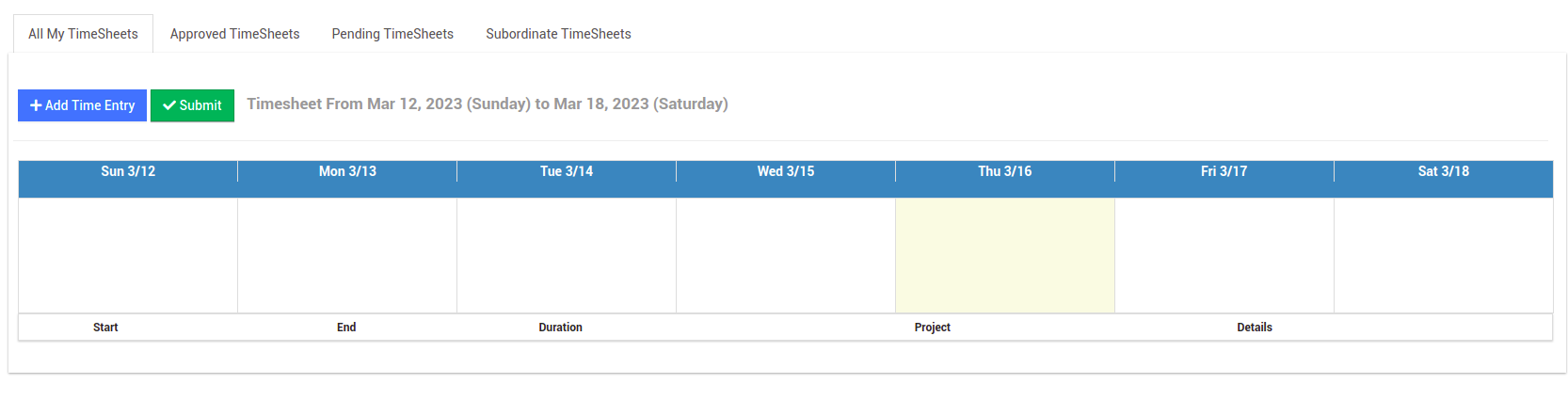
Now if you go back to Time Management -> Time Sheets -> All My Time Sheets and click on edit you will see the below interface:
Now click on Add Time Entry button to add a time entry to the timesheet as shown below:
Click here to find more details about the Time Sheets module in IceHrm.