Creating Leave Types
A leave type is a category of time off — Annual, Casual, Medical, Paternity, and so on. Each type carries its own rules: how many days it grants, who can use it, and what happens to unused days.
Open Leave > Leave (the Manage section) and stay on the Leave Types tab. Existing types are listed with their key settings at a glance.
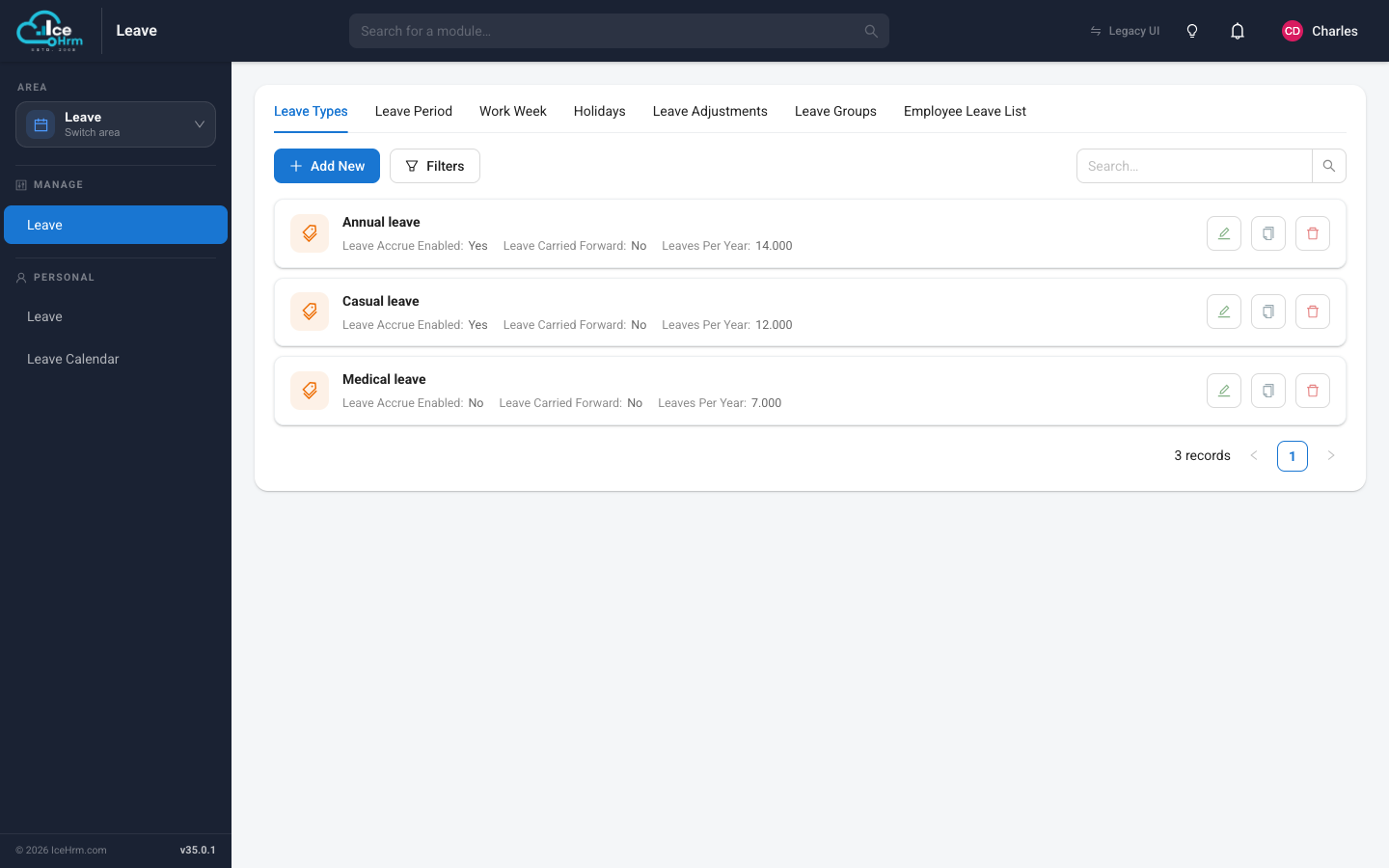
Adding a leave type
Click Add New. A friendly five-step wizard opens — you only have to fill in what you need, and every option has a plain-language explanation underneath it.
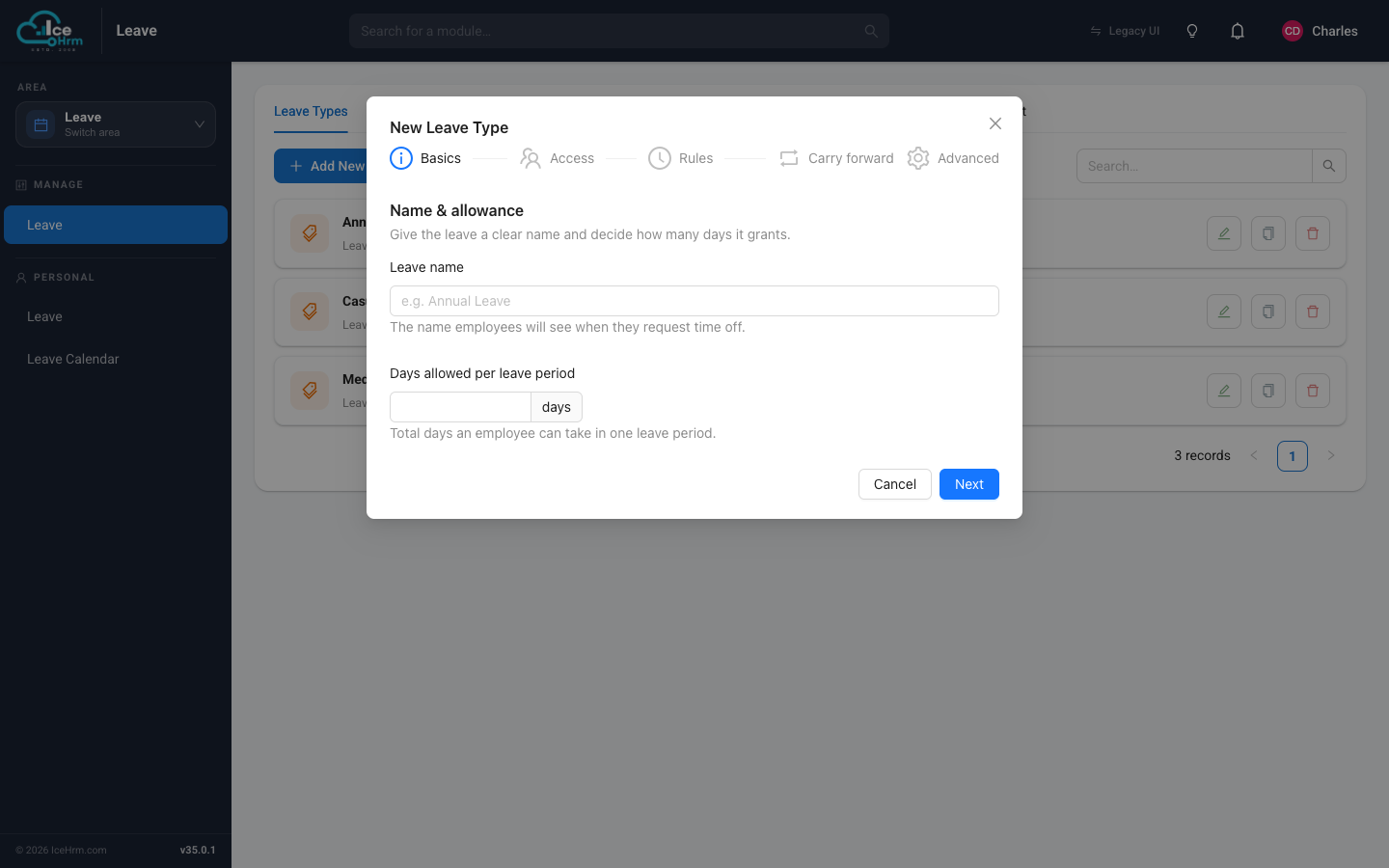
Step 1 — Basics
Give the leave a clear name (this is what employees see) and the number of days it grants per leave period.
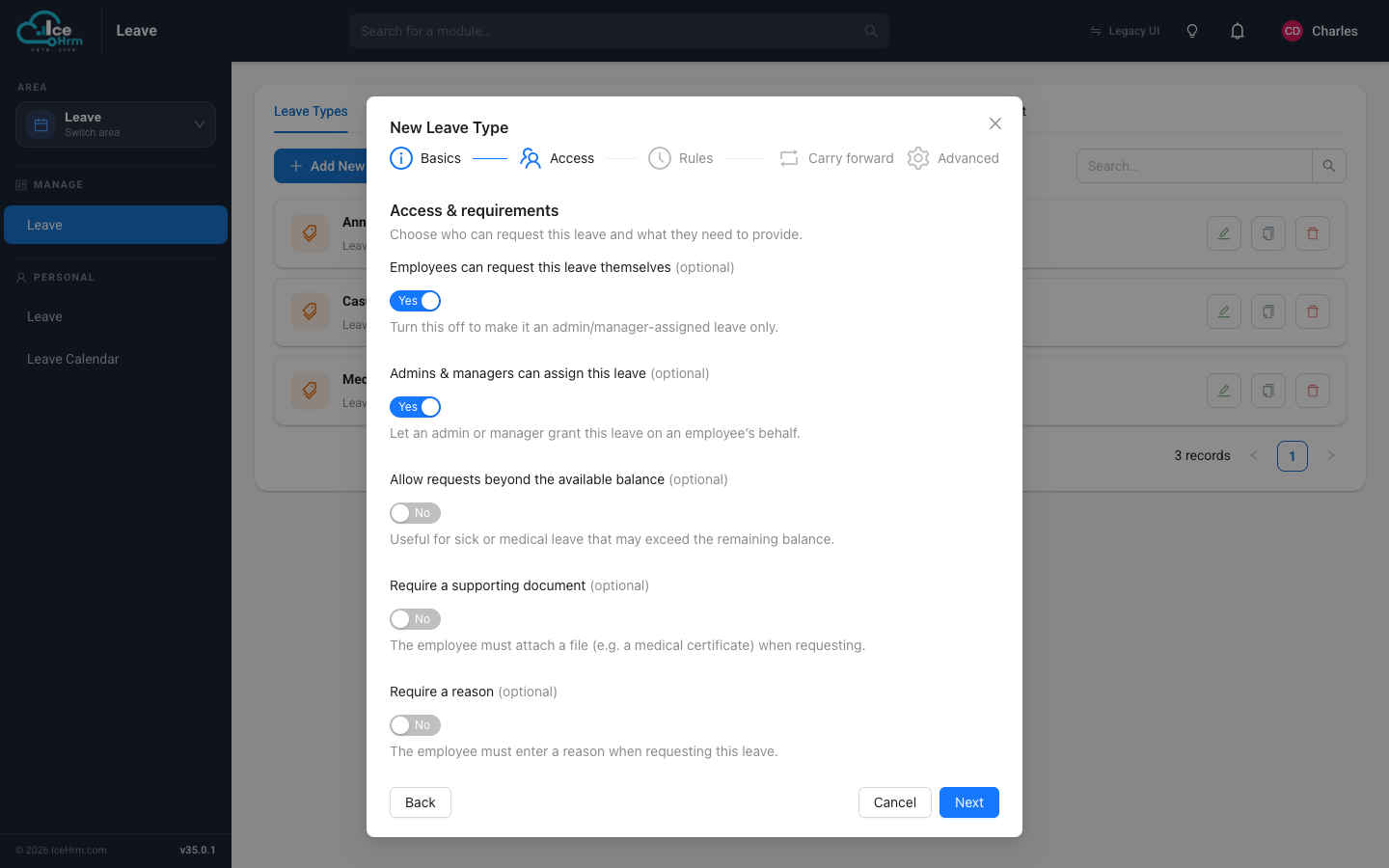
Step 2 — Access
Decide who can use this leave and what they must provide:
- Employees can request this leave themselves — turn off to make it admin/manager-assigned only.
- Admins & managers can assign this leave — let HR grant it on someone's behalf.
- Allow requests beyond the available balance — handy for sick leave that may run over.
- Require a supporting document — force an attachment (e.g. a medical certificate).
- Require a reason — make the employee explain the request.
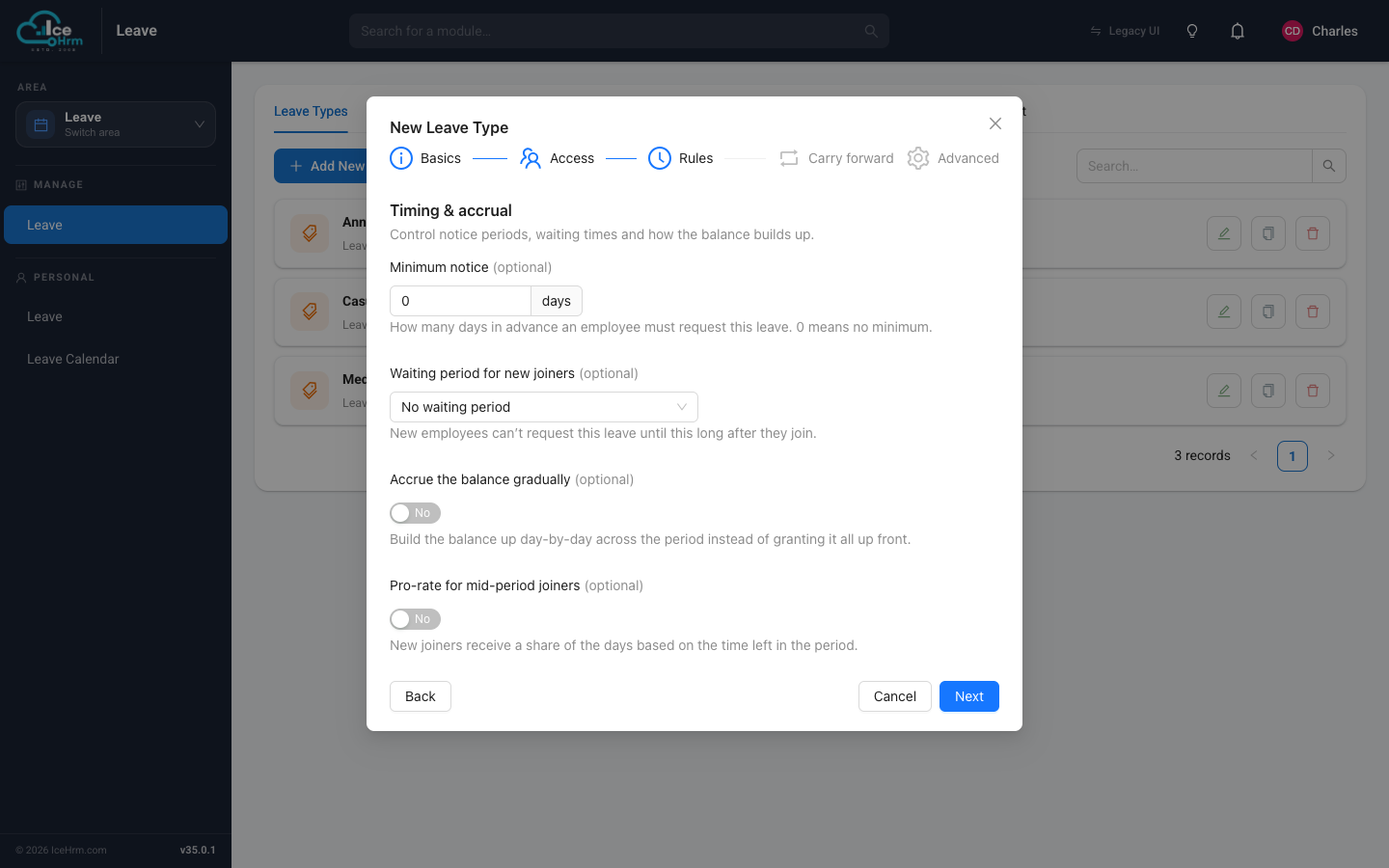
Step 3 — Rules (timing & accrual)
Control when leave can be taken and how the balance builds up:
- Minimum notice — how many days in advance a request must be made.
- Waiting period for new joiners — new staff can't use this leave until this long after joining.
- Accrue the balance gradually — build the balance day-by-day instead of granting it all at once.
- Pro-rate for mid-period joiners — new joiners get a share based on how much of the period is left.
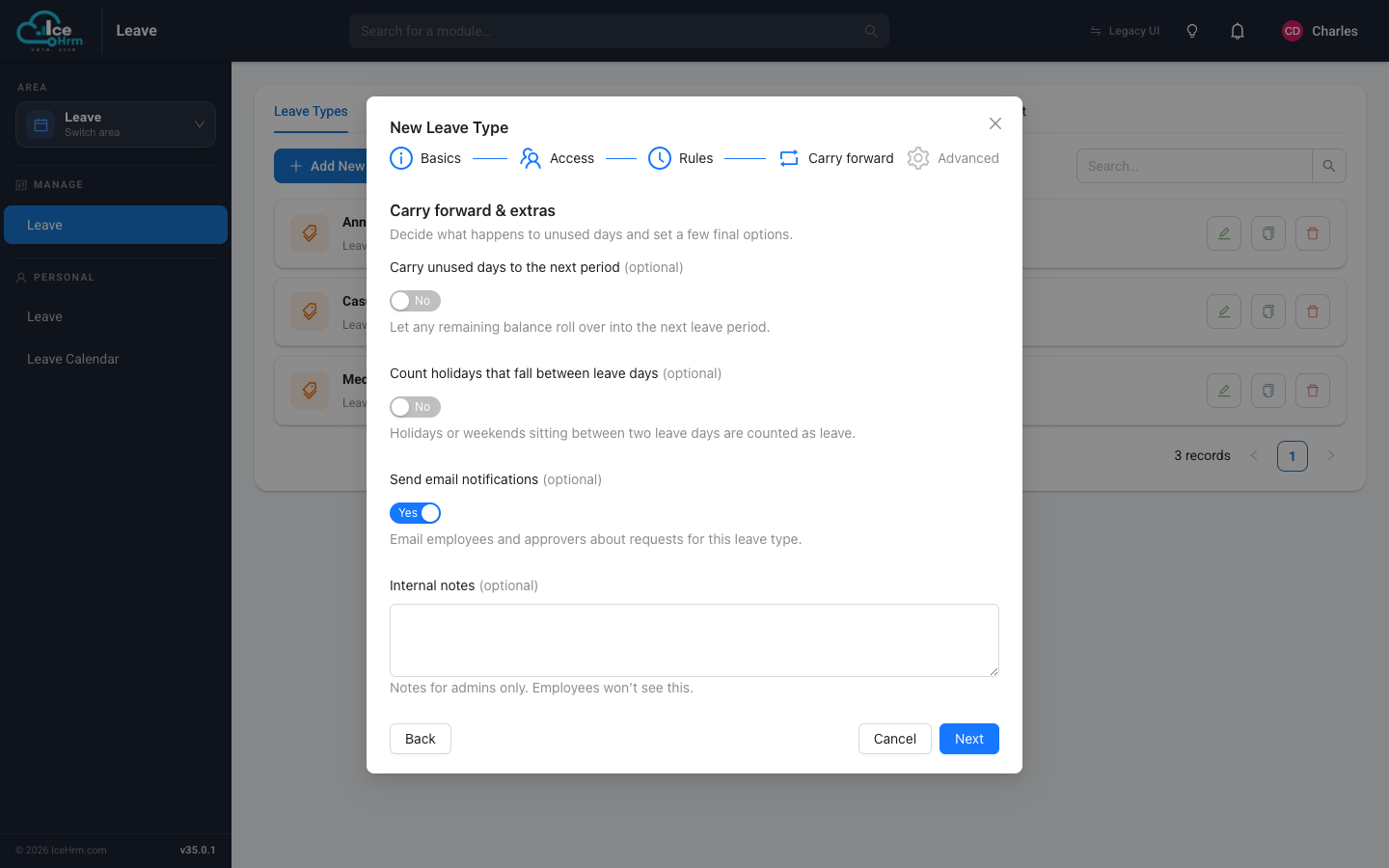
Step 4 — Carry forward
Decide what happens to unused days at the end of a period:
- Carry unused days to the next period — let the remaining balance roll over.
- Count holidays that fall between leave days — whether a holiday sitting between two leave days is counted as leave.
- Send email notifications — email employees and approvers about these requests.
- Internal notes — a note for admins only; employees never see it.
Step 5 — Advanced
Optional final touches:
- Leave group — limit this leave to a specific group of employees. Leave blank to offer it to everyone.
- Start the leave period from each employee's join date — an advanced option that changes how balances are calculated. Only enable it if you're sure it matches your policy.
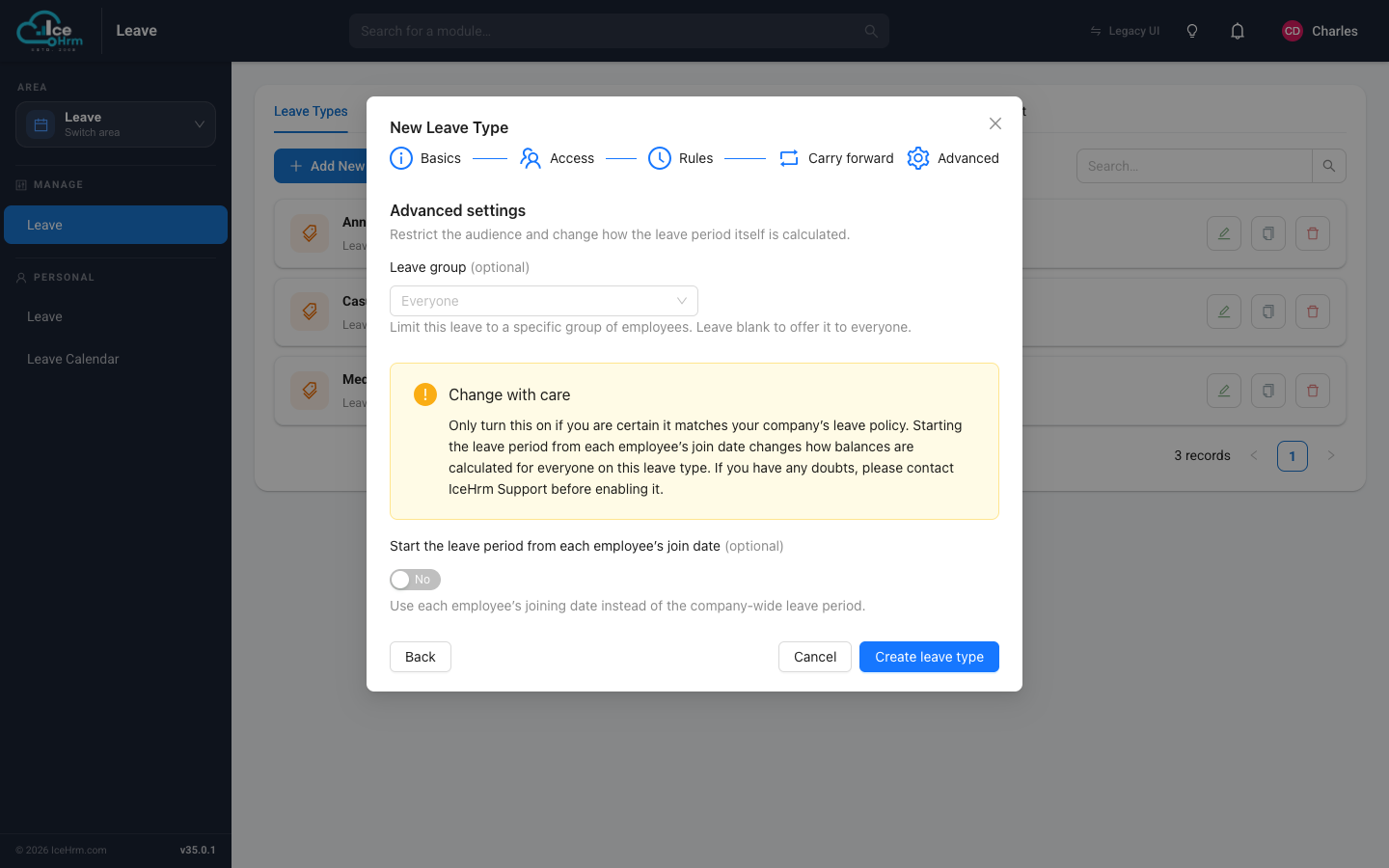
Click Create leave type to finish.
Common leave types to start with
- Annual Leave — usually 15–25 days, with carry-forward and pro-rating for new hires.
- Casual Leave — usually 5–10 days, available immediately, no carry-forward.
- Medical / Sick Leave — usually 10–15 days; often requires an attachment and allows going beyond the balance.
- Maternity / Paternity Leave — restricted to a leave group.