Leave Adjustments
Sometimes an employee's balance needs a one-off correction — you're importing last year's carried-over days, granting a few extra days as a reward, or fixing a mistake. A leave adjustment adds to (or subtracts from) a single employee's balance for one leave type in one leave period.
Open Leave > Leave (the Manage section) and choose the Leave Adjustments tab.
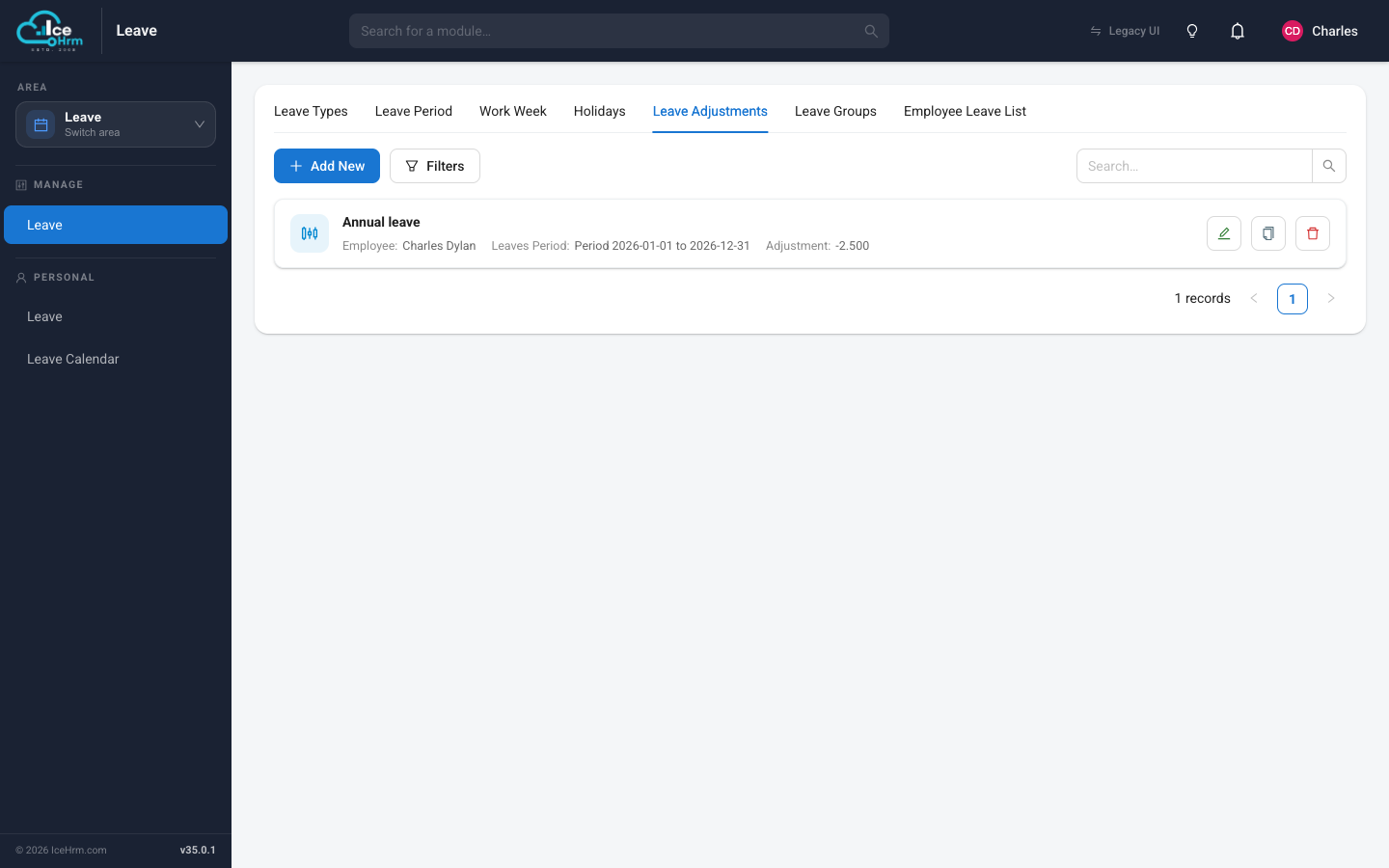
Adding an adjustment
- Click Add New.
- Choose the employee, the leave type, and the leave period.
- Enter the adjustment — a positive number adds days, a negative number
removes them (for example
-2.5takes away two and a half days). - Save.
The adjustment shows up straight away in the employee's balance and in the Adjustments figure on their entitlement card.
Importing last year's balances
To carry balances over from a previous system, add a positive adjustment for each employee at the start of their first leave period in IceHrm.