Leave Periods
A leave period is the yearly cycle that leave is counted in — for most companies, January 1 to December 31. Balances, carry-forward, and accrual are all worked out within a period.
Open Leave > Leave (the Manage section) and choose the Leave Period tab. You'll see one entry per year.
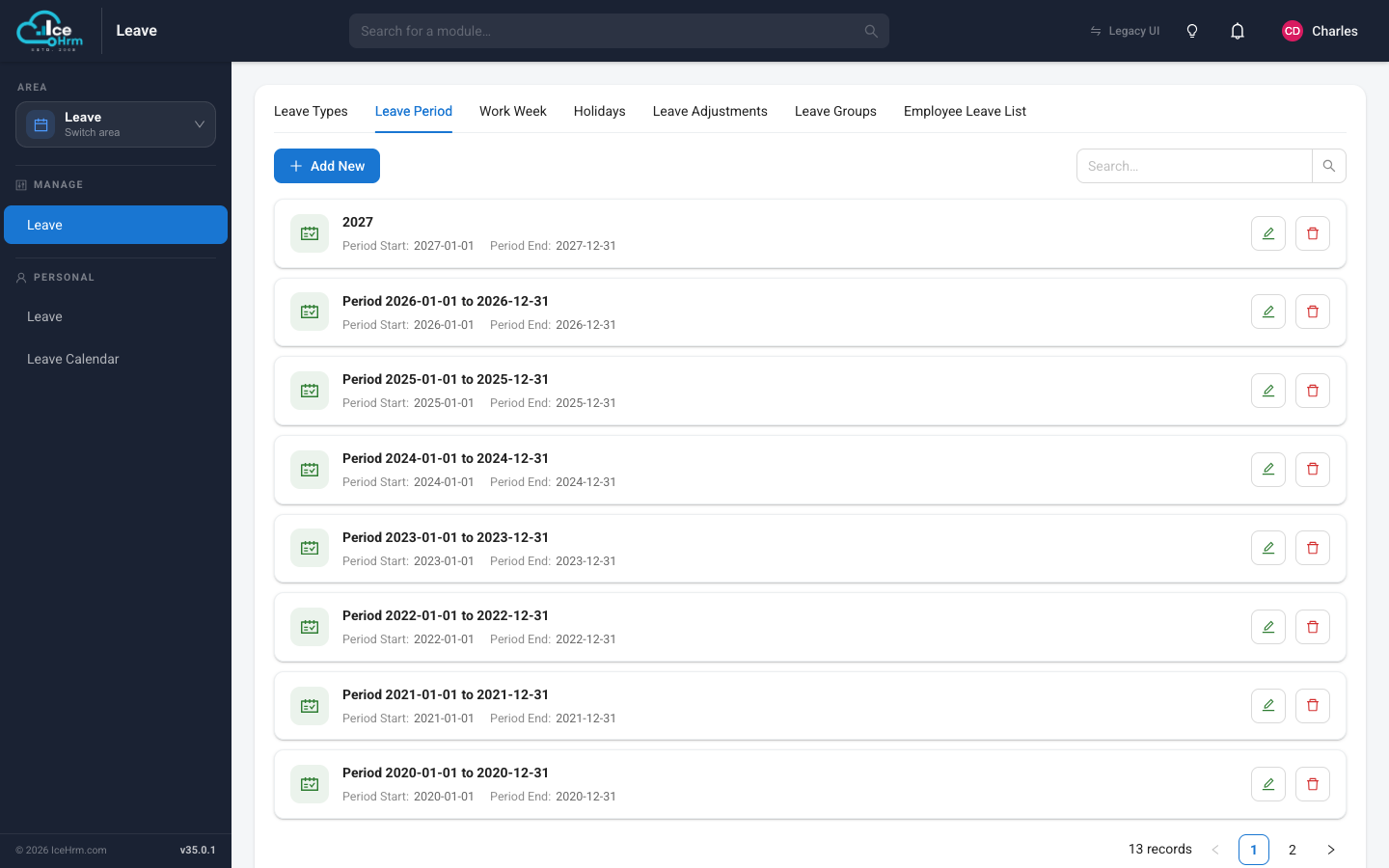
Adding a leave period
- Click Add New.
- Enter a name (for example "2027") and the start and end dates.
- Click Save.
Create next year in advance
Add the upcoming year's period before it begins, so employees' balances roll over smoothly and they can request leave that falls in the new year.