Giving Feedback (Supervisor / Peer)
When someone asks you to give feedback on a colleague, the request shows up for you to complete. There are two kinds of input you might give: a peer feedback request (you answer a template about a colleague) and, if you're the employee's manager, the reviewer feedback you write directly on their review.
Answering a feedback request
- Open the notification you received, or go to Performance → Reviews under Personal and open the Feedback Requests tab.
- Find the request and open it.
- Answer every question in the form.
- Save as you go, then Submit to finalise.
Once submitted, your feedback is added to the employee's review and the requester is notified.
Peer feedback is only ever visible to the employee's manager, the review coordinator, and admins — it is never shown to the employee being reviewed, and it's left out of the review's PDF export too. It's input to help the manager form their assessment, so you can be candid. See Who can see what.
Writing manager feedback on a review
If you're the employee's manager, open their review (Performance Reviews → View) and go to the Reviewer Feedback tab. This is a rich text box where you write your overall assessment.
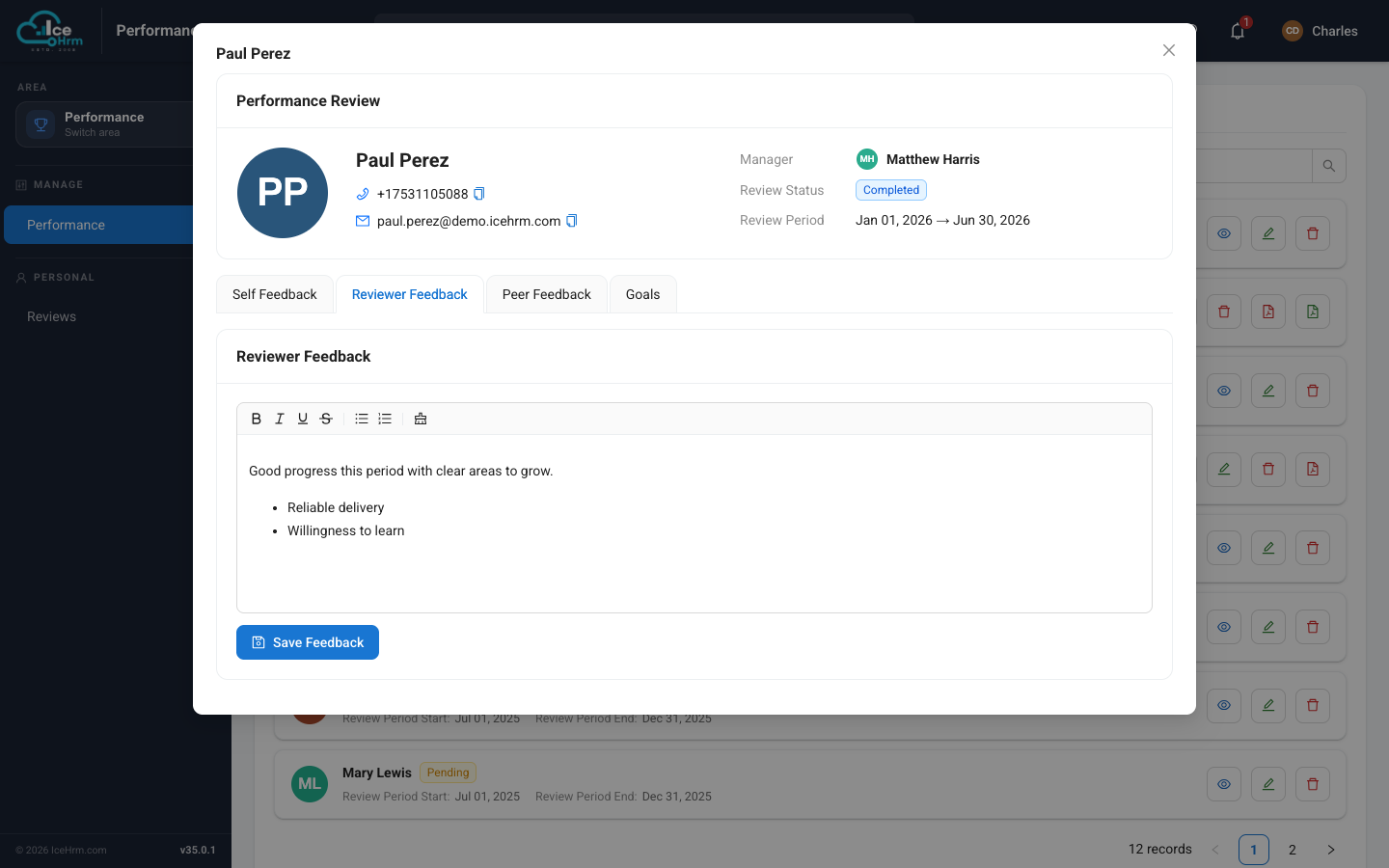
Use the formatting toolbar for headings, bold, and bullet lists, then click Save Feedback. This becomes the manager's part of the official review record.
Your reviewer feedback stays hidden from the employee while the review is in progress, so you can draft and refine it. As soon as you set the review's status to Completed, the employee can read it on their own copy of the review.
Writing good feedback
- Be specific — cite real examples, not generalities.
- Be balanced — acknowledge strengths as well as areas to grow.
- Be constructive — suggest what to do differently, not just what went wrong.
- Be timely — complete it before the review is finalised.
Related topics
- Who can see what — the review visibility rules
- Requesting peer feedback
- Viewing reviews as a supervisor