Completing Your Review (Employee)
When a review is assigned to you, your part is to fill in your self-assessment and keep your goals up to date. This page is written from the employee's point of view.
Finding your review
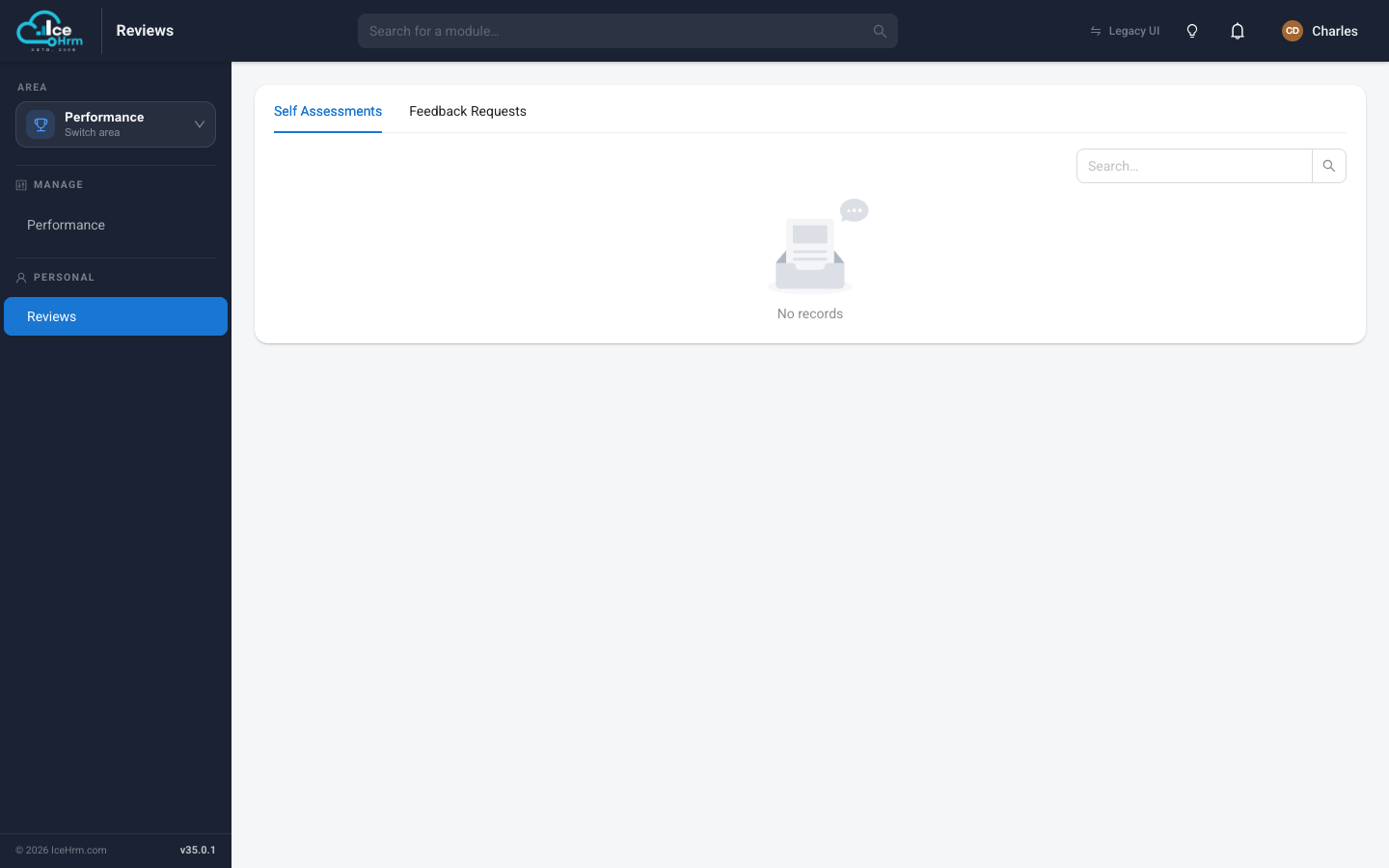
Open the Performance area and click Reviews under Personal. (You can also click the notification you receive when a review is assigned.) This view has two tabs:
- Self Assessments — the reviews you need to complete.
- Feedback Requests — feedback other people have asked you to give.
Filling in your self-assessment
On the Self Assessments tab, click View on your review to open it. It opens on the Self Feedback tab, showing the questionnaire your manager assigned.
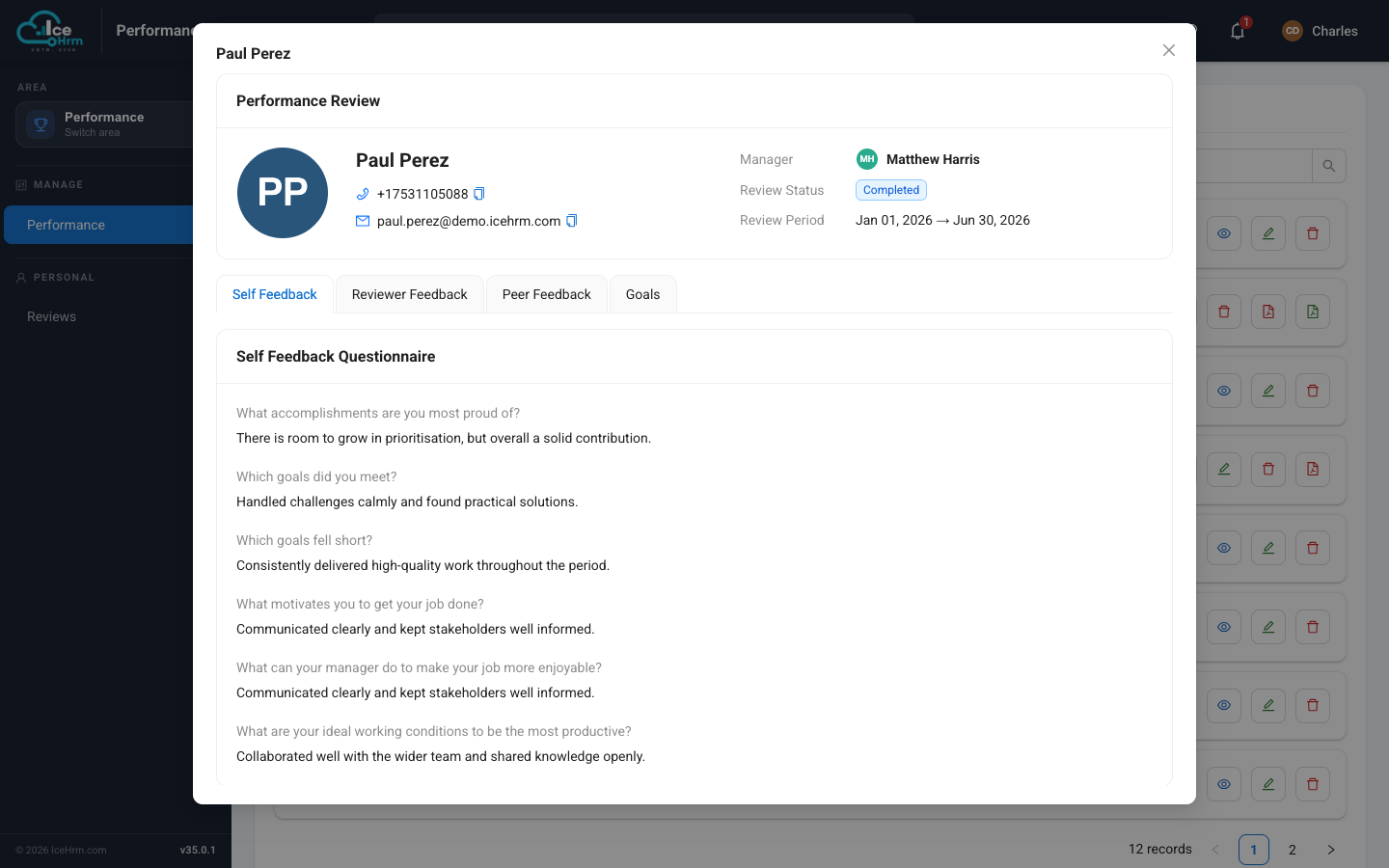
Click Edit Self-Feedback to start answering, work through every question, and click Save. You can come back and update your answers until the review is finalised.
Write thoughtfully — this is your chance to put your own view on the record before your manager and peers add theirs.
Updating your goals
Open the Goals tab of your review. Here you'll see the goals your manager set, each with an Employees' Assessment bar.
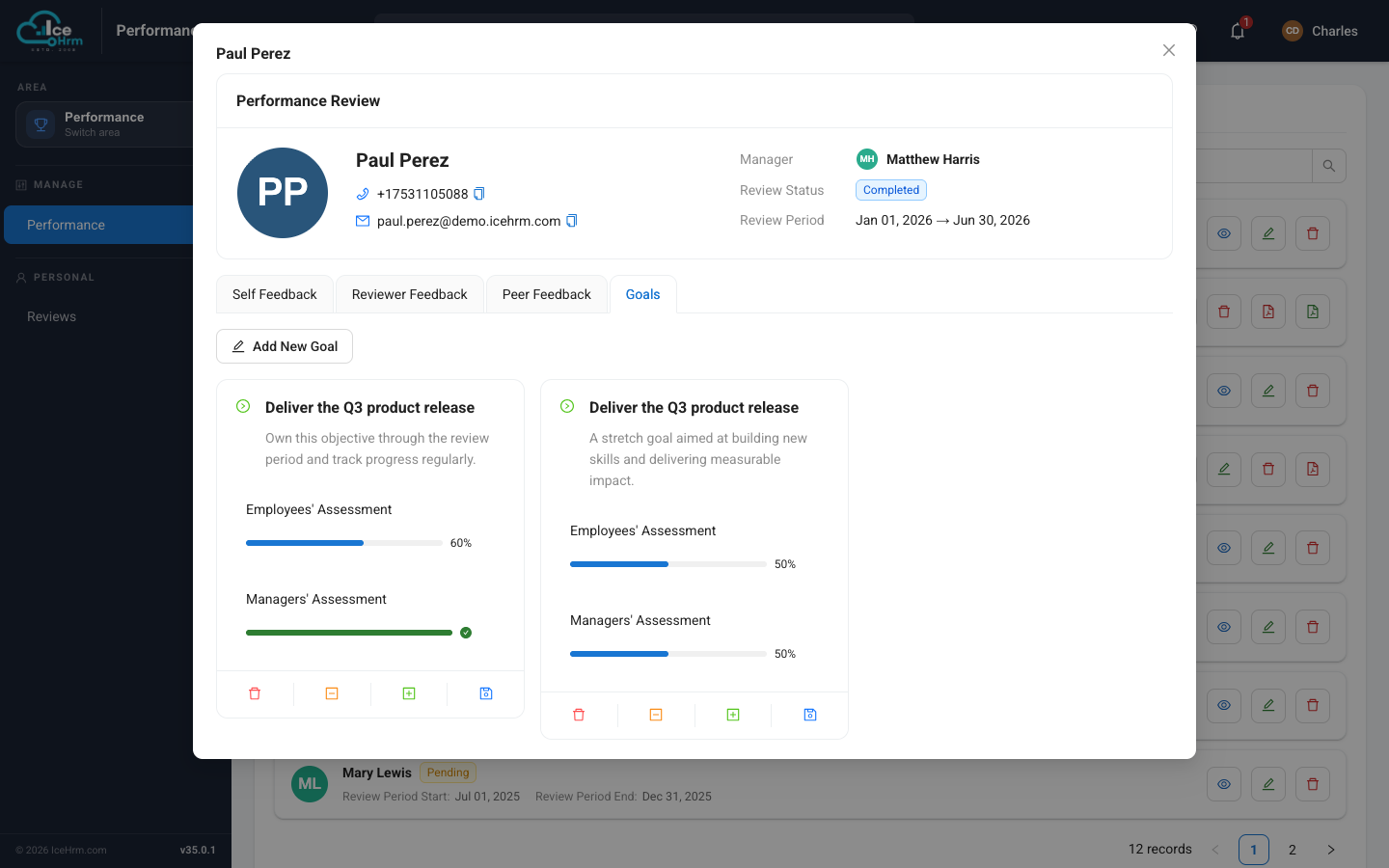
Use the buttons on each goal card to move your progress percentage up or down, then save. Your manager records their own view alongside yours, so keeping this current makes your review meeting much more useful.
What you can and can't see
- You will not see any peer feedback on your review. Feedback from colleagues goes only to your manager, the review coordinator, and admins — it's input for them, not shown to you.
- You will see your manager's reviewer feedback only after they mark the review as Completed. Until then, that tab is empty for you.
On your own review you can see your self-feedback answers, your goals (with both your rating and your manager's), and — once the review is Completed — your manager's reviewer feedback.
Tips
- Use examples — concrete achievements beat vague statements.
- Be balanced and honest — note what went well and what you'd improve.
- Do it before the deadline — so your manager has time to add their feedback.
Related topics
- Who can see what — the review visibility rules
- Requesting feedback from a peer or supervisor