Assigning a Review
Once you have a feedback template, you assign a performance review to each employee for a review period. This creates their self-assessment and gives you a place to collect feedback and track goals.
Creating a review
Open the Performance area, click Performance under Manage, and stay on the Performance Reviews tab. Click + Add New.
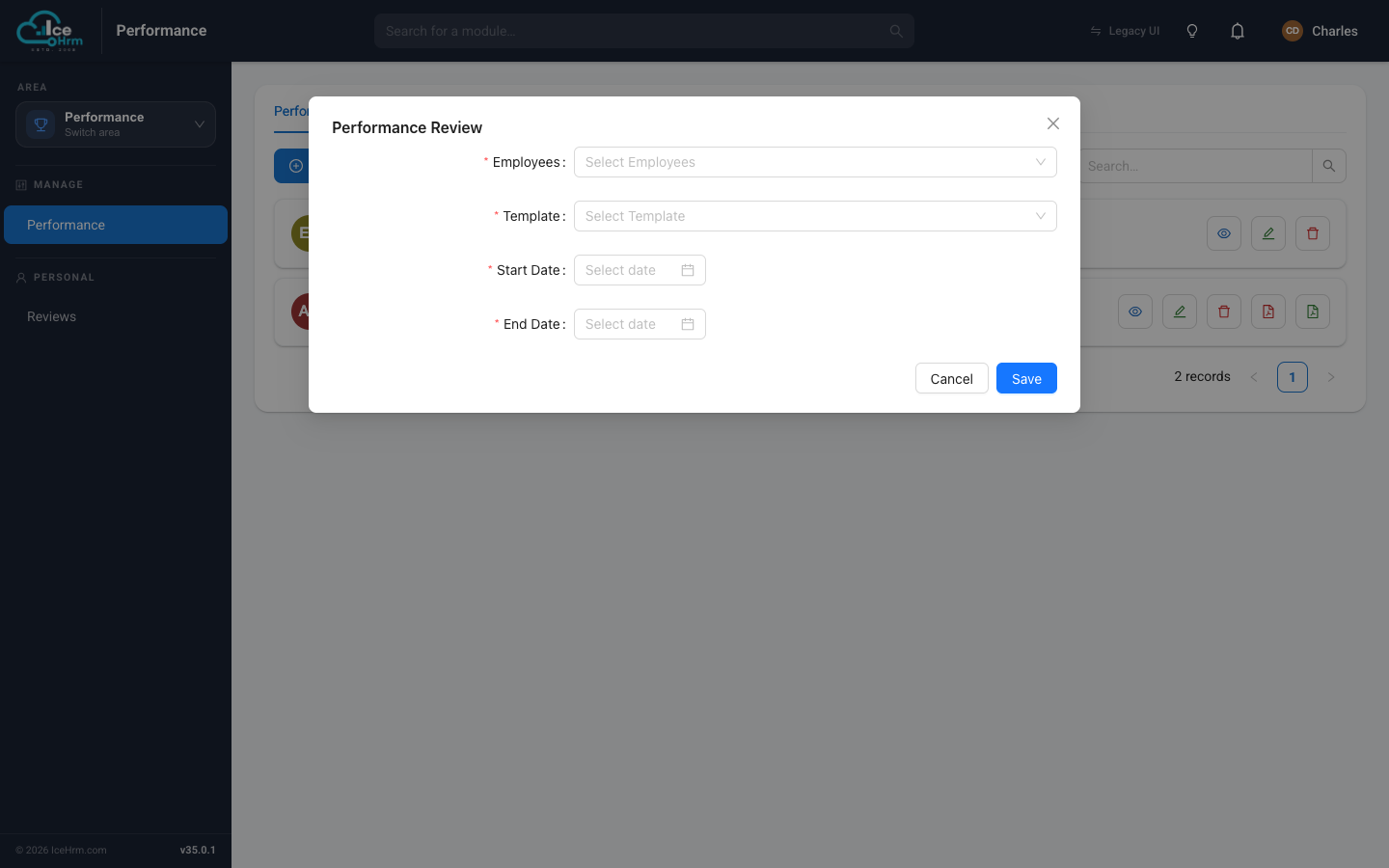
Fill in the form:
| Field | What to enter |
|---|---|
| Employees | The person (or people) this review is for. You can pick more than one to assign the same review to several employees at once. |
| Template | The feedback template whose questions they'll answer. |
| Start Date | The first day of the review period. |
| End Date | The last day of the review period. |
Click Save. A review now appears in the list for each selected employee.
The reviews list
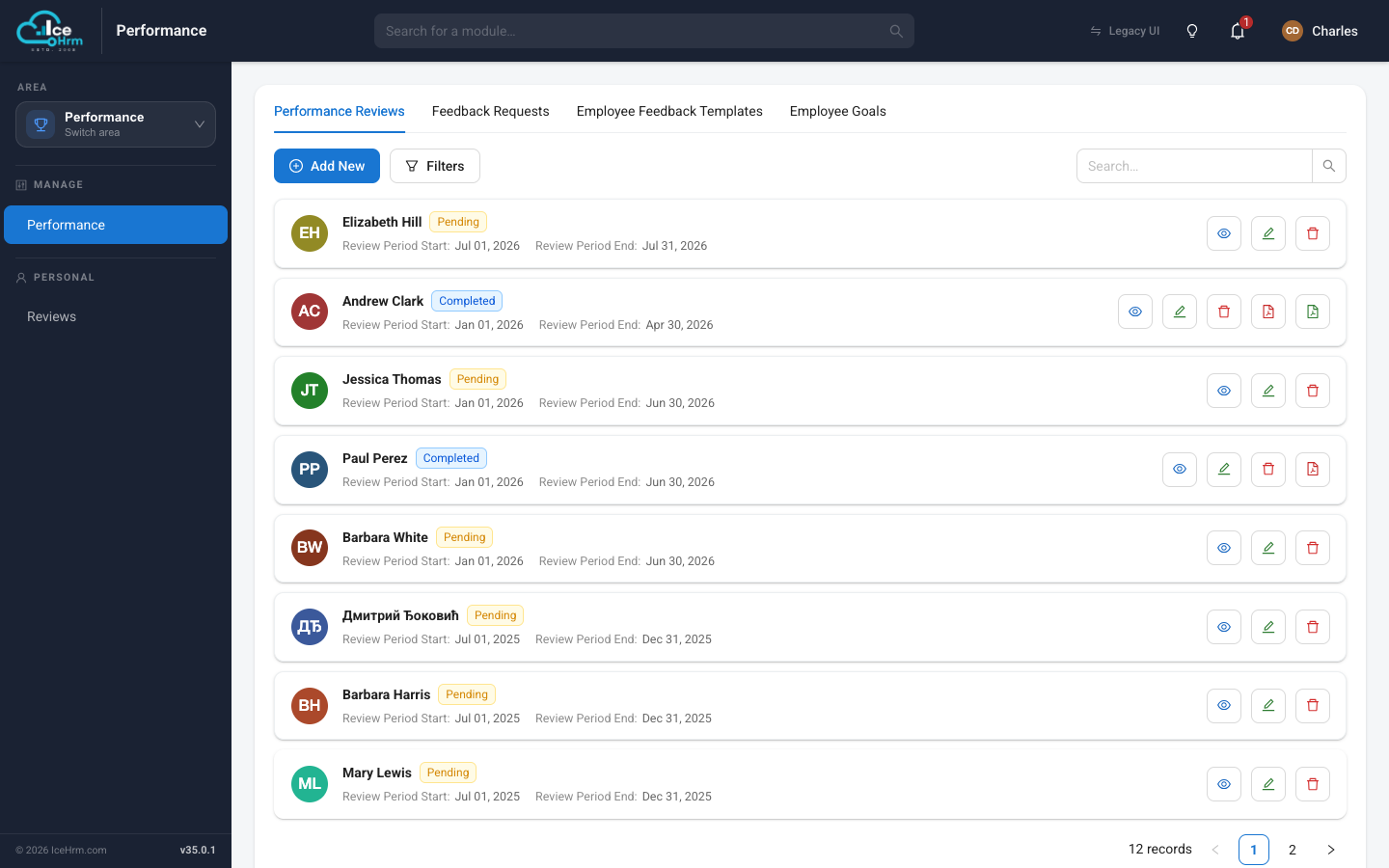
Each review shows the employee, a status badge, and the review period. The action buttons on the right let you View the full review, Edit its details, delete it, and — once completed — export it as a PDF.
Review status
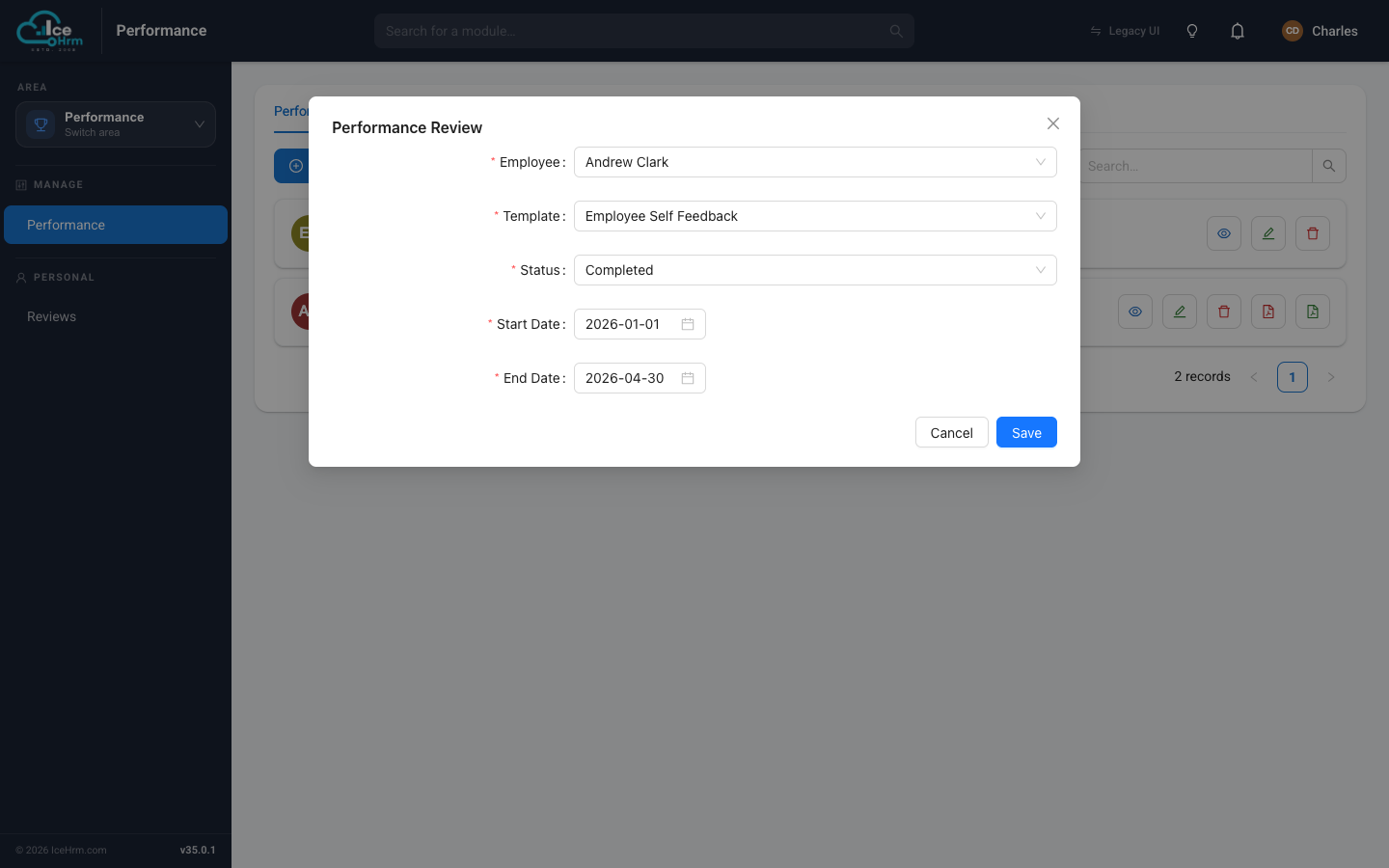
Open a review's Edit form to change its status as it moves through the cycle.
| Status | Meaning |
|---|---|
| Pending | Assigned, not started |
| In Progress | The employee is filling it in |
| Submitted | The employee has submitted their self-assessment |
| Completed | The whole review is finished |
| Cancelled | The review was called off |
Notifications
When you assign a review, the employee is notified by email and inside IceHrm, so they know to complete their self-assessment.
Next steps
- Add goals to the review
- The employee now completes their self-assessment