Sharing a Job Link
Every active job has its own public web page. You can share the link to that page anywhere — in an email, on LinkedIn, or on a job board — and candidates apply directly from it. Applications flow straight into Candidates.
Finding the job's buttons
Open the Recruitment area, click Job Positions, and find the job you want to share. Each job row has a set of buttons on the right:
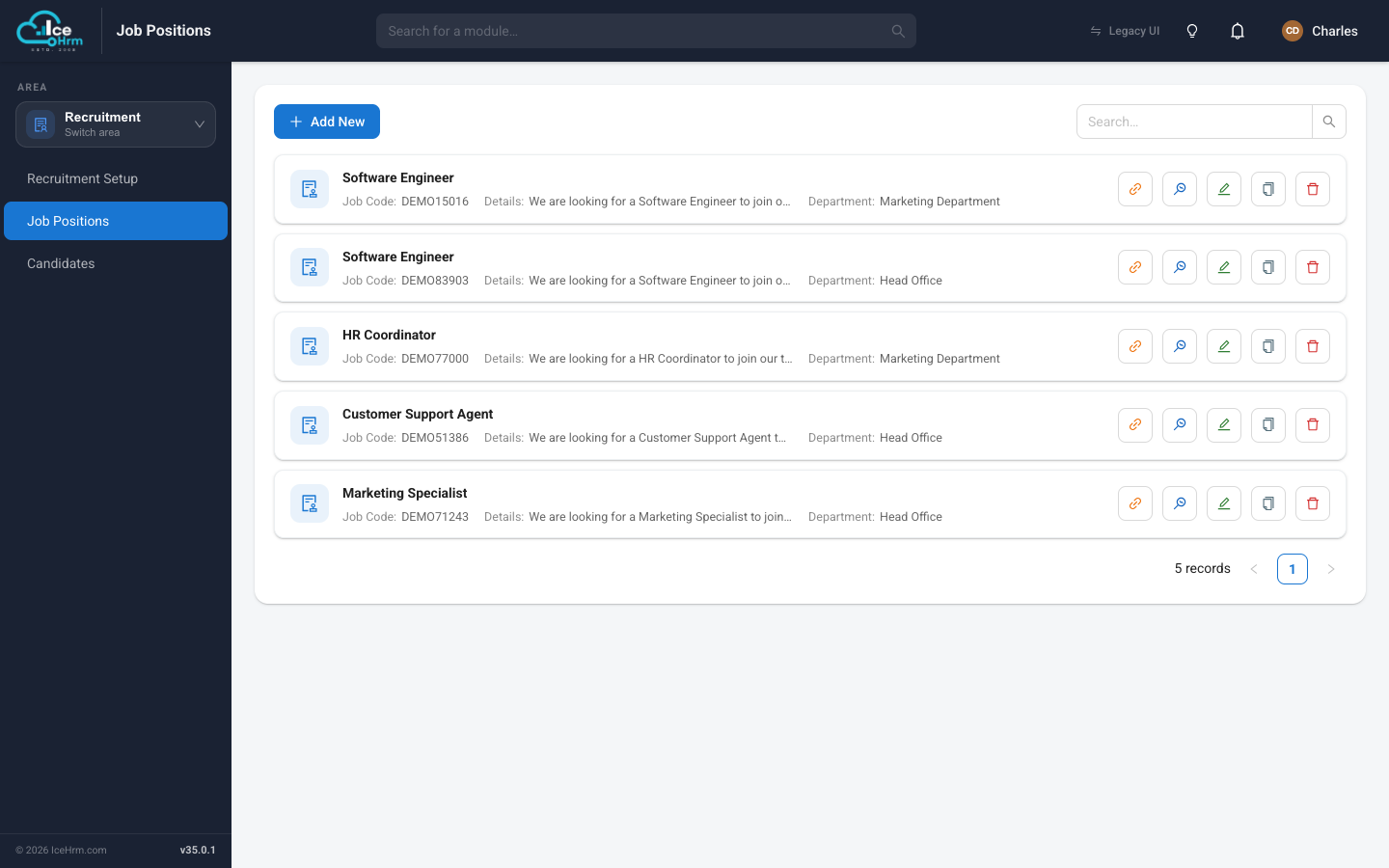
- Link (chain icon) — opens the job's public application page, which is also the link you share.
- Preview (monitor icon) — shows you exactly what a candidate sees.
- Edit (pencil) — reopen the job wizard to make changes.
Previewing before you share
Click the Preview button to open the candidate-facing page. This is your chance to check the title, description, and requirements look right before anyone else sees them.
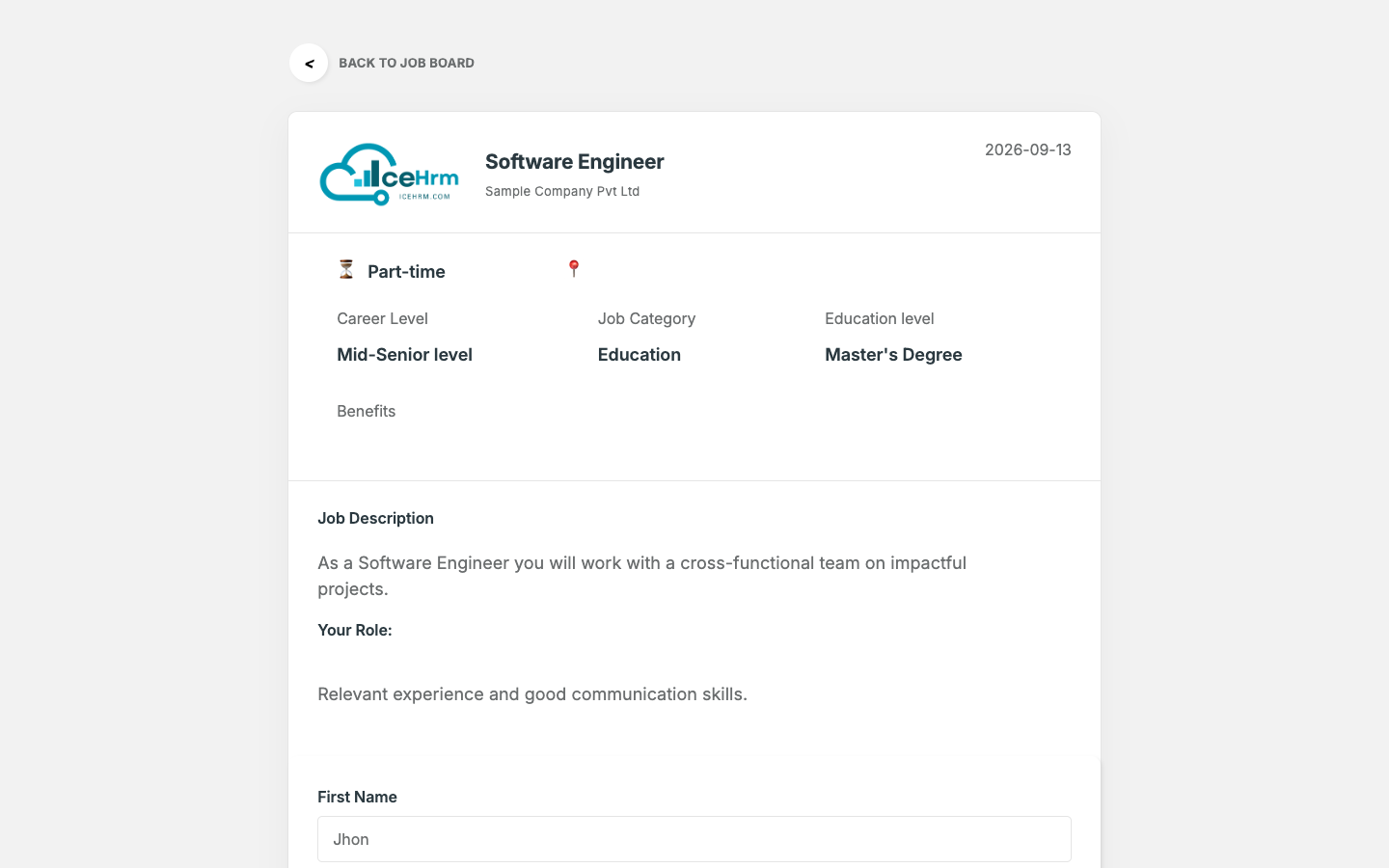
The address of this page is the link you share. Copy it from your browser's address bar and send it wherever you like.
Where to share the link
- Email to your network or a specific candidate
- LinkedIn, Facebook, or X (Twitter)
- Job boards and recruitment sites
- Your company's careers page
- Internal announcements for referrals
What happens when a candidate applies
-
The candidate fills in the apply form on the public page and submits.
-
They appear automatically under Recruitment > Candidates, in the New column of the hiring board.
-
Email notifications go out:
Recipient Notification Candidate Confirmation that their application was received Hiring Manager Alert that a new application has come in
From there you can review them, move them along the hiring stages, and schedule interviews — see Managing candidates.