Setting Up Recruitment Module

The Recruitment module in IceHrm automates organizational recruitment and staffing operations. It enables you to:

  • Post jobs
  • Let candidates apply for these jobs
  • Schedule interviews
  • Track candidate progress with notes
  • Share job links with LinkedIn, Facebook, Twitter

Module Components

IceHrm Recruitment consists of three main sections:

  • Recruitment Setup: Prepare job advertisements by managing employment types, experience levels, job functions, education levels, and benefits
  • Job Postings: Create job advertisements and publish them on social media
  • Candidates: Store details of candidates who applied for job postings

Recruitment Setup

Before posting jobs, configure the foundational elements through Recruitment Setup.

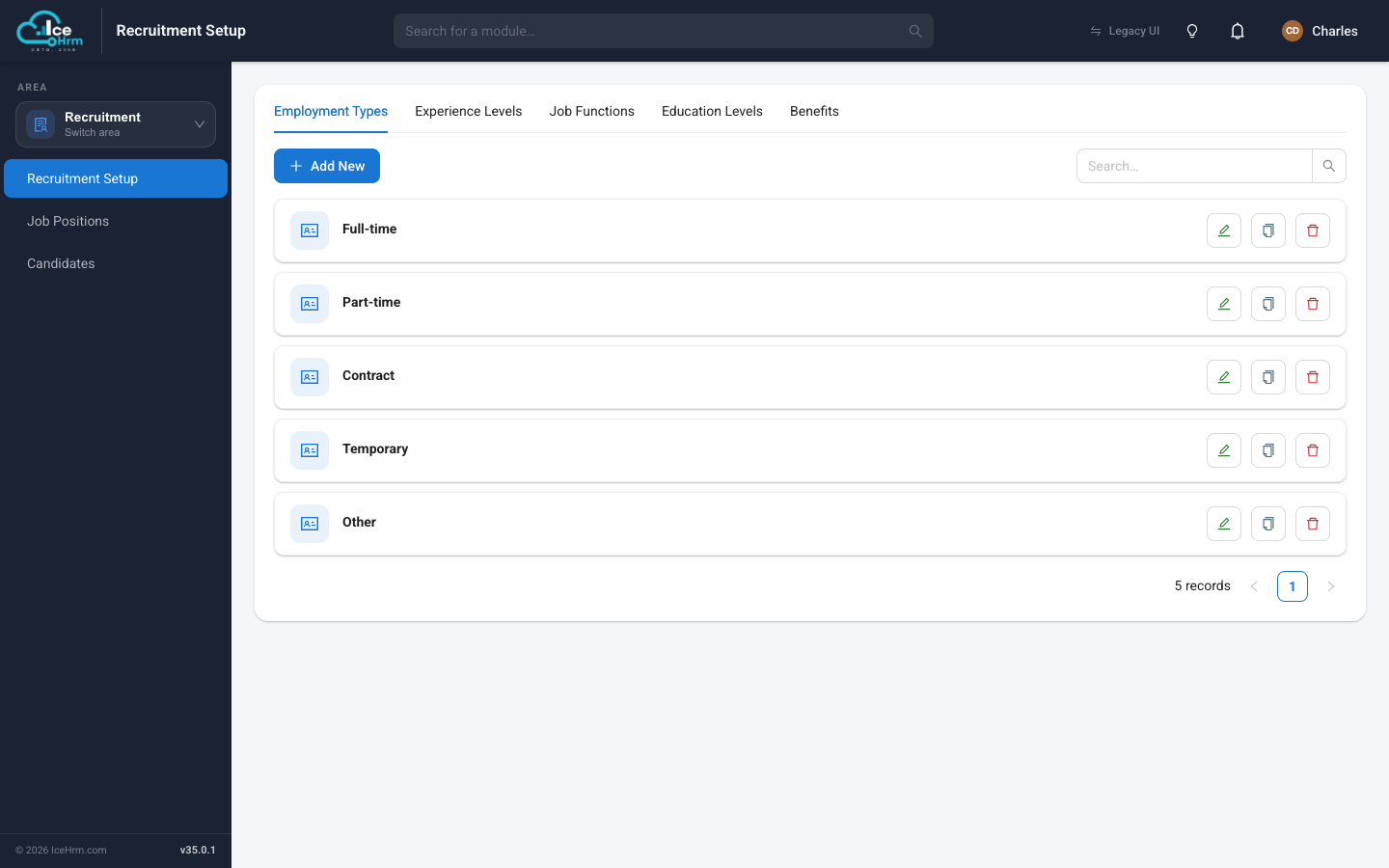
Go to Recruitment > Recruitment Setup

Recruitment Setup


Adding Employment Types

Employment types categorize the nature of employment for job positions (e.g., Full-time, Part-time, Contract).

How to Add

  1. Go to Recruitment > Recruitment Setup

  2. Click on the Edit Employment Types tab

  3. Click the Add New icon

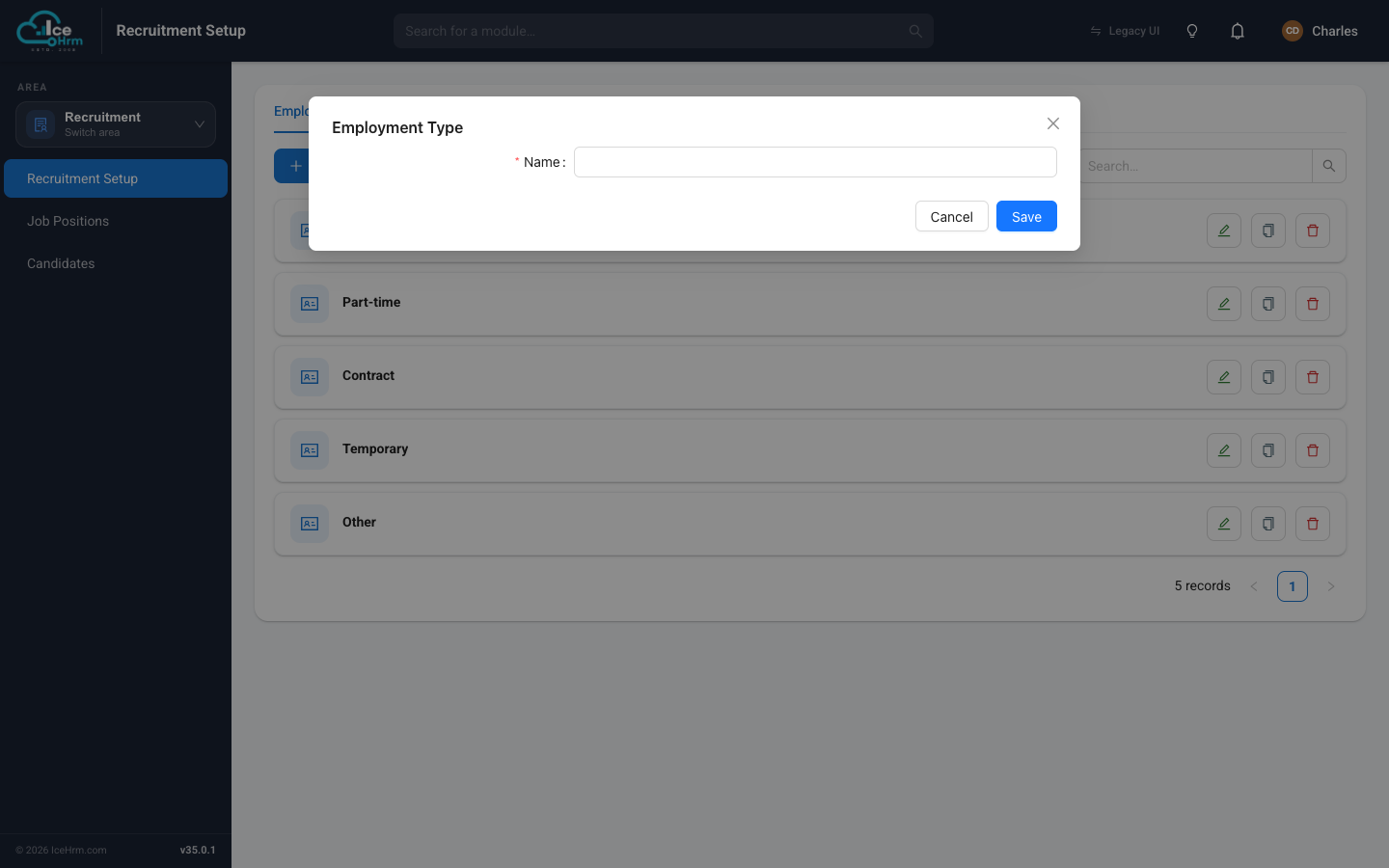
Add Employment Type

  1. Enter the Name for the employment type

  2. Click Save

Common Employment Types

  • Full-time: Regular employment with standard working hours
  • Part-time: Employment with reduced working hours
  • Contract: Fixed-term employment with a defined end date
  • Temporary: Short-term employment for specific projects
  • Internship: Training position for students or recent graduates

Adding Experience Levels

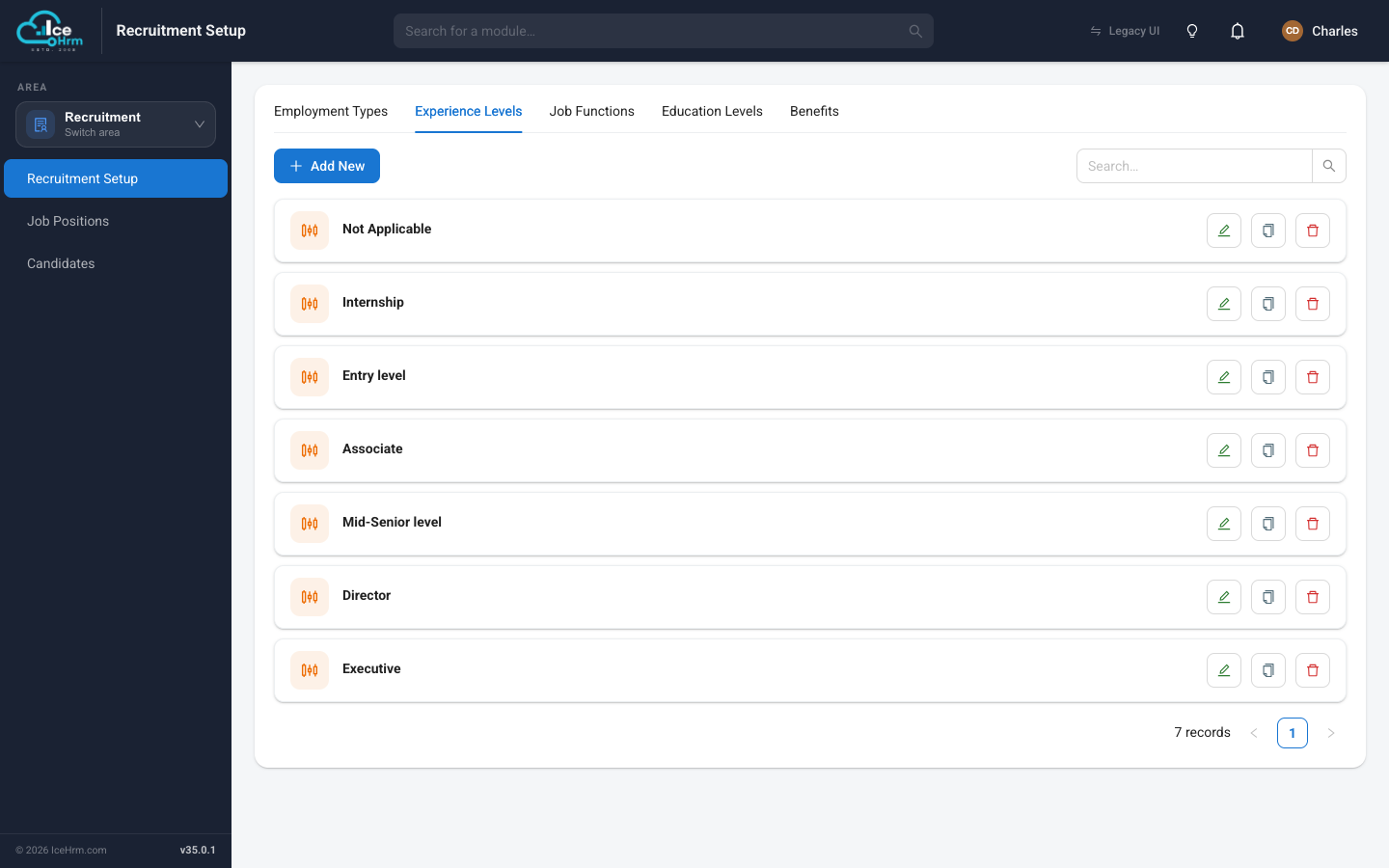
Experience levels help categorize job positions based on the required professional experience (e.g., Entry Level, Senior, Manager).

How to Add

  1. Go to Recruitment > Recruitment Setup

  2. Click on the Edit Experience Levels tab

  3. Click the Add New icon

Add Experience Level

  1. Enter the Name for the experience level

  2. Click Save

Common Experience Levels

  • Entry Level: No prior experience required; suitable for recent graduates
  • Junior: 1-2 years of relevant experience
  • Mid-Level: 3-5 years of relevant experience
  • Senior: 5-8 years of relevant experience with demonstrated expertise
  • Lead: 8+ years of experience with leadership responsibilities
  • Manager: Management experience with team leadership skills
  • Director: Strategic leadership with departmental oversight

Adding Job Functions

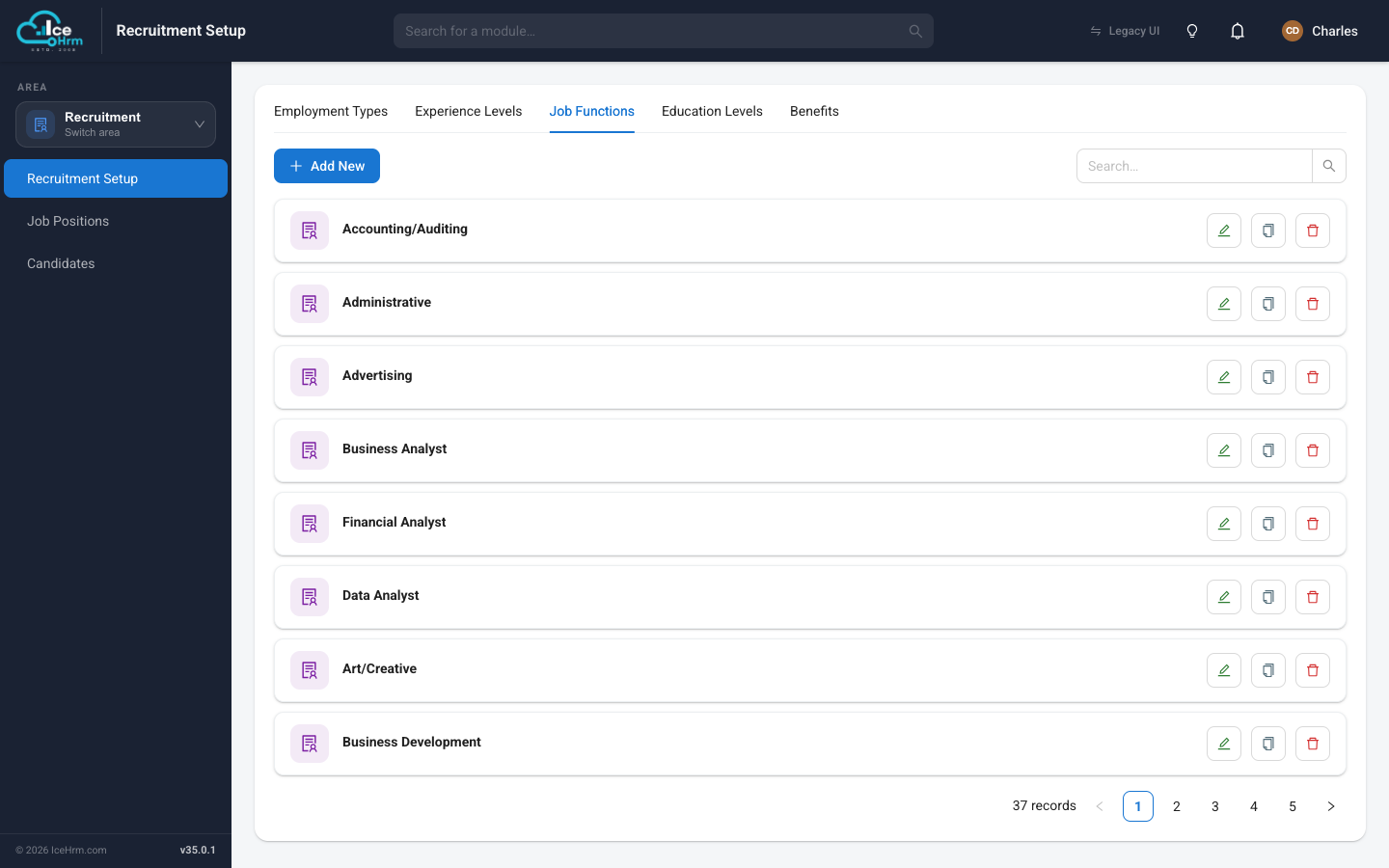
Job functions categorize positions by their functional area or department (e.g., Engineering, Marketing, Sales). IceHrm comes with most important job functions pre-configured.

Job Functions

How to Add

  1. Go to Recruitment > Recruitment Setup > Edit Job Functions

  2. Click the Add New icon

  3. Enter the Name for the job function

  4. Click Save

How to Edit

  1. Go to Recruitment > Recruitment Setup

  2. Click on the Edit Job Functions tab

  3. Find the job function you want to modify

  4. Click the Edit button

  5. Make your changes

  6. Click Save

Common Job Functions

  • Engineering: Software development, infrastructure, and technical roles
  • Marketing: Brand management, digital marketing, and communications
  • Sales: Business development, account management, and sales
  • Human Resources: HR operations, talent acquisition, and employee relations
  • Finance: Accounting, financial planning, and analysis
  • Operations: Business operations, logistics, and process management
  • Customer Support: Customer service and client success
  • Product Management: Product strategy and feature development
  • Design: UI/UX design and creative services
  • Legal: Legal counsel and compliance

Setup Workflow

1. Configure Employment Types

2. Configure Experience Levels

3. Configure Job Functions

4. Configure Education Levels (optional)

5. Configure Benefits (optional)

6. Post Jobs

7. Manage Candidates

Quick Reference

  • Add employment type: Navigate to Recruitment > Recruitment Setup > Edit Employment Types
  • Add experience level: Navigate to Recruitment > Recruitment Setup > Edit Experience Levels
  • Add/edit job function: Navigate to Recruitment > Recruitment Setup > Edit Job Functions
  • Post jobs: Navigate to Recruitment > Job Postings
  • View candidates: Navigate to Recruitment > Candidates

Next Steps

  1. Post a Job
  2. Share Jobs
  3. Manage Candidates
  4. Book Interviews