Payslips
Payslips generated by payroll are stored in the Documents area, where both administrators and employees can find them.
Admin: all employees' payslips
Open the Documents area → Documents → Employee Payslip tab. This lists payslips for everyone, and you can view or download any of them.
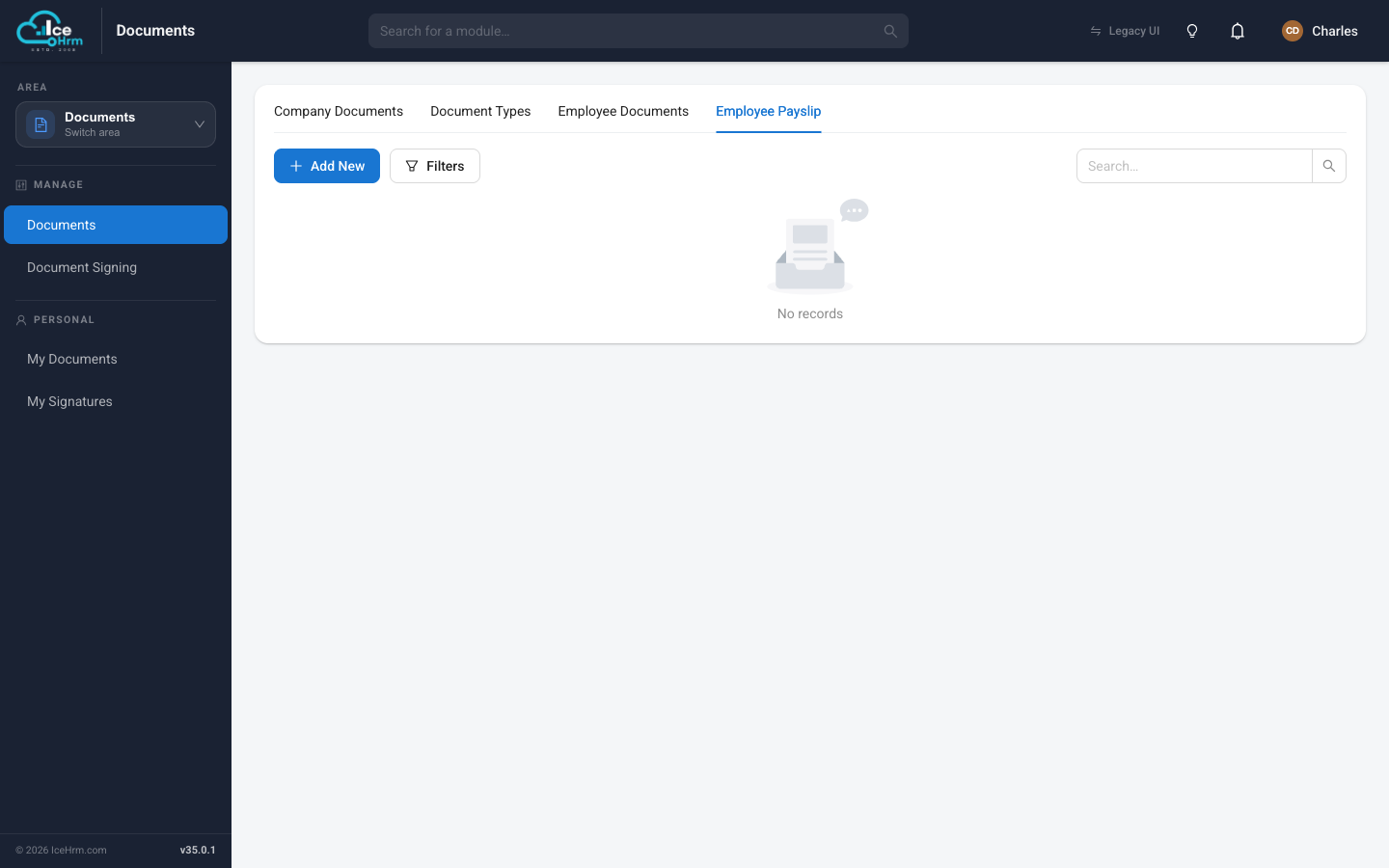
If the list is empty, it simply means no payroll run has produced payslips yet — they appear here automatically once you run payroll.
Employees: their own payslips
An employee opens Documents → My Documents and chooses the Payslips tab to see and download their own payslips.
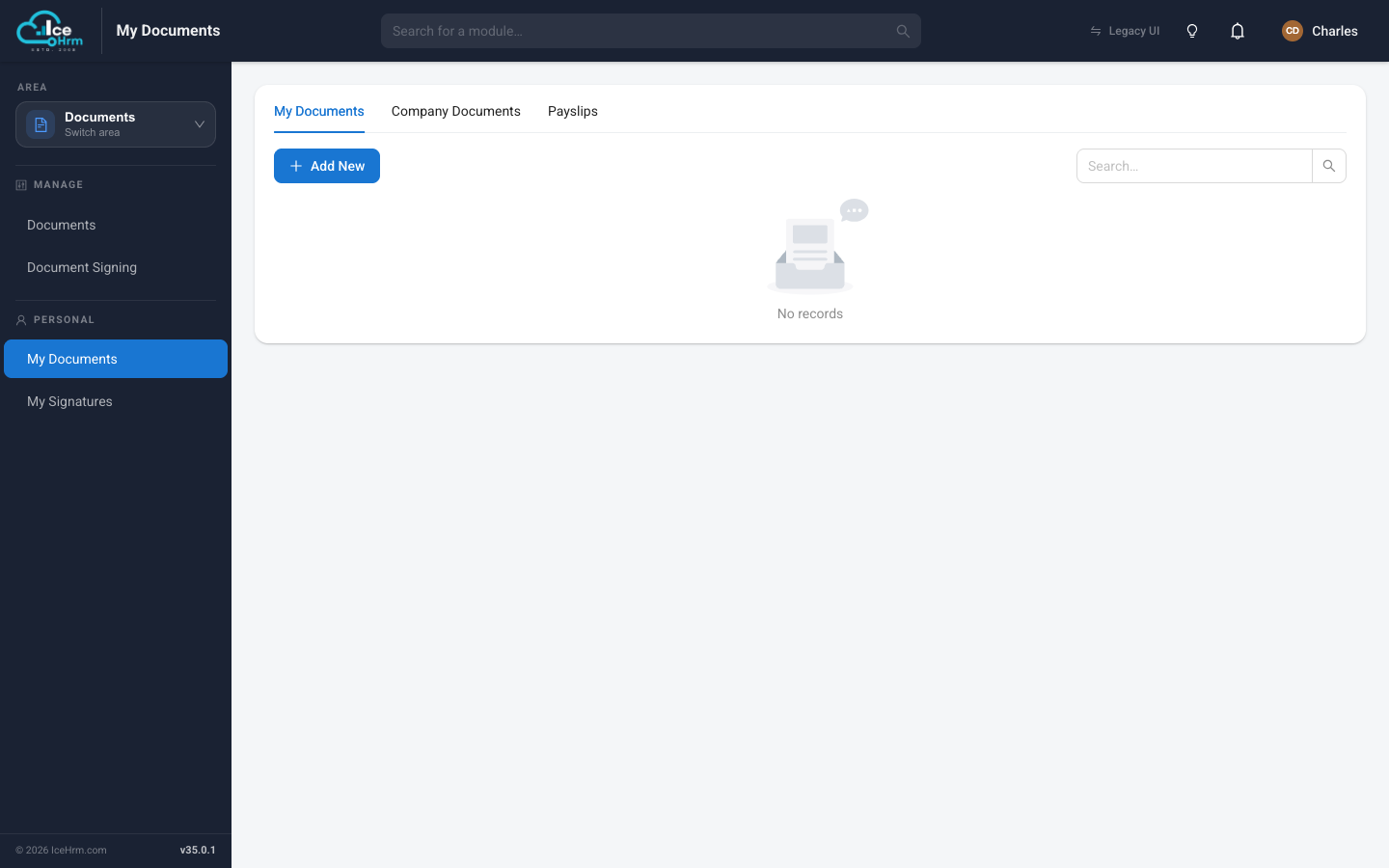
Where to look
| Role | Location |
|---|---|
| Admin | Documents → Documents → Employee Payslip |
| Employee | Documents → My Documents → Payslips |