Recording Attendance
Employees record their own working hours in the Time and Work area, under Personal > Attendance. The page lists your recent attendance records with the hours worked and where you were working from.
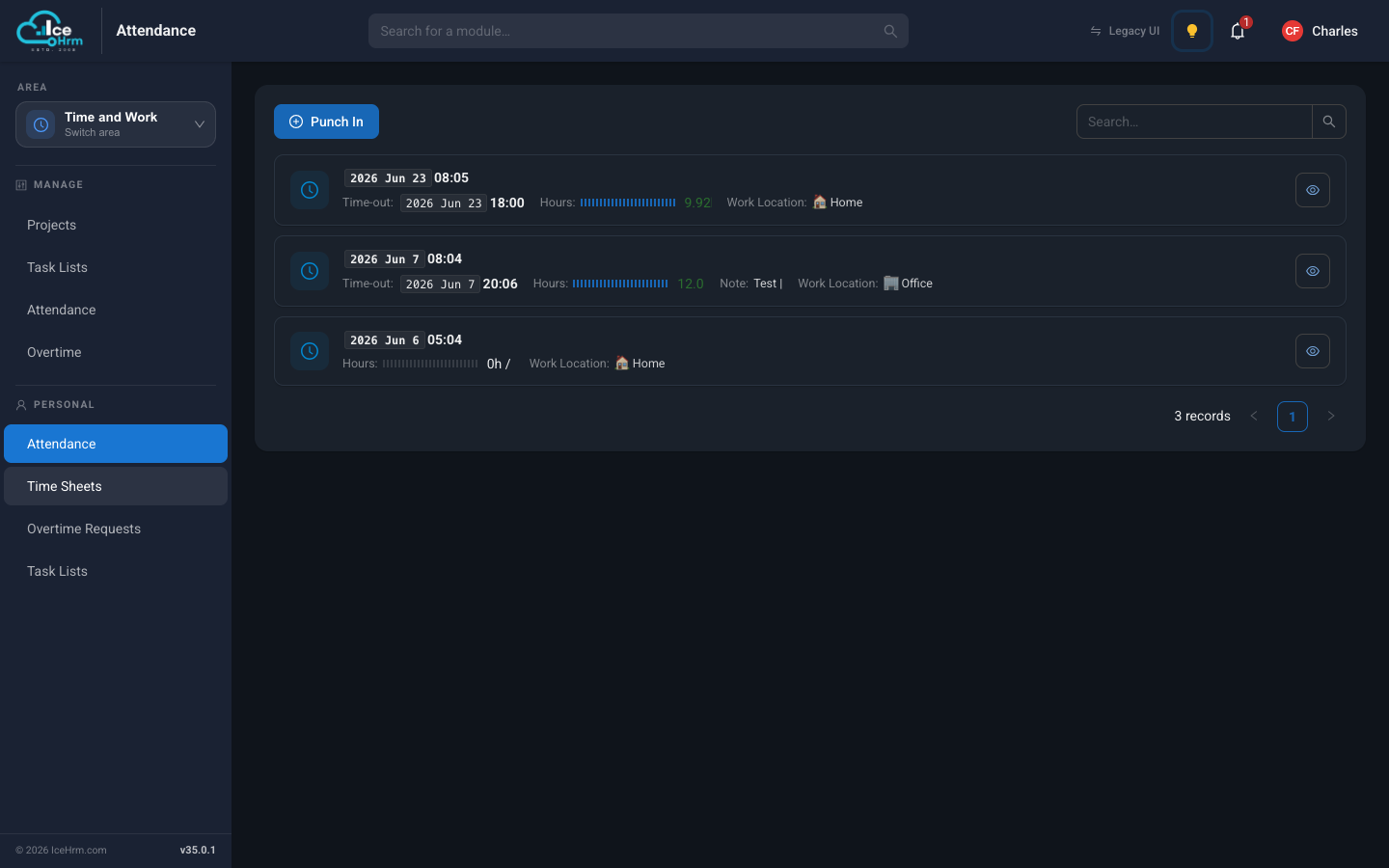
How to punch in and out
- Open Time and Work > Attendance (in the Personal section of the menu).
- Click Punch In when you start your day.
- In the dialog, confirm the time, switch Work from Home on if you're working remotely, and add a note if you'd like.
- Click Save.
- At the end of the day, punch out the same way.
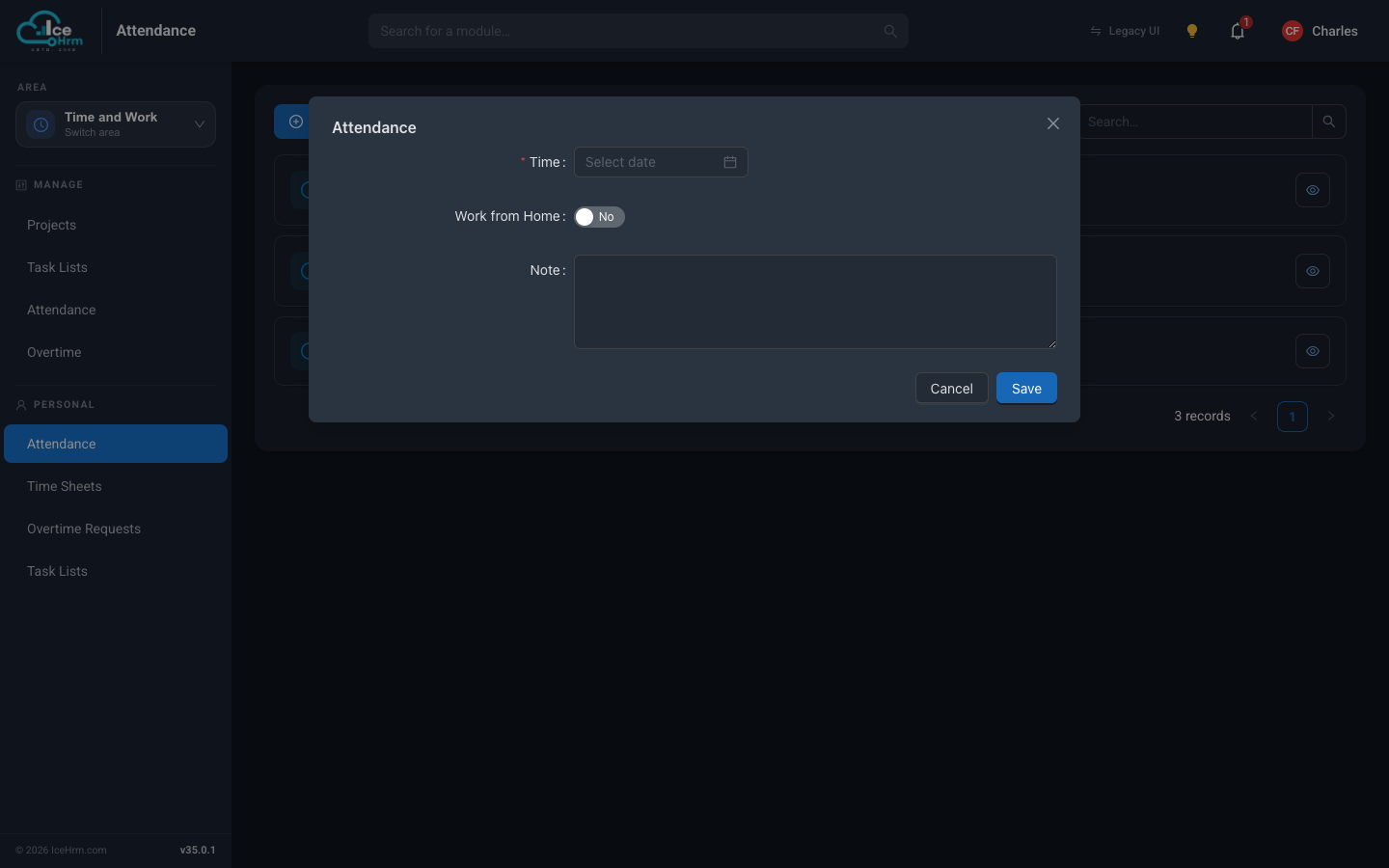
Two ways of recording time
IceHrm can record attendance time in two ways, controlled by one system setting:
- Employee-entered time — employees pick their own punch-in and punch-out times. Best for remote work and flexible schedules.
- Server / department time — the system stamps the current time automatically, using the employee's department time zone. Best for office-based teams that need strict tracking.
Choosing the method
- Go to System > Settings.
- Find Attendance: Use Department Time Zone.
- Set it to No for employee-entered time, or Yes for automatic server/department time.
If you use department time
Every employee must belong to a company structure that has a time zone set — see Defining company structure. When employees punch in or out, the system applies their structure's time zone automatically.
Setup checklist
- Decide which time-recording method fits your organization
- Configure Attendance: Use Department Time Zone accordingly
- If using department time, set a time zone on every department and assign every employee to one
- Tell your employees how and when to punch in and out