Monitoring Attendance
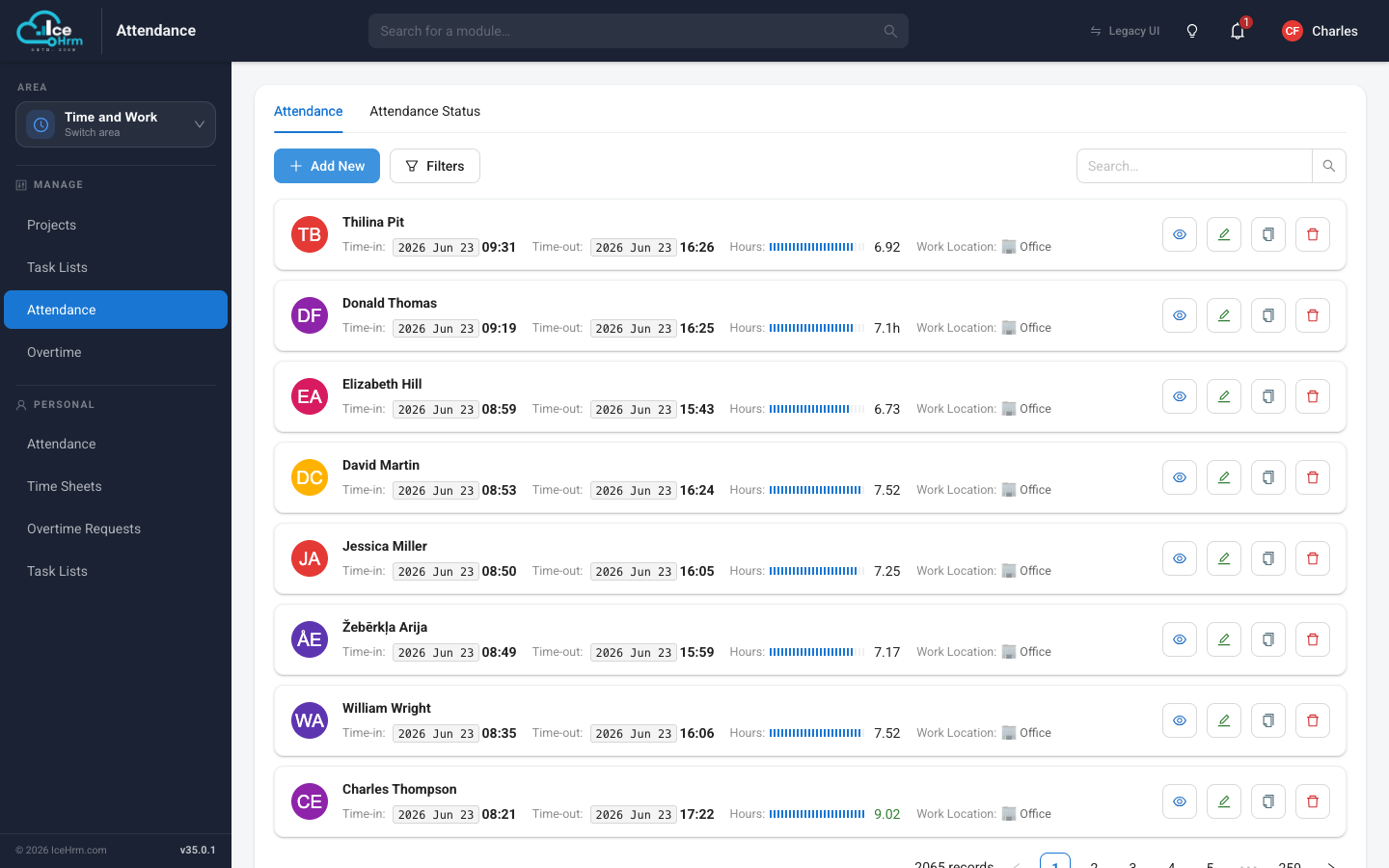
Managers and admins monitor the whole company's attendance in the Time and Work area, under Manage > Attendance. Every record shows the punch-in and punch-out times, the hours worked, and the work location (office or home).
Who sees what
- Admins see attendance records for all employees.
- Managers see records for their own team members only.
You can also add or correct records here — click Add New, or use the edit button on any record.
Finding records
The attendance list can get long, so a couple of controls help you narrow it down:
- Filters — click Filters to filter the list. You can filter by a single Date to see just that day, by Employee, or by both together. Selecting an employee is optional, so a date on its own works fine. Clear a filter with the tag shown above the list.
- Page size — at the bottom of the list, choose how many records to show per page (8, 16, 24, 50, or 100).
Who is clocked in right now?
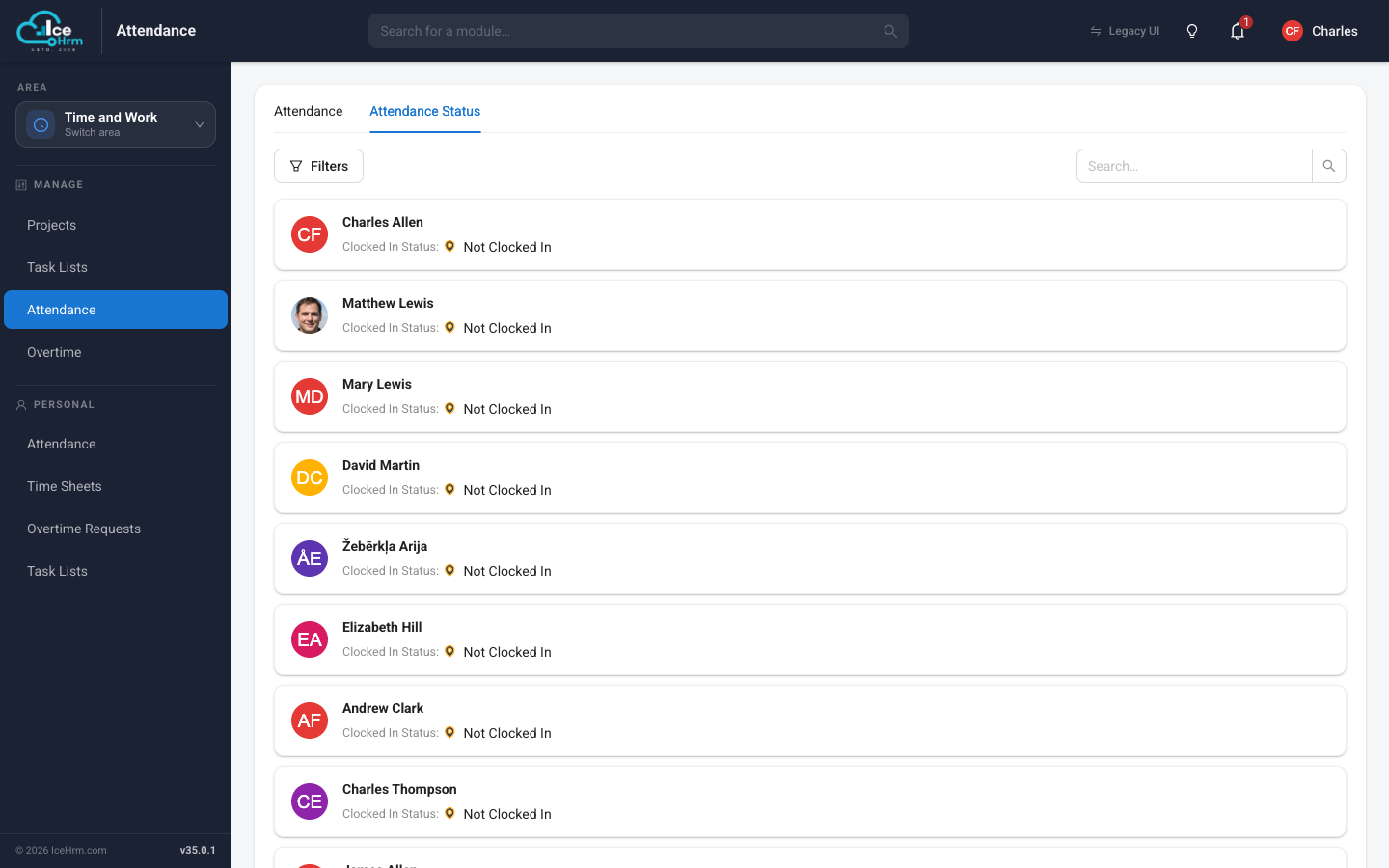
Switch to the Attendance Status tab for a live view of who is currently clocked in and who isn't.
Working hours and overtime
IceHrm treats 8 hours as a standard working day:
- When an employee completes 8 hours, their hours display turns green.
- Hours worked beyond the threshold count as overtime. For example, an employee who works 9.5 hours has 8 regular hours and 1.5 overtime hours.
Changing the overtime threshold
- Go to System > Settings > Attendance.
- Find Attendance: Overtime start hour.
- Change the value (for example, 9 if overtime starts after 9 hours) and save.