Mobile Application
The IceHrm mobile app lets employees and managers access key HR functions on the go.
Getting Started
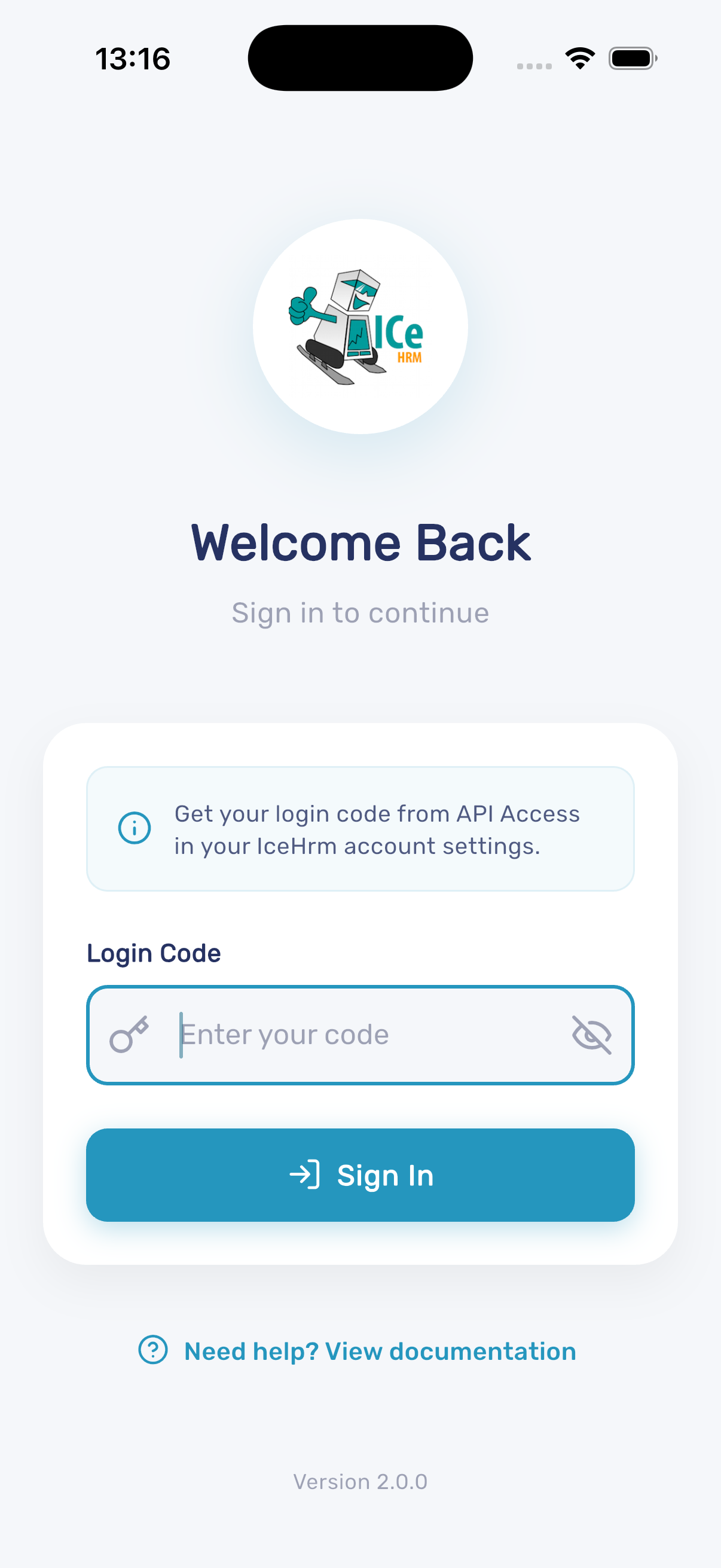
- Download the IceHrm mobile app
- Get your login code from API Access in your IceHrm account settings
- Enter the login code and tap Sign In
Dashboard
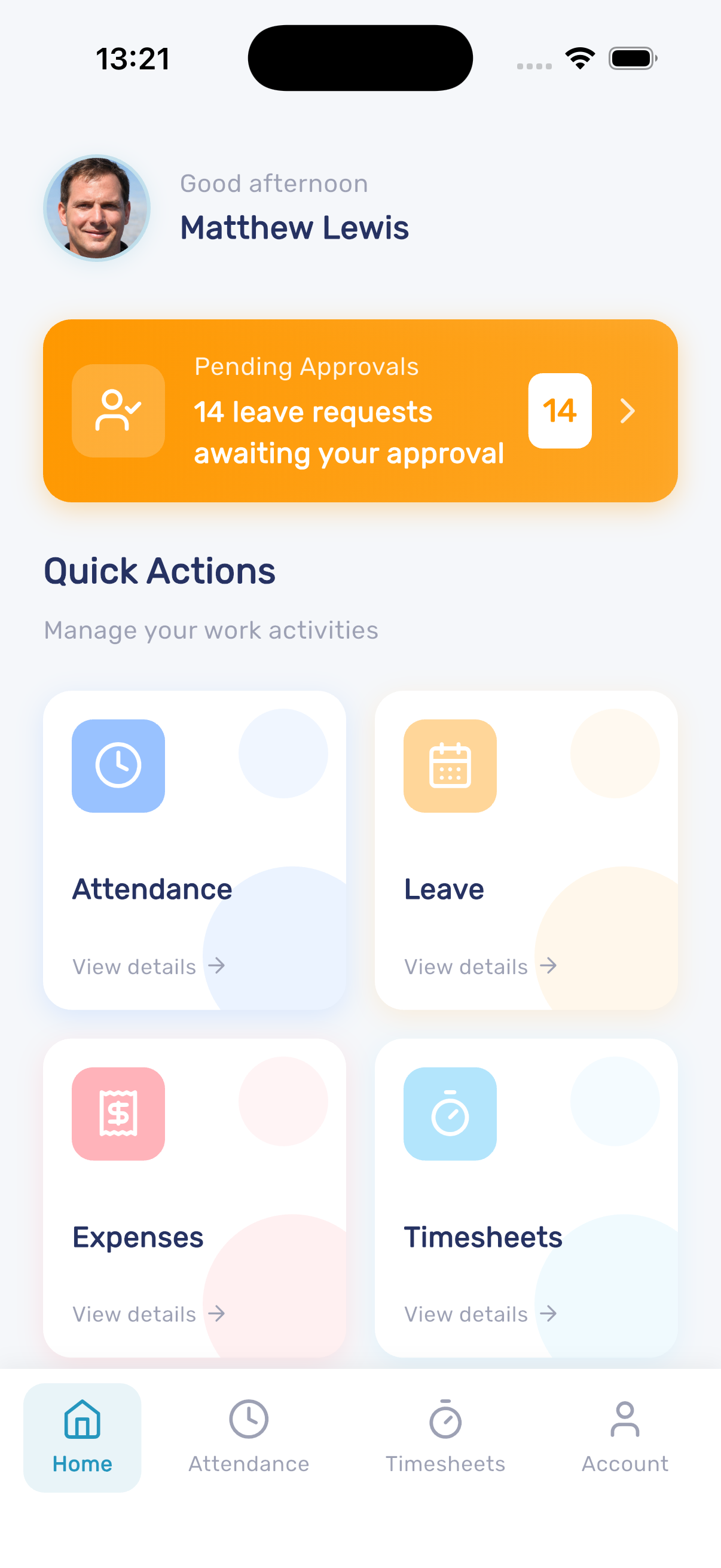
After logging in, the dashboard shows a personalized greeting, pending approvals (for managers), and quick access to all features.
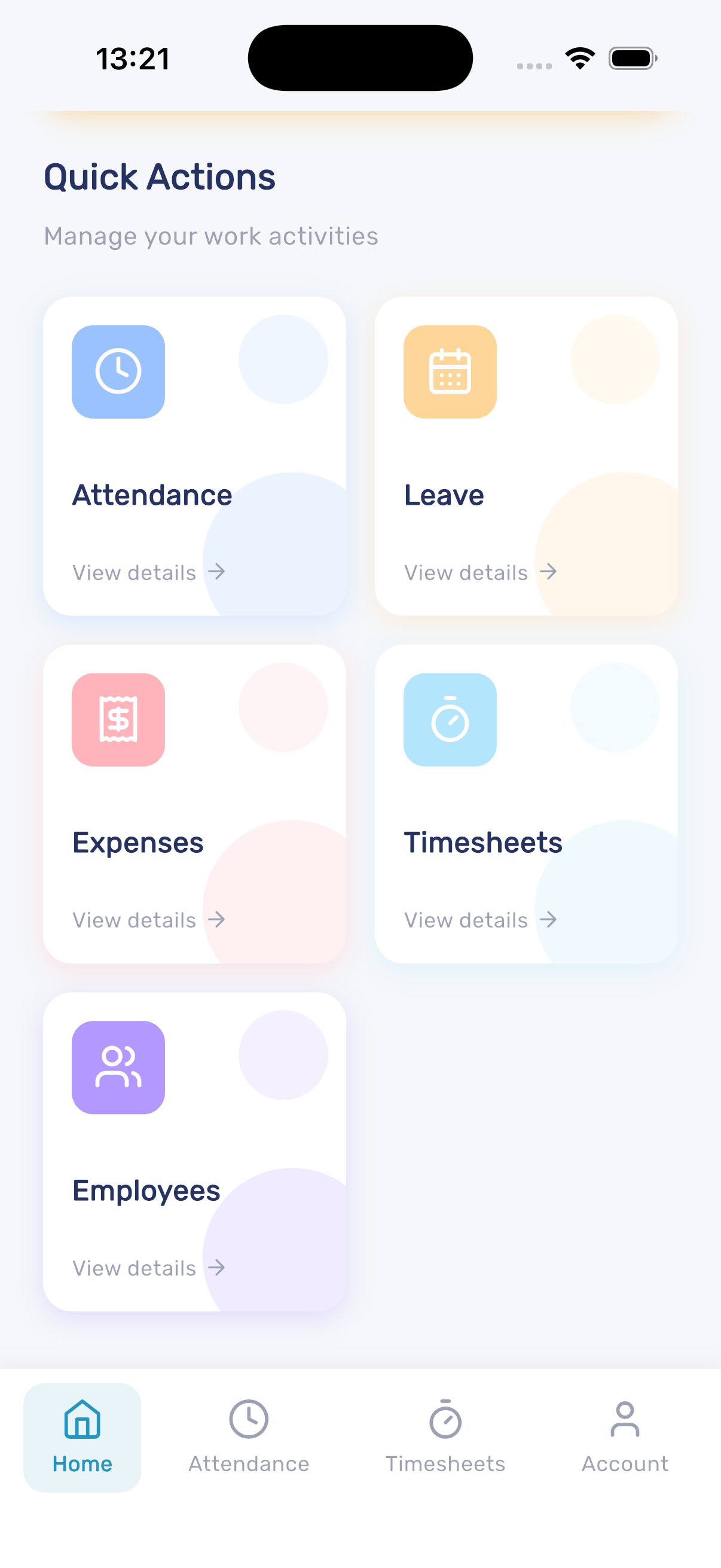
Available quick actions include:
- Attendance - Punch in/out and track work hours
- Leave - Apply for leave, view balances, and approve requests
- Expenses - Submit and track expense claims with receipt uploads
- Timesheets - Log time entries and submit timesheets for approval
- Employees - Search and view employee directory
Employee Search
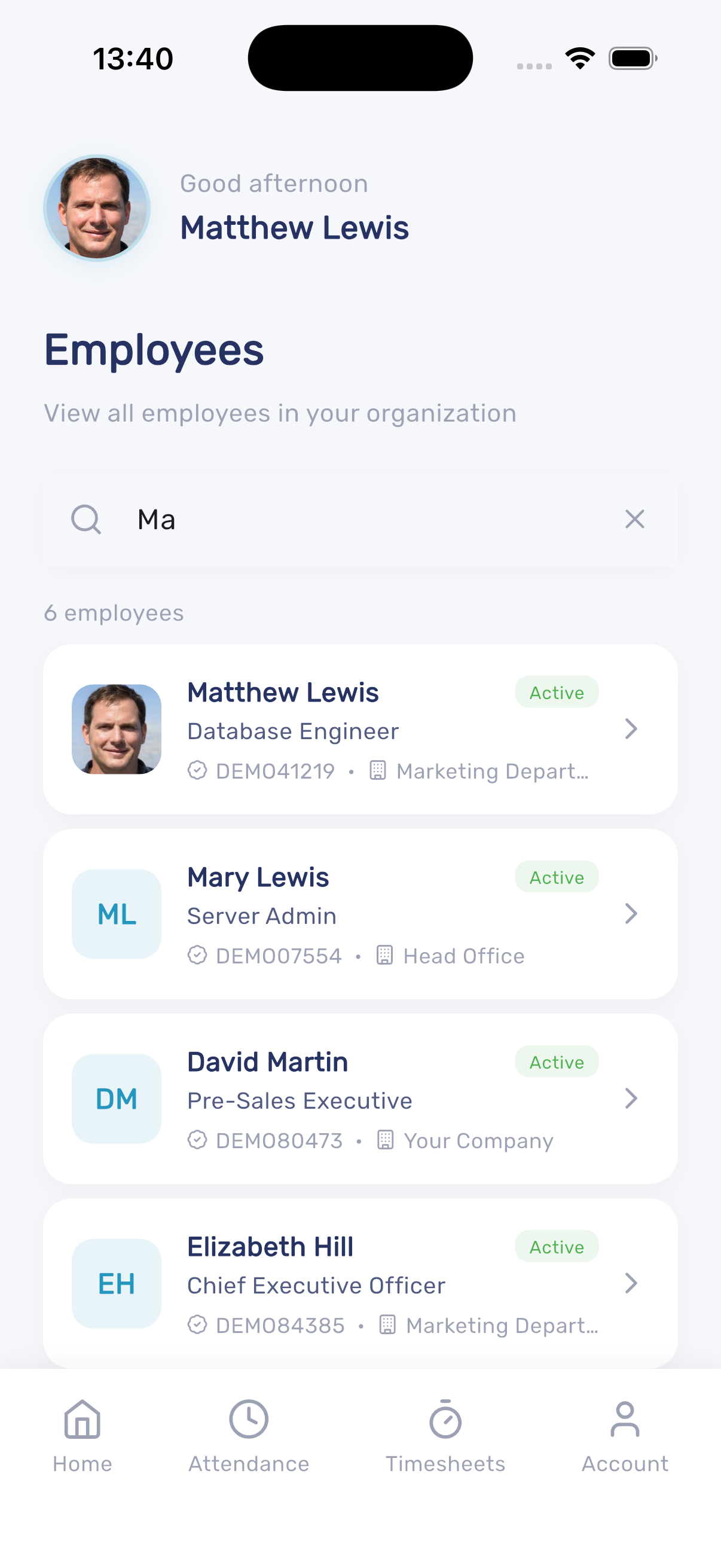
The app includes an employee directory. Tap Employees from the dashboard to search and view employee information within your organization. Results update as you type, showing each employee's name, job title, employee ID, department, and status.
Features
📄️ Attendance Tracking
The IceHrm mobile app supports tracking GPS location along with attendance, providing a convenient solution for remote workers and field staff to log their work hours.
📄️ Leave Management
The IceHrm mobile app provides full leave management capabilities, allowing employees to apply for leave, check balances, and managers to approve leave requests.
📄️ Expense Management
The IceHrm mobile app allows employees to submit and track expense claims on the go, including uploading receipt photos directly from their device.
📄️ Timesheets
The IceHrm mobile app lets employees log time entries against projects and submit timesheets for approval.