Overtime Setup
Before employees can request overtime, define the overtime categories your organization uses.
Adding overtime categories
- Open the Time and Work area and choose Overtime (in the Manage section).
- On the Overtime Categories tab, click Add New.
- Give the category a name and configure its settings.
- Click Save.
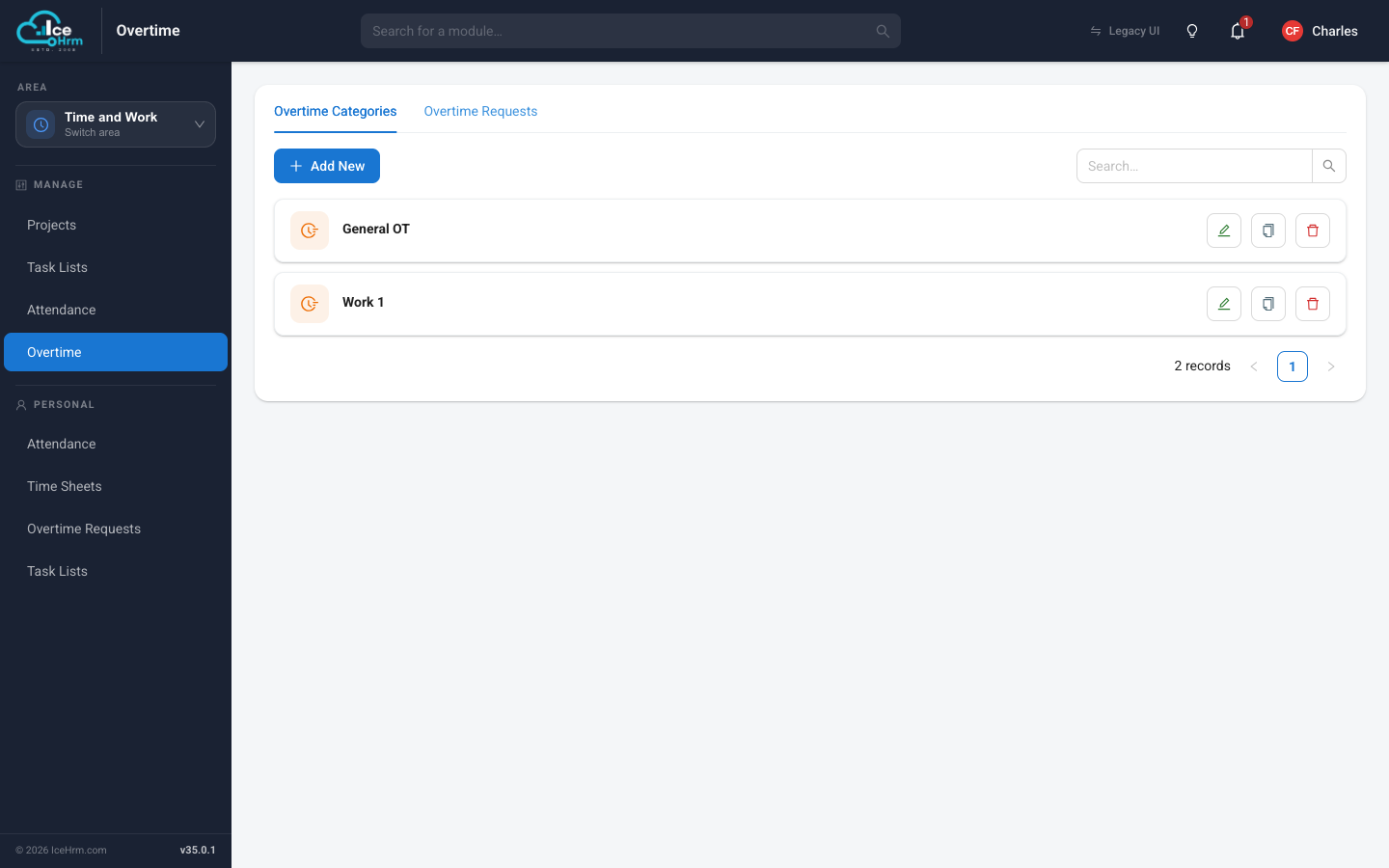
Common categories
Most organizations create categories like these:
- Standard Overtime — extra hours on a normal working day (for example 1.5x pay)
- Weekend Overtime — work on Saturday or Sunday (for example 2.0x pay)
- Holiday Overtime — work on public holidays (for example 2.5x pay)
- Night Shift Overtime — extra hours during night shifts