My Dashboard
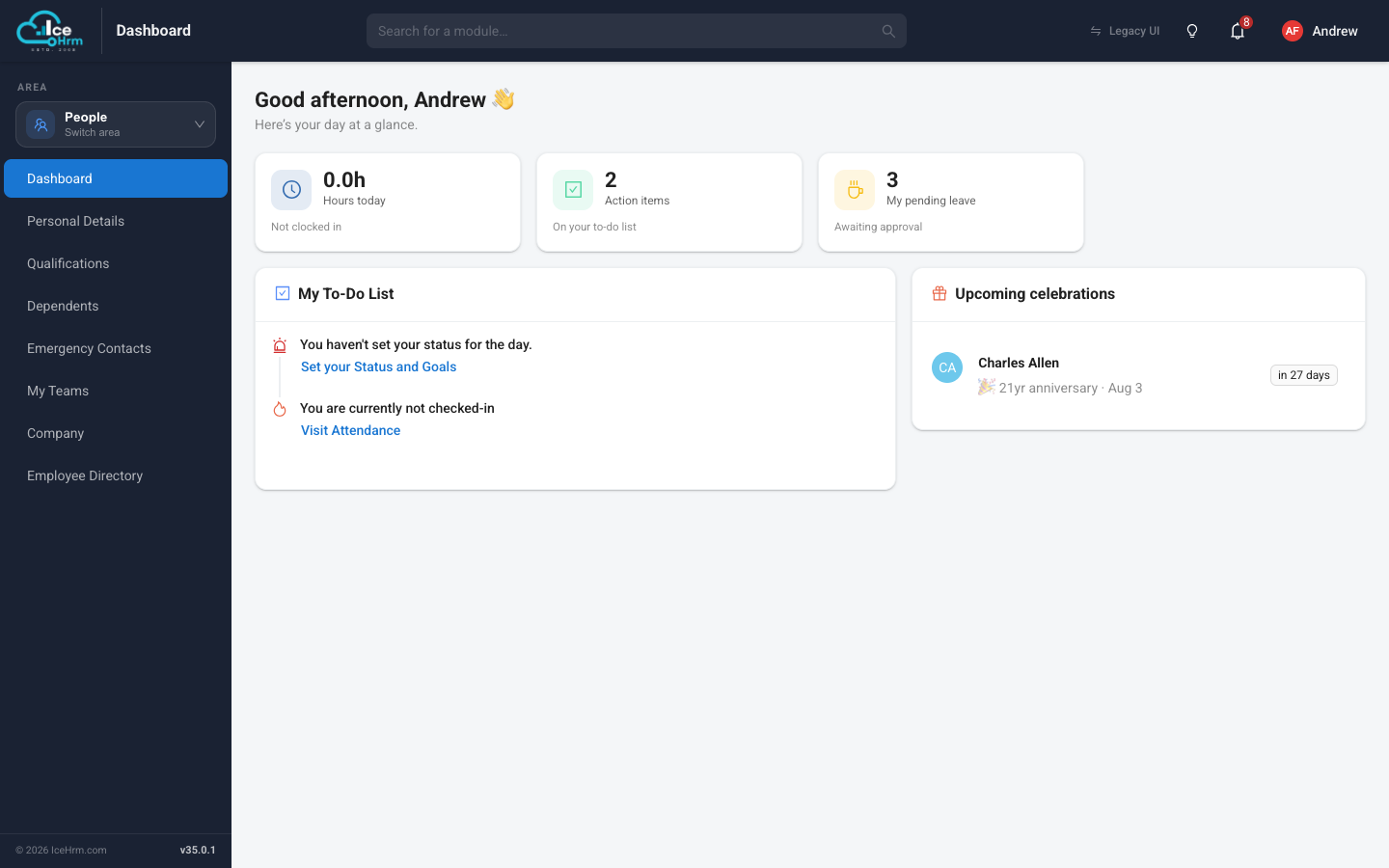
Your dashboard is the first page in the Personal menu of the People area. It shows your working day at a glance.
What's on it
- Hours today — how long you have been clocked in today, and whether you are currently checked in.
- Action items — things waiting for you, collected in the My To-Do List card below: setting your daily status, checking in, pending approvals, and so on. Each item links straight to the right page.
- My pending leave — leave requests you have submitted that are still awaiting approval.
- Upcoming celebrations — birthdays and work anniversaries in your company.
Typical morning routine
- Open the dashboard.
- Check My To-Do List — set your status and goals for the day if your company uses them.
- Click Visit Attendance to check in if you haven't yet.