Salary
The Payroll module in IceHrm allows you to add employee salary details, which are used to calculate data when generating payroll reports.
Salary Setup Overview
Setting up employee salaries in IceHrm involves three steps:
- Salary Component Types - Define categories (e.g., Basic, Allowances, Benefits)
- Salary Components - Create specific items under each type
- Employee Salary Details - Assign salary information to employees
Step 1: Salary Component Types
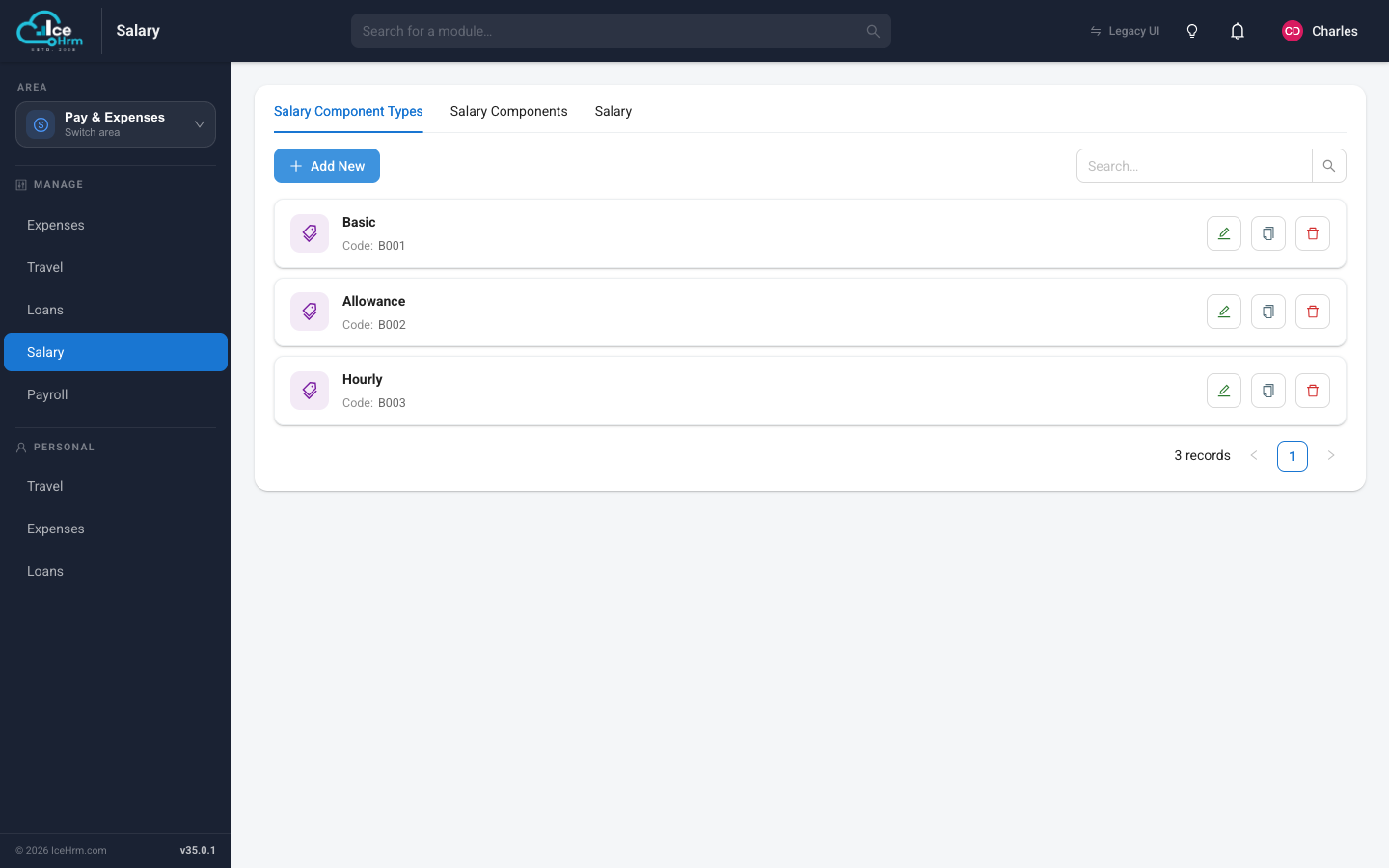
Salary component types are categories that group similar salary items based on your payroll requirements.
How to Add a Salary Component Type
-
Go to Admin > Payroll > Salary Component Types
-
Click Add New
-
Enter the component type details (e.g., "Allowance")
-
Click Save

Common Component Types
- Basic: Base salary components
- Allowances: Additional payments like car, telephone, or internet allowances
- Benefits: Non-cash benefits
Step 2: Salary Components
Salary components are specific allowance categories defined under component types.
How to Add a Salary Component
-
Go to Admin > Payroll > Salary Components
-
Click Add New
-
Select the component type (e.g., "Allowance")
-
Enter the component name (e.g., "Car Allowance")
-
Click Save

Example Components Under Allowance Type
- Car Allowance: Vehicle-related expenses
- Telephone Allowance: Phone bill reimbursement
- Laptop Allowance: Computer equipment allowance
- Internet Allowance: Internet connectivity costs
Step 3: Employee Salary Details
After configuring component types and components, you can add individual employee salary information.
How to Add Employee Salary
-
Go to Admin > Payroll > Employee Salary
-
Click Add New
-
Select the employee
-
Enter the salary components and amounts
-
Click Save

Quick Reference
- Add component type: Navigate to Admin > Payroll > Salary Component Types > Add New
- Add component: Navigate to Admin > Payroll > Salary Components > Add New
- Add employee salary: Navigate to Admin > Payroll > Employee Salary > Add New
- View salary history: Navigate to Admin > Payroll > Employee Salary
Setup Workflow
1. Define Salary Component Types (e.g., Basic, Allowances, Benefits)
↓
2. Create Salary Components (e.g., Car Allowance, Telephone Allowance)
↓
3. Assign Salary Details to Employees
↓
4. Generate Payroll Reports
Best Practices
- Plan Your Structure - Define all component types before creating components
- Use Clear Names - Name components descriptively for easy identification
- Group Logically - Organize components under appropriate types
- Document Changes - Keep records of salary modifications
- Review Regularly - Audit salary configurations periodically