Payslip Design
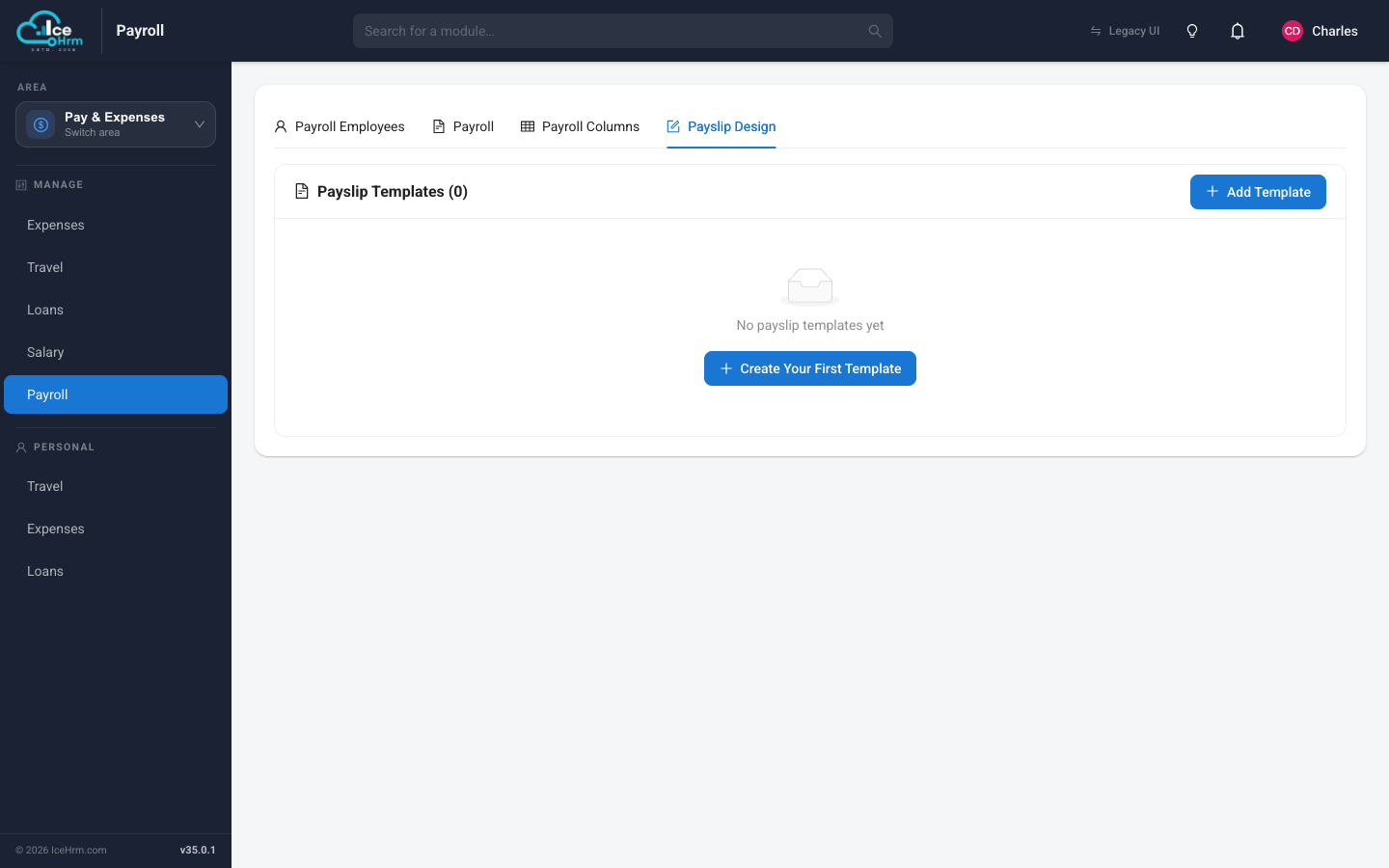
A payslip template controls what each employee's payslip looks like — the company header, which salary components appear, and the totals. Open Pay & Expenses > Payroll and choose the Payslip Design tab.
Creating a template
If you have no templates yet, click Create Your First Template (or Add Template once you have some). Give the template a name and lay out the sections you want on the payslip — earnings, deductions, and net pay.
Once a template exists, payroll uses it to generate every employee's payslip when you run payroll.
The Payroll Columns tab
The Payroll Columns tab (next to Payslip Design) defines the columns that make up a payroll run — for example basic pay, allowances, and the calculated total. These columns feed into both the payroll run and the payslip.