User Reports
User reports let each employee pull reports about their own data — their leave, attendance, timesheets, overtime, travel, and expenses. They work exactly like the admin reports, just scoped to the signed-in person.
Running your report
Open the Reports & Insights area and click Reports under Personal. Browse the Available Reports catalogue, grouped by category.
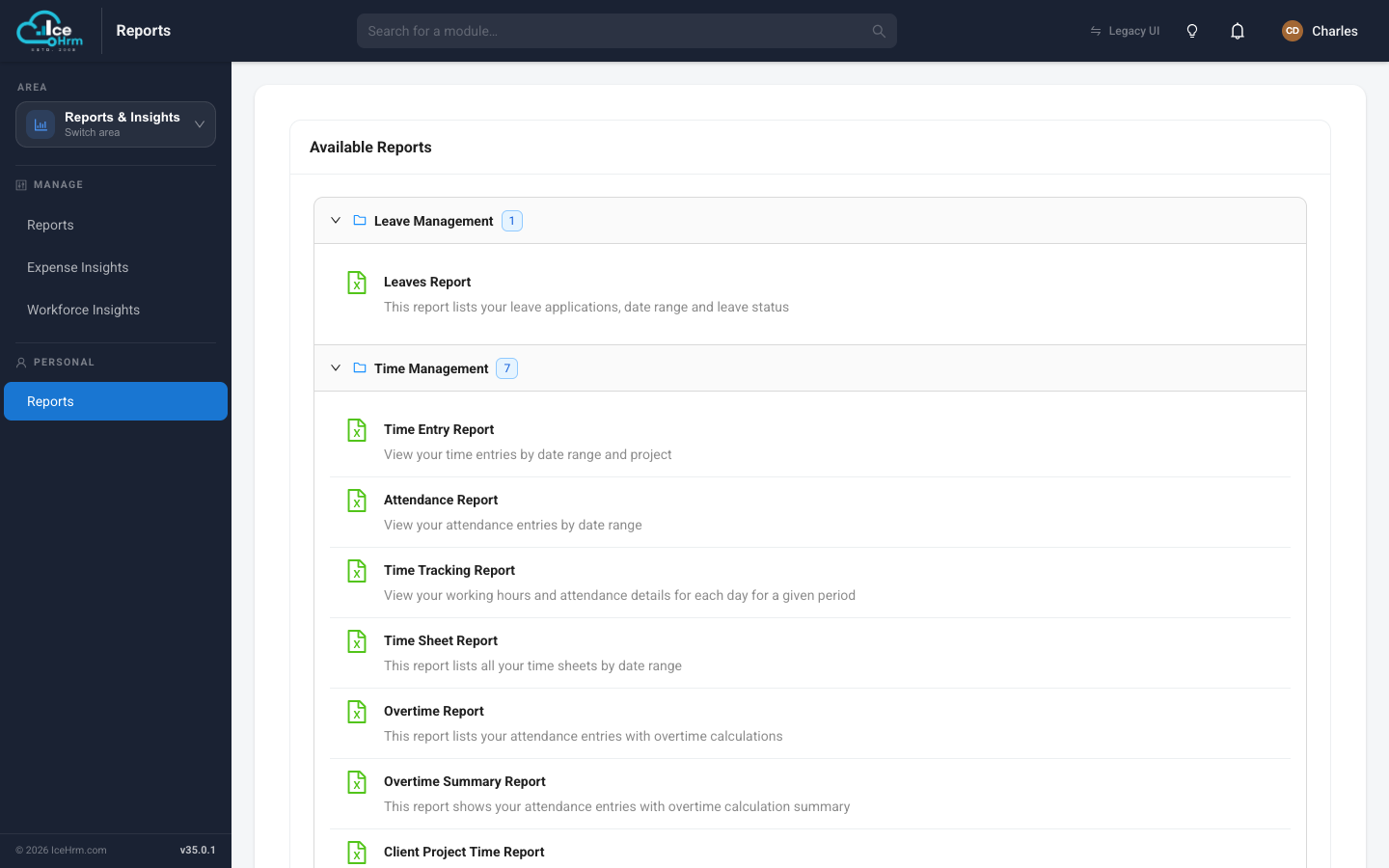
- Click a report.
- Set its filters (usually a date range).
- Click Preview Report to see the results, then Download CSV to save them.
Reports available to you
Leave Management
| Report | What it shows | Filters |
|---|---|---|
| Leaves Report | Your leave applications | Date range, Leave status |
Time Management
| Report | What it shows | Filters |
|---|---|---|
| Time Entry Report | Your time entries against projects | Date range, Project |
| Attendance Report | Your attendance entries | Date range |
| Time Tracking Report | Your working hours per day | Date range |
| Time Sheet Report | Your timesheets | Date range |
| Overtime Report | Your attendance with overtime | Date range |
| Overtime Summary Report | Your overtime totals | Date range |
| Client Project Time Report | Your time on a client's projects | Client, Date range |
Travel & Expense
| Report | What it shows | Filters |
|---|---|---|
| Travel Request Report | Your travel requests | Date range |
| Expense Report | Your expenses | Date range |