Company Feed and Kudos
The centre of Home is the company feed, where announcements, updates and everyday moments are shared with the whole team. Scroll down to catch up on everything that's happened, newest first.
Sharing a post
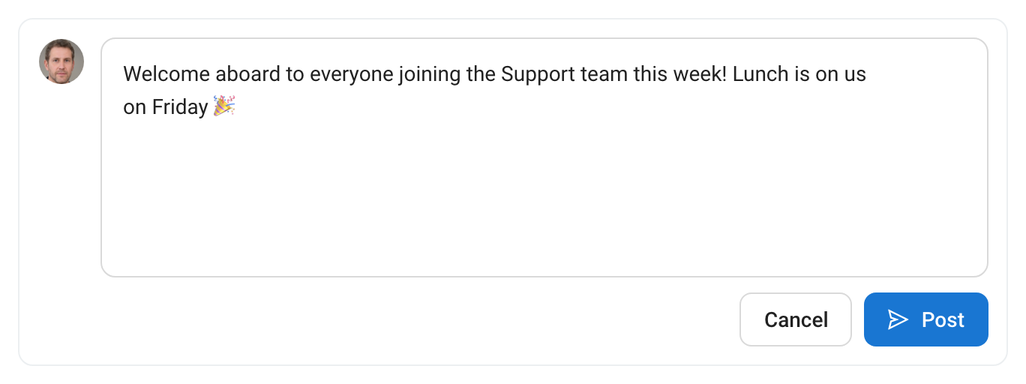
- Click the box at the top of the feed that says Share something with the team….
- Write your message. You can mention colleagues with @.
- Click Post. It appears in everyone's feed straight away.
To edit or delete one of your own posts, use the ⋮ menu on the post.
Reacting and commenting
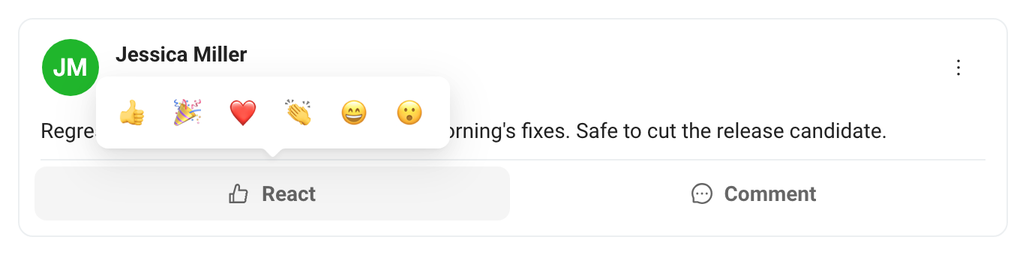
- React: click React under a post and pick a reaction, like a thumbs up, a heart or applause. Click again to remove it.
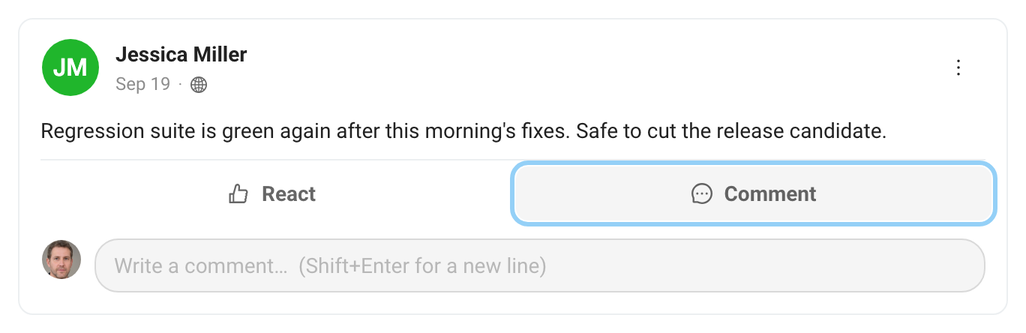
- Comment: click Comment, type your reply and press Enter (use Shift+Enter for a new line). Replies stay right under the post they belong to.
Kudos in the feed
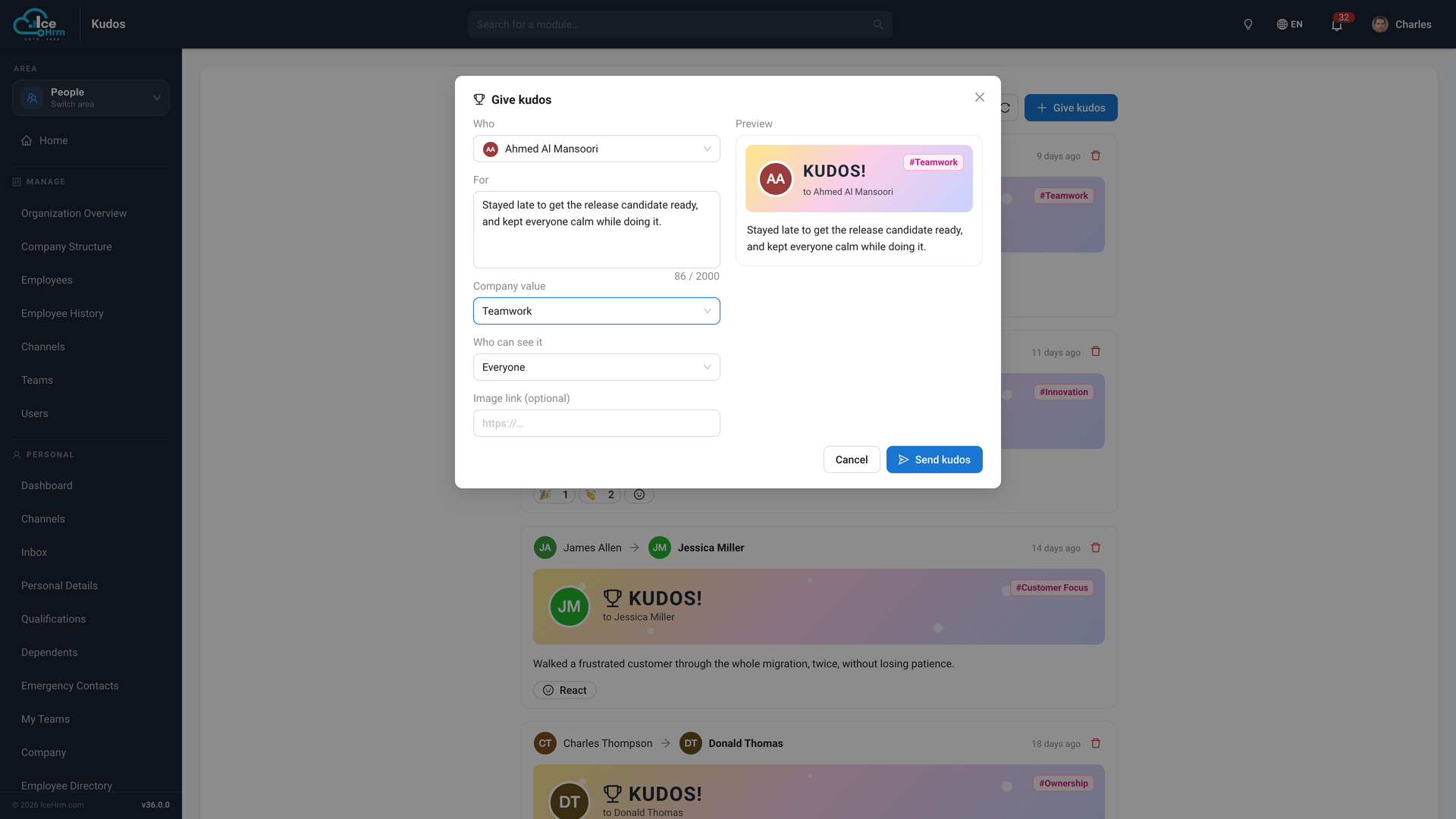
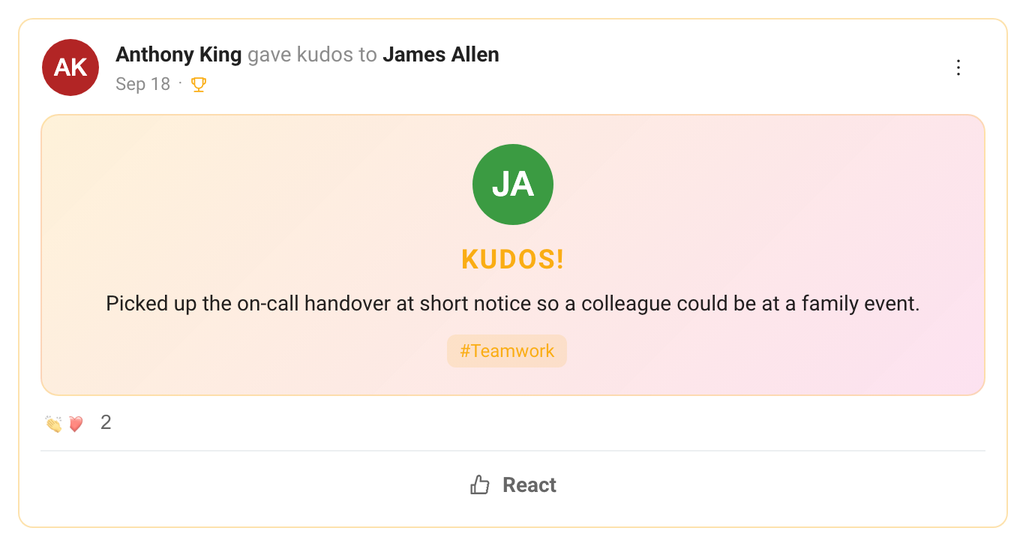
Kudos stand out in the feed with a colourful card that shows who was thanked, what for, and the company value it reflects (for example #Teamwork). Everyone can react to a kudos post.
Giving kudos
- Click Give Kudos, either in the greeting banner or under the post box.
- In Who, search for the colleague you want to thank.
- In For, say what they did. Be specific; it means more.
- Optionally pick a Company value and choose Who can see it.
- Check the Preview on the right, then click Send kudos.