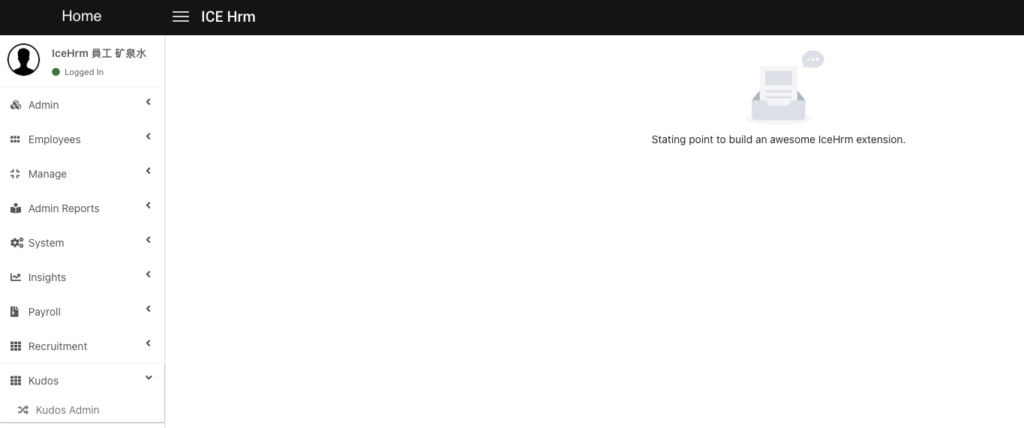
Creating an Extension
IceHrm extensions allow developers to extend the features offered by IceHrm without changing the IceHrm core. This guide explains how to create your first extension.
Extensions Directory
All extensions are located in the icehrm/extensions directory.
Extension Types
Each extension can have one or two sub-extensions:
- admin: For administrator-only functionality
- user: For employee-facing functionality
You can create extensions with either type or both.
Creating an Extension
Use the CLI tool to generate the extension structure. From the IceHrm root directory, run:
php ice create:extension [extension-name] [type]
Example: Creating a "Kudos" Extension
To create an admin extension called "kudos":
php ice create:extension kudos admin
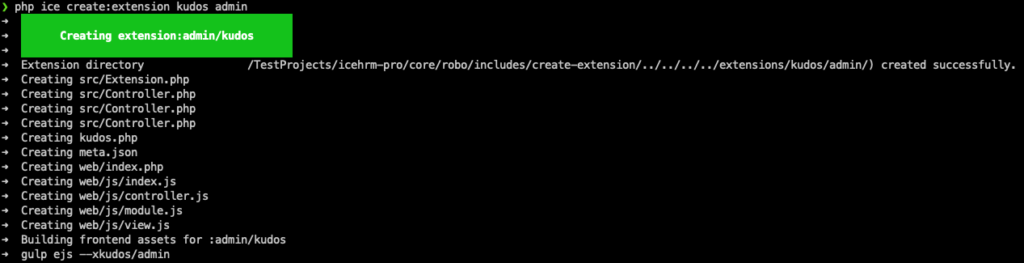
This generates the basic extension structure in icehrm/extensions/kudos.
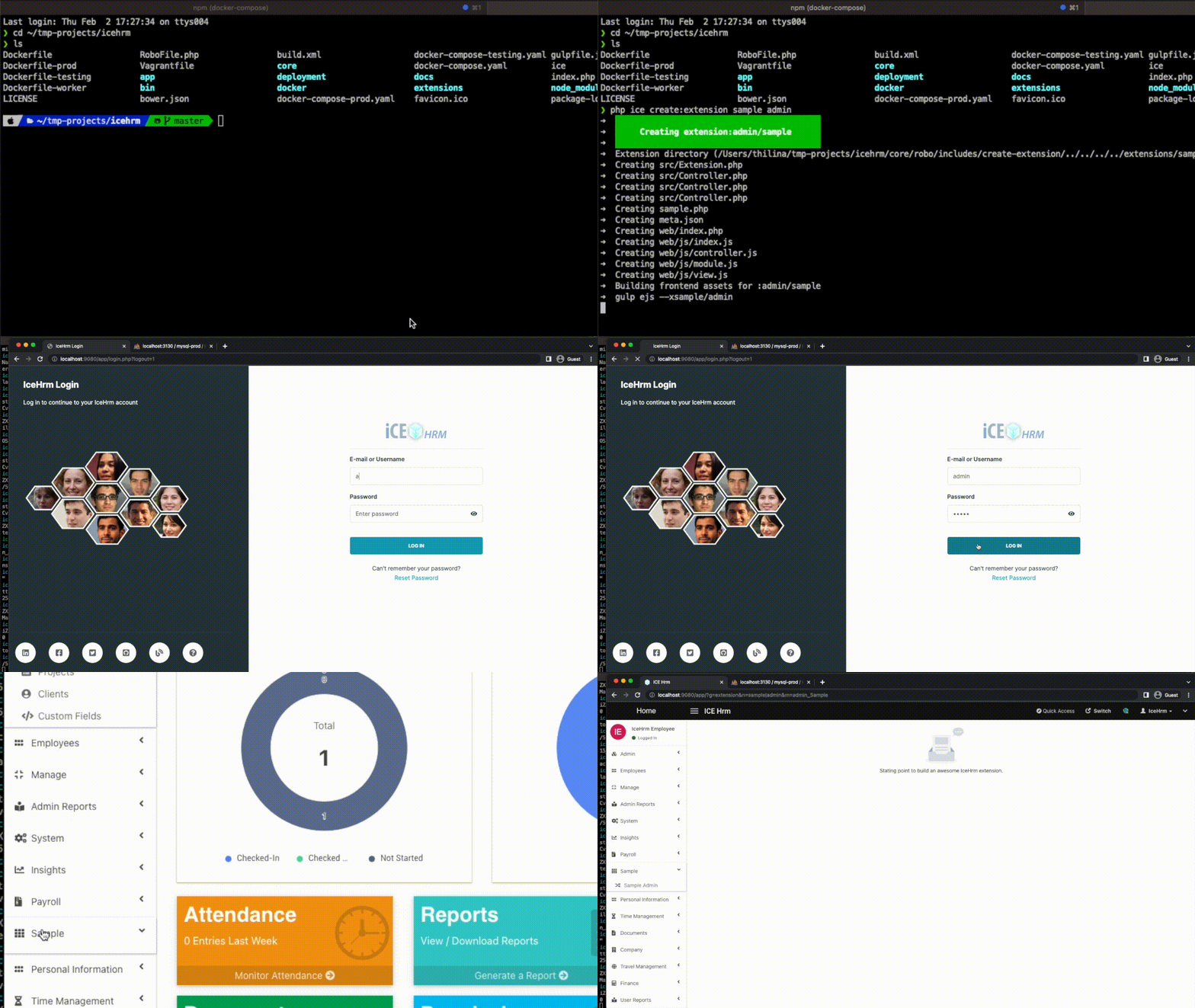
Verifying the Extension
After creating the extension:
- Log in to IceHrm as an administrator
- Navigate to the admin menu
- Your new extension should appear in the interface