IceHrm

Powerful But A Simple Way to Manage Your Company and People

All Stories   Page 145 of 154  

Effective Use Of IceHrm Features

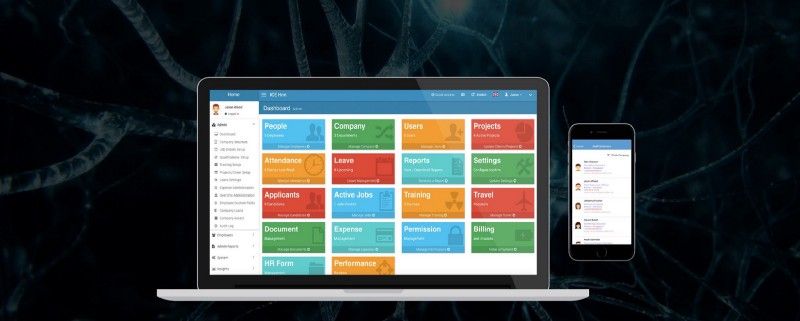
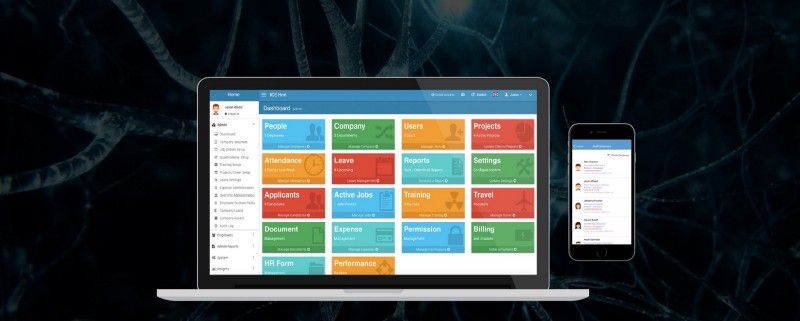
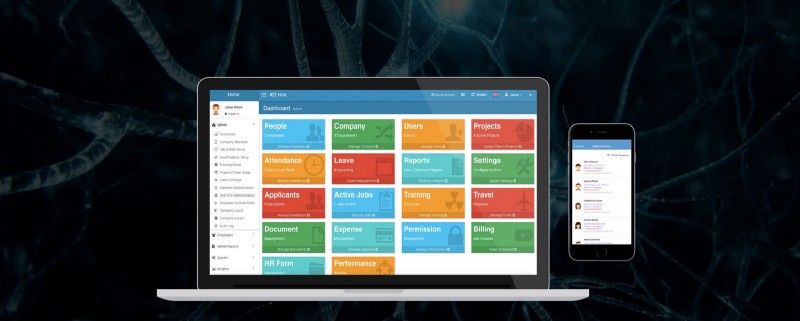
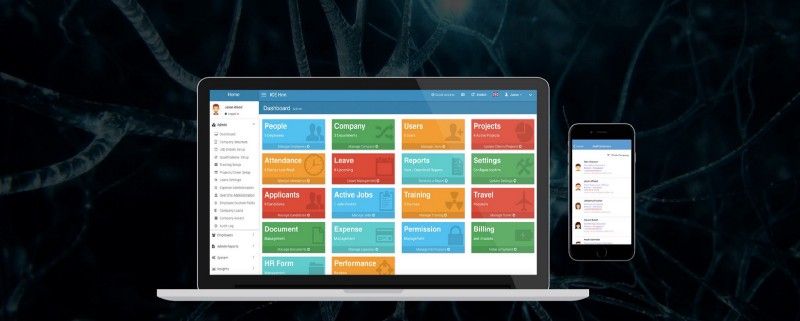
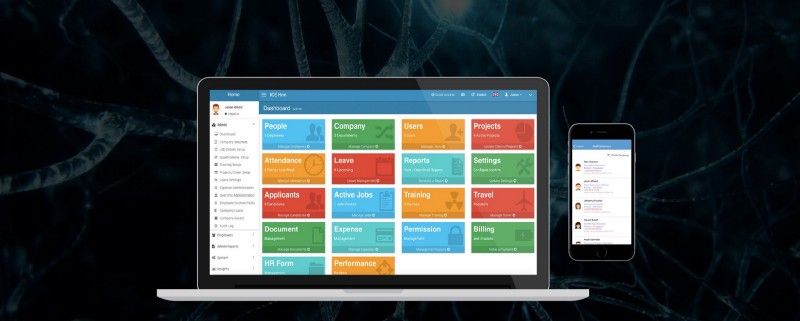
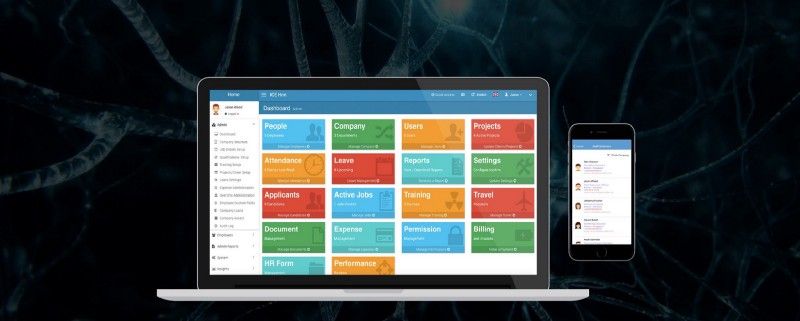
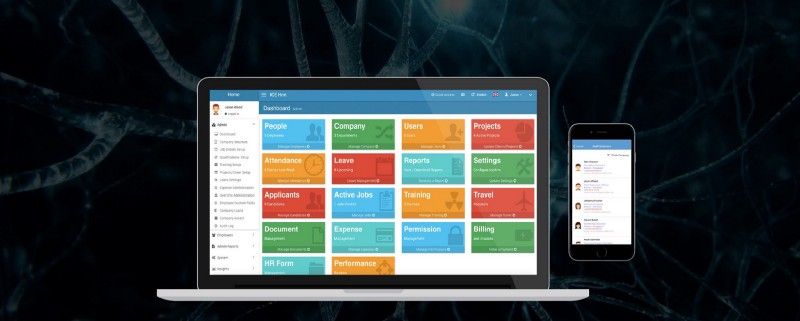
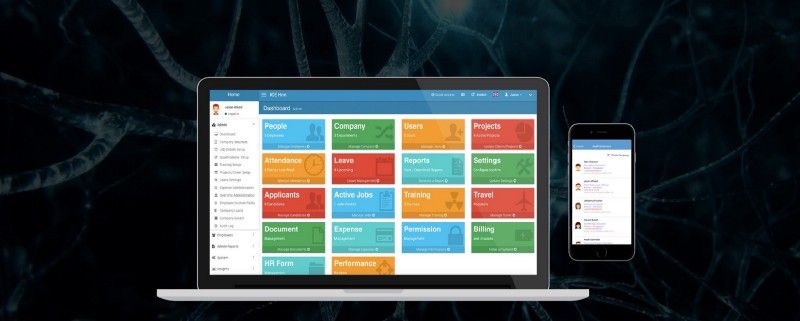
IceHrm is a Human resource management system for small and medium-sized organizations. This HRM software centralizes employee data and allows secure access to your data, providing...

How to add an expense category?

If you want to make changes to the Expense module in IceHrm, you need to log in to the Admin account. Follow the below steps; Go...

Payroll Module in IceHrm

How to add a salary component type?In order to make changes to the payroll module, log into the admin account. In IceHrm, you can Store...

How to request an expense as an employee?

1. Log into the employee’s account and go to the Finance module. 2. Click on the Expenses tab 3. Under the Expenses tab, click on...

How to add an employee custom field?

This is a very common type of question that comes from our customers. In the IceHrm, we have already defined a set of custom fields as...

How to select employees for your payroll report using IceHrm?

Our customers often come up with this question, that they want to specify people under their payroll reports. This can be easily done using the company...

How to create an Overtime Category in IceHrm?

To add an Overtime Category to IceHrm, 1. You need to log into the Admin Account 2. Under the Admin Module, you will be able to...

How to create a payroll report using IceHrm?

Payroll Report is the unit used to combine all the payroll columns and calculate monthly payments for all the employees which you have specified under the...

Creating a company payroll using IceHrm

We have already added information for calculating payroll for Sri Lanka and Ghana. You can delete all these before starting to work on your payroll. But...

How to create a payslip template?

As you have all the required payroll columns you can use these to create a payslip template. So let’s create a new payslip template named...

Attendance Tracking With IceHrm Mobile App

Installing an IceHrm attendance tracking application on your phone helps you keep control of your work. It is particularly useful for employees who work at a...
How to delete Users from IceHrm?

log in to your admin accountClick on the User setting on the Dashboard3. Go to the specific user you want to delete and click on the...

How to confirm the probationary of an employee using IceHrm?

In order to confirm probationary, you need to change the confirmation date. To do that; Log into your admin accountGo to the Employees module and select...

  Page 145 of 154