Open-Source HR Software Maintenance: What You Actually Need to Do
Reading Time:
Reading Time:
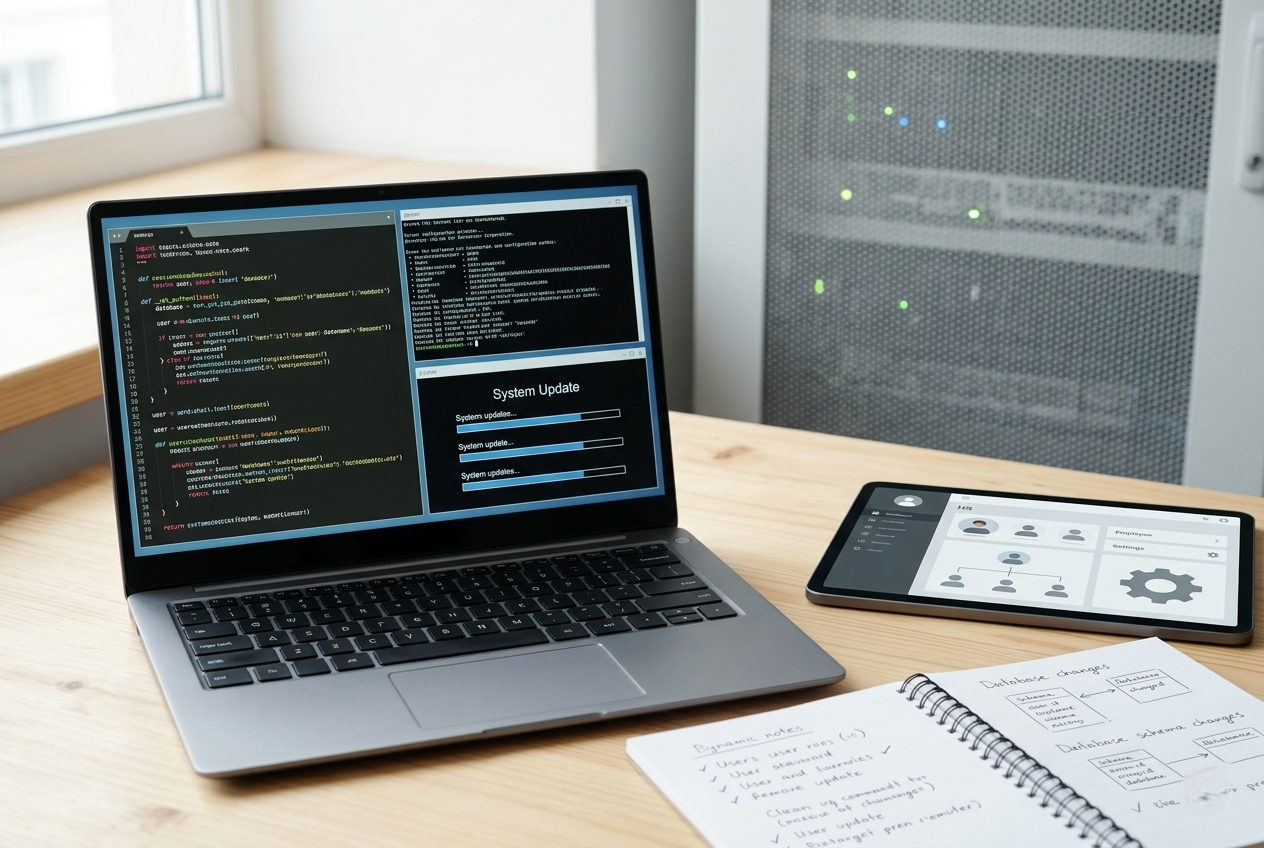
Choosing to move away from rigid, multi-tenant public cloud services in favor of private infrastructure is a highly strategic choice for a scaling business or a modern educational institution. For corporate IT leaders, school boards, and operational directors, the financial appeal of an asset-based technology model is undeniable. By choosing to deploy the flat-fee self-hosted HRMS software for a transparent, one-time flat fee of $2,499, an organization instantly eliminates the volatile, recurring Per-Employee-Per-Month (PEPM) subscription fees that unfairly penalize a company or school simply for hiring more staff or expanding their faculty.
However, standard software evaluations frequently overlook the technical realities of ongoing application management. Moving from a vendor-managed SaaS cloud to an independent, source-available infrastructure means shifting from a traditional software consumer to a technology infrastructure owner. For corporate evaluation committees and school administrators, this shift often brings up a critical question: What are the actual, real-world engineering responsibilities required to keep a standalone human resource system running safely, smoothly, and securely over time?
A successful deployment relies on clear, transparent planning rather than treating your software environment like an unmonitored black box. Maintaining a stable open source HR maintenance strategy or a dedicated self hosted HR maintenance blueprint does not require an oversized team of specialized database engineers. Instead, it requires a practical, structured operational routine focused on a specific set of foundational infrastructure tasks.
To protect an independent human resource platform against performance slow-downs and data liabilities, your internal technology team must establish a consistent maintenance cadence around four core administrative areas.
   +-----------------------------------------------------------------------+
   |                THE STANDALONE SYSTEM MAINTENANCE WHEEL                |
   +-----------------------------------------------------------------------+
   |                                                                       |
   |  [Security Patches]  --> Apply operating system & PHP runtime updates |
   |  [Backup Topologies] --> Automate isolated database & file storage    |
   |  [Engine Upgrades]   --> Deploy core software feature releases        |
   |  [Database Tuning]   --> Optimize slow-running queries & indexes      |
   |                                                                       |
   +-----------------------------------------------------------------------+
An enterprise core engine does not sit in a vacuum; it operates on top of a broader software stack consisting of a virtual operating system (such as Ubuntu or Rocky Linux), a web server gateway (like Nginx or Apache), and a specific programming language environment (such as PHP).
The primary task in any system maintenance plan is applying regular security patches to these underlying infrastructure layers. This routine includes updating server security protocols, updating your web gateway packages, and keeping your programming language runtime safe against newly discovered vulnerabilities.
In an independent deployment, your internal technical team has absolute, uninhibited ownership over your database. This unmatched privacy means your critical personnel data—including encrypted salary structures, banking configurations, and official student or faculty identity documents—belongs entirely to your organization.
With that ownership comes the responsibility to establish an automated, multi-tier backup routine. A robust infrastructure setup must systematically copy two key areas: the relational database records and the physically uploaded document files. These backups should be automatically zipped, encrypted, and safely transferred to an isolated, off-site storage container.
As modern human resource practices change, the underlying code engine receives regular performance tune-ups, security improvements, and new functional modules.
Deploying these upgrades in a standalone setup requires pulling the latest stable code release package, verifying database migration scripts against a non-production testing server, and seamlessly updating your active system files during off-peak operational hours.
As a school or company grows from 50 personnel to over 1,500 active employees and faculty members, its internal database expands rapidly. Every clock-in event, vacation submission, and modified timesheet entry adds a new row to your storage setup.
Over time, this continuous data growth can lead to performance fragmentation. Routine database maintenance involves checking table health, rebuilding fragmented indexes, and analyzing slow-running queries to ensure your administrative dashboards load instantly for your administrative staff.
To prevent these technical tasks from becoming overwhelming, successful IT departments organize their operations into a simple, predictable calendar.
   +-----------------------------------------------------------------------+
   |                 THE CORE IT MAINTENANCE TIME MATRIX                   |
   +-----------------------------------------------------------------------+
   |                                                                       |
   |   Weekly  --> Audit disk space, review access logs, check backups     |
   |   Monthly --> Apply minor security patches, test backup restorations  |
   |   Annual  --> Run major version upgrades, perform compliance reviews  |
   |                                                                       |
   +-----------------------------------------------------------------------+
While managing these infrastructure routines is straightforward for experienced IT teams, smaller businesses or busy educational HR departments may prefer to avoid daily technical management entirely. This is where partnering with specialized engineering teams becomes highly valuable.
"Investing in a standalone perpetual license gives your organization full data autonomy, but you do not have to handle system optimization alone. You can easily pair your flat-fee software asset with structured technical support contracts to completely offload your system maintenance burden."
When an institution chooses to leverage dedicated custom HR software implementation solutions, they gain direct access to expert system developers who can handle advanced data migrations, custom module development, and localized automated HR payroll software modules configurations.
Partnering with an experienced professional services team allows your organization to seamlessly connect its core system to existing ERP software, build custom internal workflows, and configure localized tax logic without creating any extra work for your internal developers.
   +-----------------------------------------------------------------------+
   |                FLAT-FEE UPGRADE PREDICTABILITY PROFILE                |
   +-----------------------------------------------------------------------+
   |                                                                       |
   | Year 1: Core Perpetual Engine License Includes Upgrades  --> Included |
   | Year 2: Optional Annual Upgrades & Security Maintenance  --> $499     |
   | Year 3: Optional Annual Upgrades & Security Maintenance  --> $499     |
   |                                                                       |
   |   FLAT-RATE BUDGET TOTAL FOR UPGRADES OVER THREE YEARS     --> $998   |
   |                                                                       |
   +-----------------------------------------------------------------------+
Furthermore, your initial system purchase comes with a full year of complimentary updates. To maintain access to the latest security fixes, feature extensions, and performance improvements over the long term, you can easily extend your access for a highly predictable flat rate of just $499 per year.
This predictable structure ensures your core administrative platform stays secure, fast, and fully up to date without locking your company into expensive, escalating monthly per-user cloud bills.
A major limitation of traditional cloud software is its rigid design. Public SaaS providers build their tools for a generic corporate audience, meaning your school or company is often forced to change its internal processes to match the software's hardcoded limitations. A modular system design solves this problem by ensuring your platform adapts perfectly to your unique operations.
Instead of dealing with a bloated, complicated application, organizations can choose to deploy specific modular school HR software features individually as their operational needs evolve. This highly flexible approach lets you activate advanced enterprise features one by one, keeping your administrative interface clean, fast, and easy for your team to manage:
For growing companies and schools that want the absolute security of single-tenant data isolation but prefer to keep their internal teams completely focused on core growth and education, moving your setup to a dedicated managed tier offers an exceptional middle ground.
Deploying through a secure managed cloud HR software deployment provides an isolated single-tenant container entirely maintained by expert infrastructure teams. This approach combines the hands-off convenience of a traditional SaaS application with the complete cost predictability, deep customization options, and absolute data privacy of flat-fee software.
Running your platform through a dedicated managed tier keeps your system perfectly secure and fully optimized without creating any operational overhead for your internal team.
Selecting the ideal deployment path requires carefully balancing your organization's available internal IT resources, long-term operational budget, and specific data security compliance needs.
By breaking free from rigid, per-user public cloud software bundles and moving your workflows to a dedicated standalone platform, you protect your organization from escalating software costs today while giving your entire institution the perfect foundation to scale smoothly for years to come.