


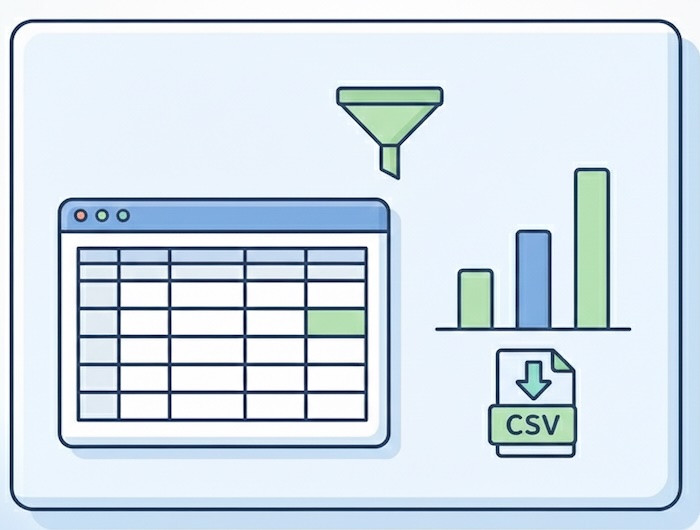
Advanced Reports Module - Comprehensive reporting suite with 25+ pre-built HR reports, customizable parameters, data preview, and CSV export for administrators and employees.
**Key Features**
- **17 Admin Reports** - Full organizational reporting with employee, attendance, leave, time tracking, expenses, and asset data.
- **11 Employee Reports** - Self-service reports allowing employees to generate their own attendance, leave, and expense reports.
- **Parameter-Driven Filtering** - Configure date ranges, select specific employees, filter by status, and choose departments/projects.
- **Live Data Preview** - View report results in a paginated table before downloading to verify data accuracy.
- **One-Click CSV Export** - Generate downloadable CSV files instantly for use in Excel, Google Sheets, or other tools.
- **Smart Remote Data Loading** - Dynamically loads employees, departments, leave types, and other entities for filter dropdowns.
- **Organized Report Categories** - Reports grouped by function (Employee Info, Time Management, Leave, Expenses, Assets) for easy navigation.
**Available Reports**
**Admin Reports**
**Employee Information**
- Active Employee Report - List all currently active employees with details
- New Hires Report - Track recently hired employees within a date range
- Terminated Employee Report - Review employees who have left the organization
- Employee Details Report - Comprehensive employee information export
**Time Management**
- Employee Attendance Report - Clock-in/out records with hours worked
- Employee Time Track Report - Detailed time tracking entries
- Employee Time Entry Report - Project-based time entries
- Employee Time Sheet Report - Timesheet submissions and status
- Overtime Report - Overtime hours by employee
- Overtime Summary Report - Aggregated overtime statistics
- Overtime Request Report - Overtime approval requests and status
**Leave Management**
- Employee Leaves Report - Leave requests with status, type, and duration
- Leave Entitlement Report - Leave balances and allocations by employee
**Travel & Expenses**
- Travel Request Report - Business travel requests and approvals
- Expense Report - Employee expense claims with amounts and status
**Assets**
- Company Asset Report - Asset assignments and inventory tracking
**Employee Reports**
**Leave Management**
- My Leaves Report - Personal leave history and balances
**Time Management**
- My Attendance Report - Personal clock-in/out records
- My Time Track Report - Personal time tracking entries
- My Time Entry Report - Personal project time entries
- My Time Sheet Report - Personal timesheet history
- My Overtime Report - Personal overtime records
- My Overtime Summary Report - Personal overtime statistics
- My Client Project Time Report - Time spent on client projects
**Travel & Expenses**
- My Travel Requests Report - Personal travel request history
- My Expenses Report - Personal expense claim history
**Benefits**
- **For Administrators** - Generate organization-wide reports for payroll processing, compliance audits, and workforce analytics without SQL knowledge.
- **For HR Managers** - Quick access to leave balances, attendance patterns, and employee headcount reports for daily operations.
- **For Finance Teams** - Export expense and overtime data ready for payroll integration and financial reconciliation.
- **For Employees** - Self-service access to personal records without waiting for HR to pull reports.
**Technical Highlights**
- React-based UI with Ant Design components for modern user experience
- RESTful API endpoints for report generation and data retrieval
- Parameterized SQL queries with prepared statements for security
- Automatic CSV file generation with secure download URLs
- Report file tracking in database for audit trail
- Extensible report registry pattern for adding custom reports
- Multi-select employee filtering with searchable dropdowns
- Date range validation and required field enforcement
**How It Works**
1. **Select a Report** - Browse available reports organized by category
2. **Configure Parameters** - Set date ranges, select employees, and apply filters
3. **Preview Results** - View data in an interactive table with pagination
4. **Download CSV** - Export the complete dataset for external analysis